
Is Gemini Free? What You Get, What You Don’t, and Why Old Guides Are Wrong (2026)

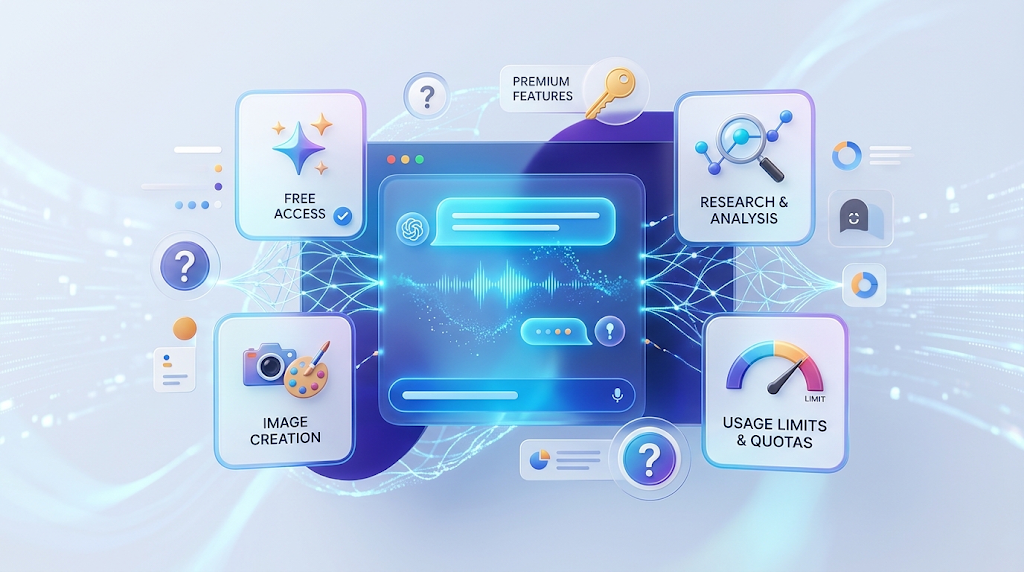 Many websites still say Gemini’s free plan gives you “5 prompts a day.” That number is old, and Google no longer uses it. In 2026, Google changed how it counts free use, and the new system has no fixed prompt number at all. We read Google’s own Gemini help page on October 18, 2026, so you can see what is true today. You will learn what is free, what costs money, and how to make your free limit last longer.
What Is Gemini
Gemini is Google’s family of large language models, and the Gemini app is Google’s chatbot. You type a question, upload a file, or ask for an image, and it answers. The app is at gemini.google.com and also works on phones.
Google sells paid upgrades called Google AI Plus, Google AI Pro, and Google AI Ultra. These are part of select Google One plans for personal accounts. You do not need any of them to start. Everyone with a Google account can use the free version.
✅ The Short Answer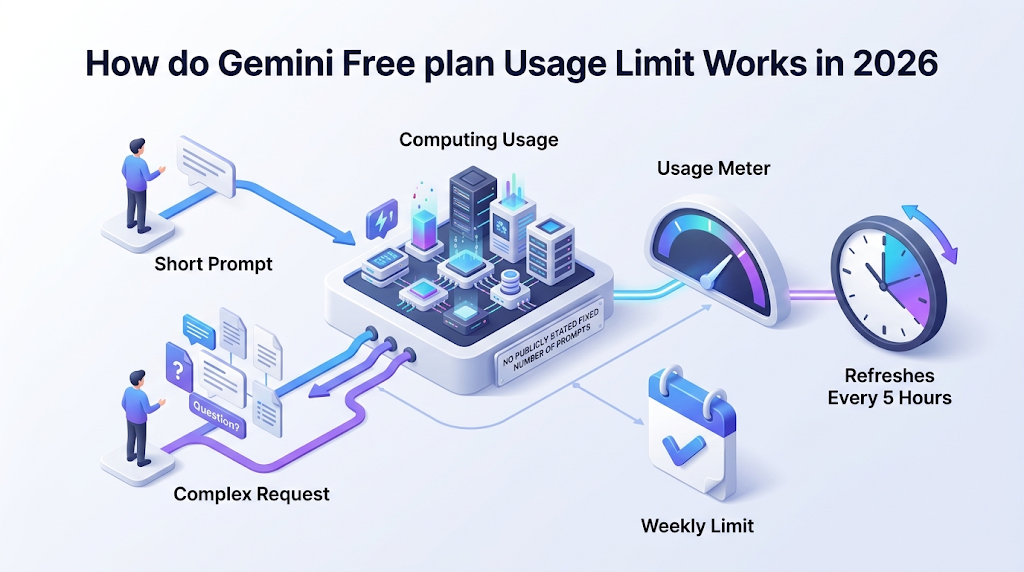
Yes, Gemini is free. Google’s help page says users without an AI plan get “standard limits.” Those limits are based on how much computing power your prompts need, not on a count of prompts. They refresh every 5 hours until you reach a weekly limit.
So how many prompts is that? Google does not say. A short chat message costs very little, while a long file or a video request costs a lot. That is why two people on the free plan can have very different days.
💡 Quick Tip: Open gemini.google.com, click Settings at the bottom left, then Usage Limits. This page shows how close you are to your limit right now.
🧯 Myth Check: Old Numbers vs Google’s Current Page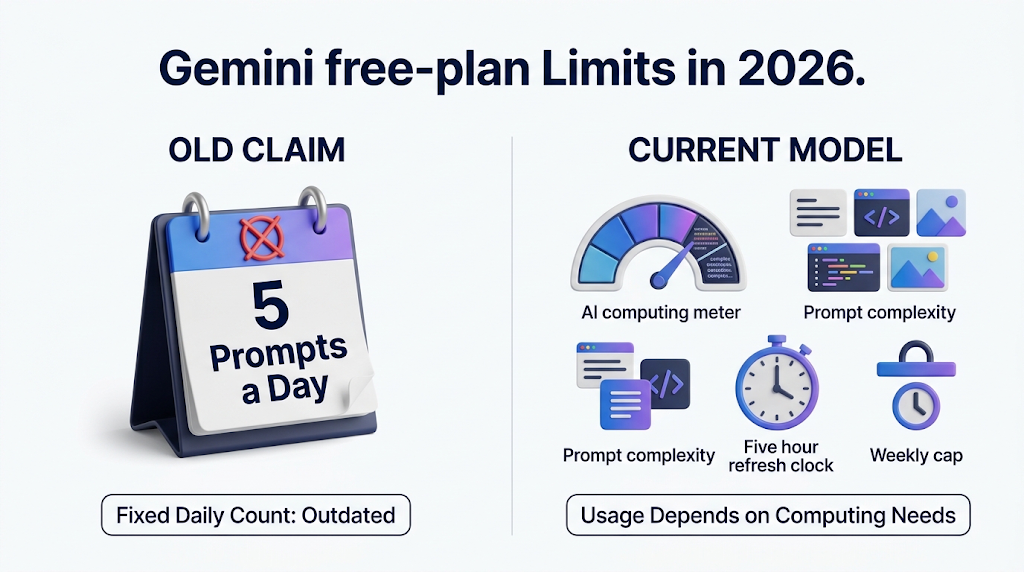
|
Claim You Will See Online |
What Google’s Page Says Today |
|---|---|
|
“Free users get 5 prompts per day” |
Old. Gemini now uses compute-based limits that refresh every 5 hours up to a weekly limit. |
|
“Free users get a set number of images per day” |
Google lists image generation with Nano Banana 2 as free, but does not list a number. |
|
“Free plan has no Deep Research” |
Free is marked as included, but Google says it may be unavailable during busy times. |
|
“Gemini Advanced is the paid plan” |
Paid upgrades are now Google AI Plus, Pro, and Ultra. |
|
“Paid plans give you X prompts” |
Google describes plans as multiples: 2 times, 4 times, and 5 or 20 times. |
Source: Google’s Gemini Apps limits and feature availability help page, opened on October 18, 2026.
9to5Google reported that the Gemini app switched to compute-based limits in May 2026. Before that, a daily prompt count was common, which is why older articles show one. If a guide gives a clear daily number, check its date.
🧮 What Drains Your Free Usage Fastest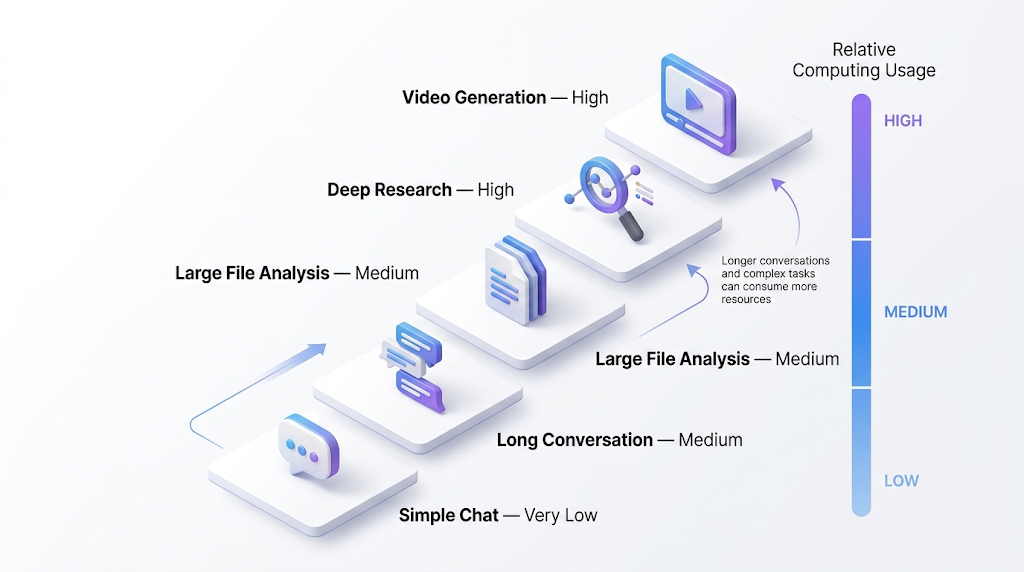
Google gives a table that ranks how much each kind of request costs. This is the most useful part of the page. It tells you how to stretch your free limit.
|
What You Do |
Relative Usage Cost |
Why |
|---|---|---|
|
Simple chat message |
Very low |
Short text needs little thinking power |
|
Ongoing, long conversation |
Medium |
Gemini re-reads the whole chat each time |
|
Large file analysis |
Medium |
Long documents must be read in full |
|
Deep Research |
High |
Many searches and rounds of thinking |
|
Video generation |
High |
Video needs the most computing power |
Notice the second row. A long chat gets more costly with every message, because Gemini has to read everything again. Google’s own tip is to start a new chat when you change topics. This one habit can save a lot of your free limit.
🆓 What Free Users Get (and What They Don’t) 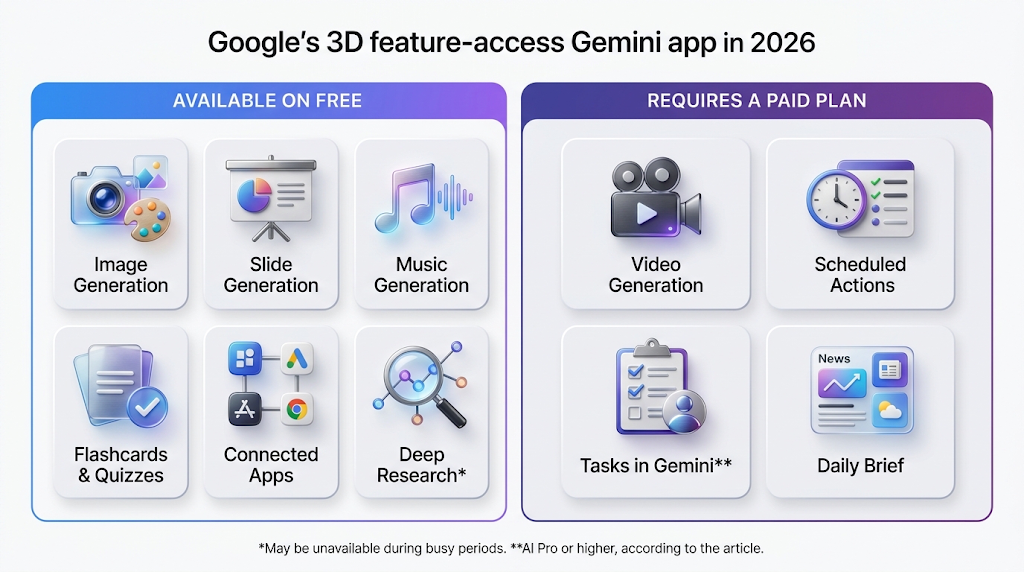
Google’s feature table shows what is included without a plan. Here is the free list, based on Google’s table.
|
Feature |
Free |
Needs a Paid Plan |
|---|---|---|
|
Canvas, Skills, Storybook |
Yes |
|
|
Connected apps |
Yes |
|
|
Quizzes and flashcards |
Yes |
|
|
Audio Overviews |
Yes |
|
|
Slide generation |
Yes |
|
|
Deep Research |
Yes (may be unavailable when busy) |
|
|
Image generation with Nano Banana 2 |
Yes |
|
|
Music generation |
Yes |
|
|
Redo images with Nano Banana Pro |
AI Plus or higher |
|
|
Video generation |
AI Plus or higher |
|
|
Scheduled actions |
AI Plus or higher |
|
|
Tasks in Gemini |
AI Pro or higher |
|
|
Daily brief |
AI Plus or higher |
This list surprises many people. Free users can make images, slides, music, and study cards. The big gaps are video and scheduled actions. If you want to study with it, our guides to the free AI flashcard maker and AI presentation makers show other free choices.
📖 Context Window: How Much It Can Read at Once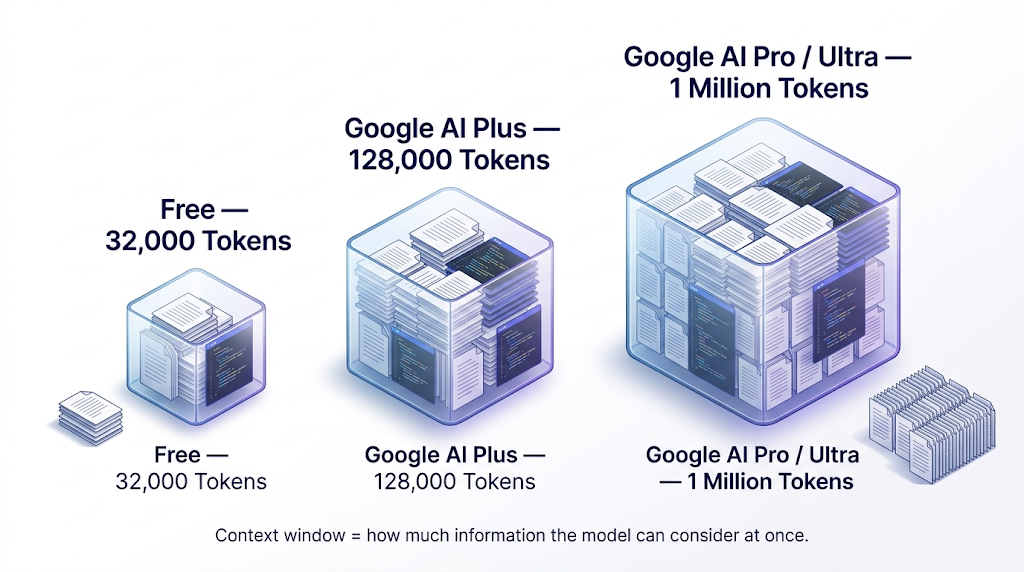
Google also limits how much content Gemini can read at one time. This is called the context window, and it is counted in tokens. Free users get 32,000 tokens. Google AI Plus gets 128,000, and AI Pro and Ultra get 1 million.
Google explains that 1 million tokens equals about 1,500 pages of text or 30,000 lines of code. Based on that scale, 9to5Google reports the free window as around 50 pages of text. So a 100-page report may not fit in one free chat. Google warns that when you go over the window, answers may miss details in your file.
If you have a long document, split it into parts, or use a tool built for PDFs. Our guide to AI PDF tools and our free text summarizer guide can help. For long file work, the paid windows are far larger.
💰 Free vs Paid Plans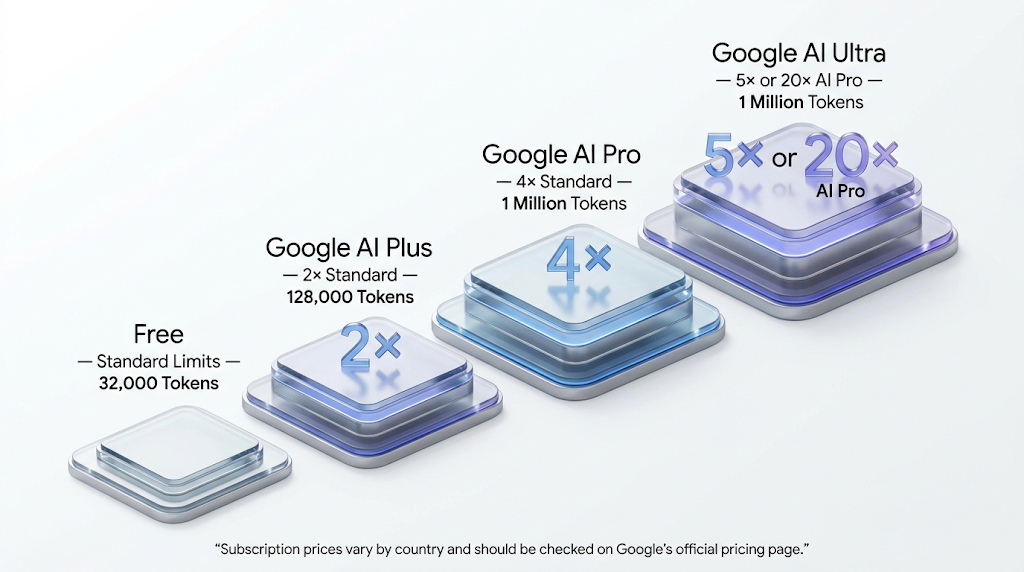
|
Plan |
Usage Limit |
Context Window |
Price Trackers List |
|---|---|---|---|
|
Free |
Standard limits |
32,000 tokens |
$0 |
|
Google AI Plus |
2 times standard |
128,000 tokens |
$4.99 a month |
|
Google AI Pro |
4 times standard |
1 million tokens |
$19.99 a month |
|
Google AI Ultra |
5 or 20 times AI Pro |
1 million tokens |
$99.99 or $199.99 a month |
Limits and context windows come from Google’s help page. Prices come from price trackers, and we did not verify them on Google’s subscription page, so check Google for your country.
Look at how Google writes the Ultra row. Its multiples are measured against AI Pro, not against the free plan. So Ultra at the 20 times level is 20 times Pro, and Pro is already 4 times free. That is why the paid plans can feel very different.
If you only use Gemini for short questions, free is probably enough. If you hit your limit most weeks, or you need video, a long context, or Tasks, then a paid plan starts to make sense.
🛑 What Happens When You Hit the Limit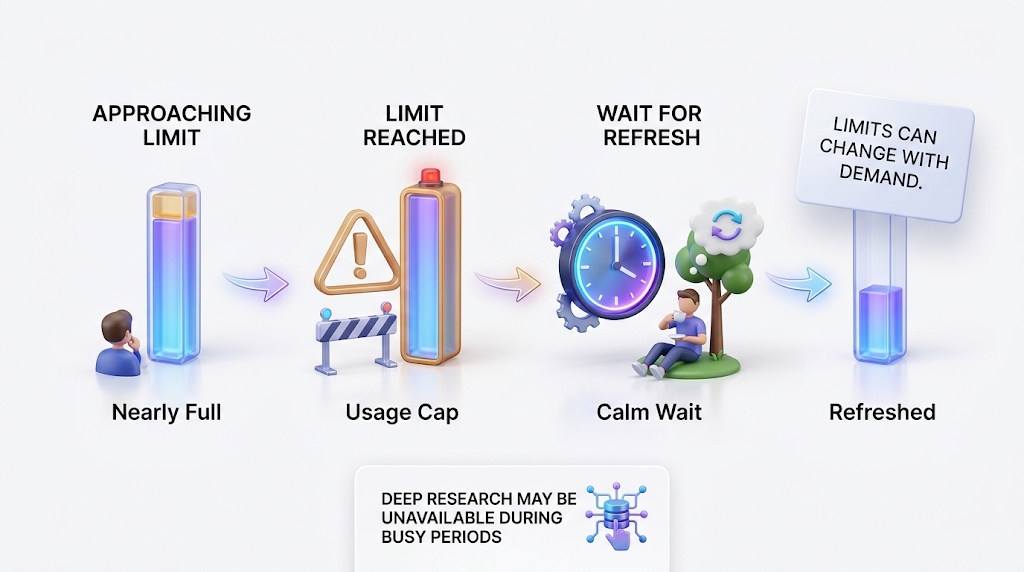
Google says Gemini will warn you when you are close, and will tell you when your limit refreshes. For paid users, Google says you can keep chatting with Flash-Lite after you reach your limit. For free users, the page does not describe a fallback, so plan to wait for the refresh.
Google also warns that limits can change without notice, including when many people use Gemini at once. When capacity is tight, free users may be limited before paid users. Google also says heavy features like Deep Research may be unavailable to free users during busy times.
So never plan an important deadline around a free limit. If you must finish something tonight, do your heavy tasks early in the day. Your limit refreshes every 5 hours, so a break can bring it back for light work.
🧰 How to Make Your Free Limit Last Longer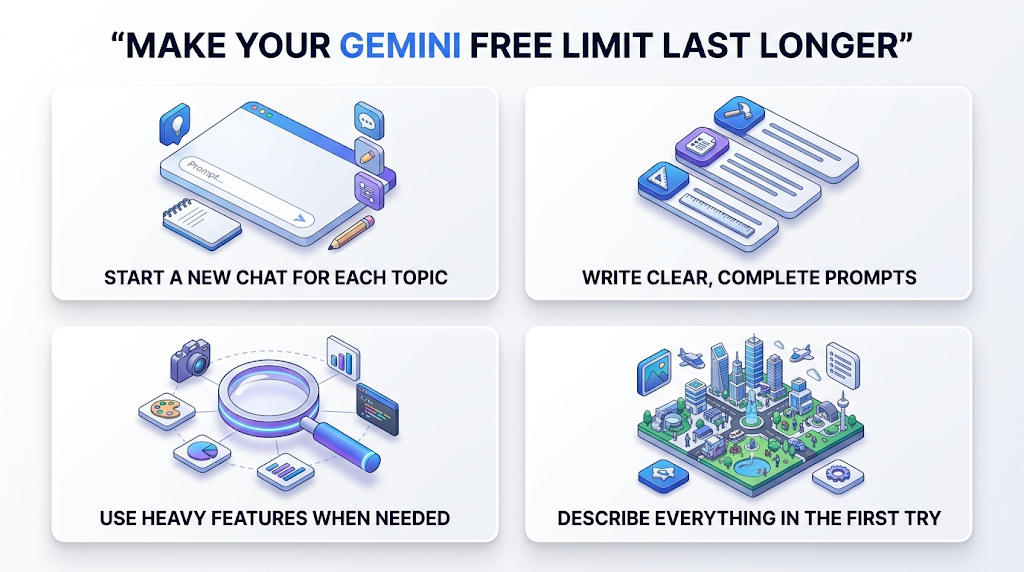
Start a new chat for each new topic. This is Google’s own tip, and it matters because long chats cost more. Keep your prompts clear and short, since vague prompts lead to more back-and-forth. A good prompt names the task, the format, and the length in one message.
Save heavy features for when you need them. Deep Research and media requests cost far more than a normal answer, so use them once with a clear plan instead of many times with weak prompts. If you want an image, describe it fully in the first try. If you want to compare other free image tools, read our guide to free AI image generators.
🔒 Staying Safe: Age, Privacy, and Checking AI Media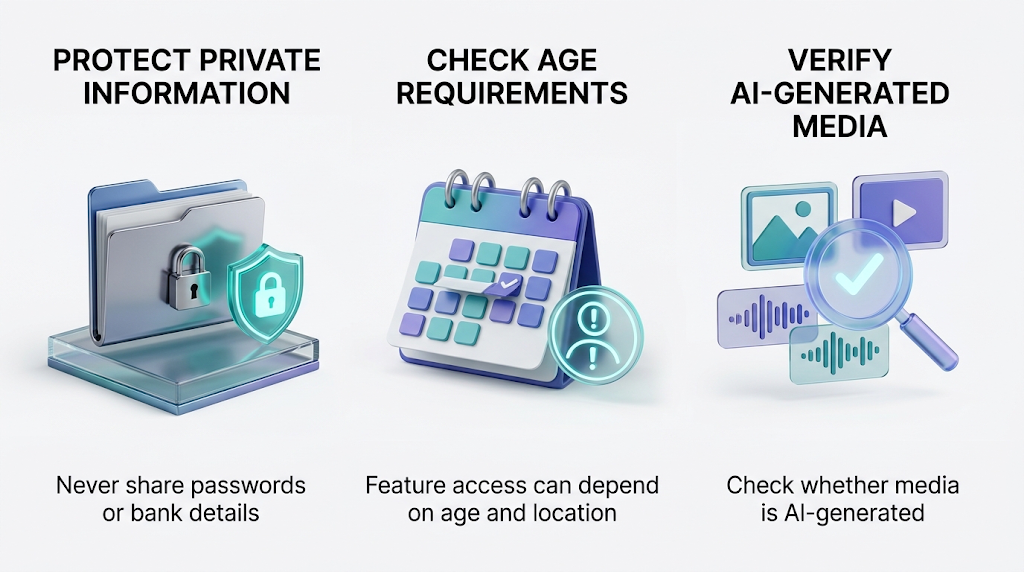
Google’s page says that in most countries you must be 13 or older to use Gemini with a Google AI plan. In the European Economic Area, Switzerland, and the United Kingdom, the age is 18. Some features may not be open to younger users. Parents can read Google’s guide on guiding a child’s Gemini experience.
Do not paste private information into any chatbot, such as bank details, passwords, or client files. Google keeps a Privacy Hub for Gemini Apps, and you should read it before you share sensitive work. Google also has a help page on how to verify AI-generated images, videos, and audio. This helps if you see a picture and wonder if it is real.
⚠️ Common Mistakes to Avoid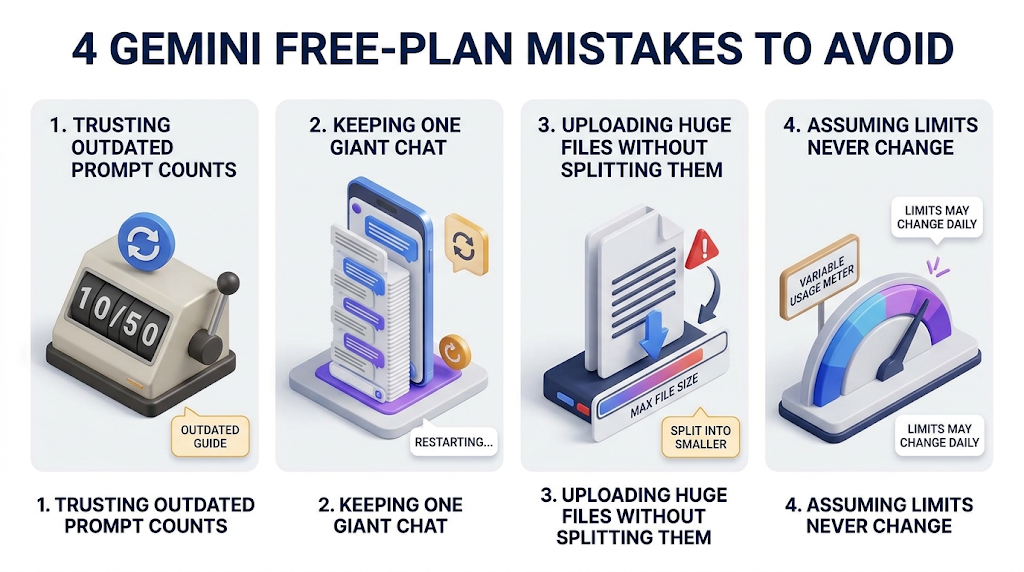
The first mistake is trusting an old “5 prompts a day” number. Google’s current page does not use it. The second mistake is keeping one giant chat open all day. Because Gemini re-reads the chat each time, a long chat uses more of your limit.
The third mistake is uploading a huge file and expecting a full answer. If a file is bigger than your free window, details can be missed. The last mistake is assuming free means the same for everyone. Google says free limits can be tighter when many people are online, so your results may change from day to day.
👥 Who the Free Plan Is Enough For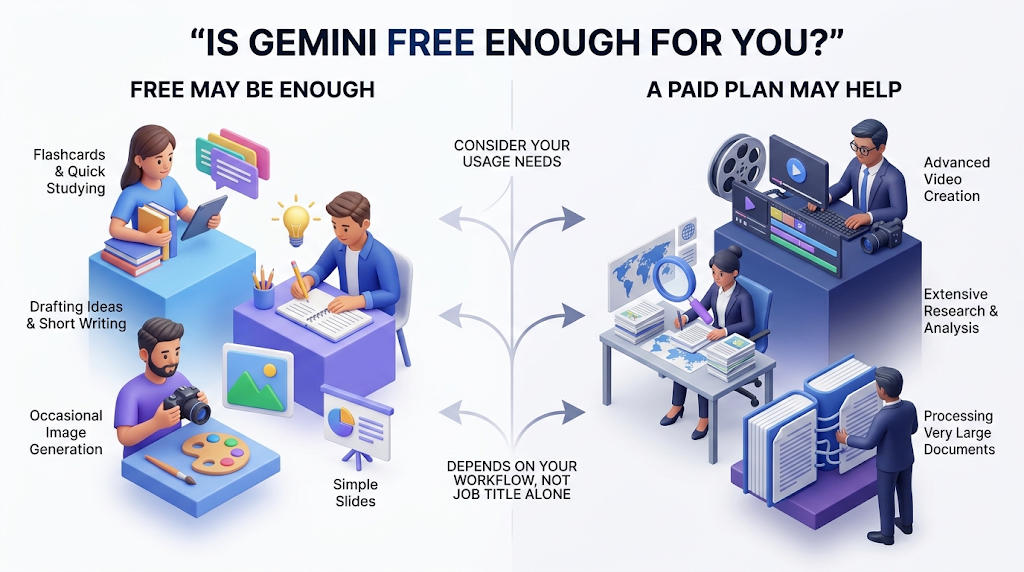
Free is enough for students who ask short questions, make flashcards, or build a simple slide deck. It also works for writers who want ideas, and for people who make a few images a week. If you compare chatbots, our ChatGPT vs Claude guide may help you choose.
Free is not enough if you make video, run long research jobs, or work with very long files every day. If you are new to AI tools, start with our guide to free AI tools for beginners. To see other tools with checked limits, read our guides to Canva AI and Adobe Firefly.
📅 How We Checked These Details
We read Google’s Gemini Apps limits and feature availability page in full on October 18, 2026. We also read reports from 9to5Google and several price-tracking sites, and we only repeated a number when Google’s page agreed. We did not run our own free account test, so we cannot tell you how many prompts one free day gives. Google says limits can change without notice, so check your own Usage Limits page.
❓ Frequently Asked Questions
Is Gemini free to use? Yes. Anyone with a Google account can use the free version with standard limits.
How many prompts can I send on Gemini’s free plan? Google does not give a number. Limits depend on how much computing power your prompts use.
How often do Gemini’s free limits reset? Google says your limit refreshes every 5 hours, until you reach a weekly limit.
Can I make images with free Gemini? Yes. Google’s table lists image generation with Nano Banana 2 as available without a plan.
Can I make videos with free Gemini? No. Google’s table shows video generation needs Google AI Plus or higher.
Is Deep Research free in Gemini? Yes, but Google says it may be unavailable for free users during busy times.
How big a file can free Gemini read? The free context window is 32,000 tokens, which 9to5Google describes as around 50 pages.
How do I check my Gemini usage? Go to gemini.google.com, open Settings at the bottom left, then choose Usage Limits.
Does a long chat use more of my free limit? Yes. Google says long chats cost more because Gemini re-reads the history, so start a new chat per topic.
🎓 Conclusion
Gemini is free, but its free limit is not a fixed number of prompts anymore. Since May 2026, Google counts how much computing power each request uses, and the limit refreshes every 5 hours up to a weekly cap. Free users can make images, slides, music, and flashcards, but video and Tasks need a paid plan. Start a new chat for each topic, save heavy features for when you need them, and check your Usage Limits page before you plan a big task.
Reviewed by the BrainxoAI Editorial Team, which researches and compares free AI tools for students, writers, and everyday users.