
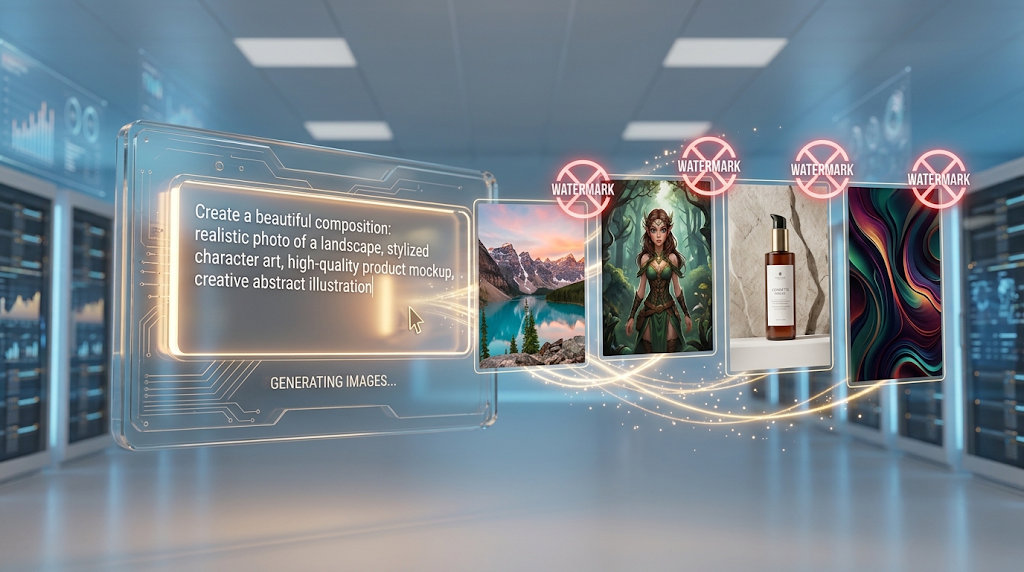
 A free AI image generator turns a simple text description into a finished picture in seconds, and the best ones today do it without stamping a logo across your work. Google’s Gemini app now offers around 100 free images a day through its Nano Banana 2 model, with no watermark and no credit card required, making it the most generous free tier currently available. That single detail matters, since most “free” tools still quietly limit you to two or three images before asking for payment. In this guide, we will compare the tools that actually deliver clean, watermark-free images, how they work, and how to pick the right one for your project. 🖼️
🔍 What Is a Free AI Image Generator?
A free AI image generator is an online tool that uses artificial intelligence to create an image from a written description. You type a prompt, like “a red fox sitting in a snowy forest,” and the tool builds a matching picture in seconds.
Most tools also support image-to-image generation, letting you upload a photo and transform its style rather than starting from plain text. The core promise is simple: no camera, no design software, and no artistic skill required to get a usable image.
Whether that image is actually usable often depends on one detail buried in the fine print, which is whether the free output carries a visible watermark.
⚡ Why “No Watermark” Matters So Much Here
A watermark stamped across your image makes it unusable for almost anything beyond a quick personal preview. This turns an otherwise great free tool into little more than a demo, which is exactly why so many people specifically search for a watermark-free option.
Some tools are genuinely watermark-free on every free image, while others only remove it once you upgrade to a paid plan. Knowing which category a tool falls into before you start a real project saves a lot of wasted time later.
💡 Quick Tip: A tool can be watermark-free but still restrict commercial use in its terms of service, so always check both details separately before using an image for business purposes.
⚙️ How Does a Free AI Image Generator Work?
 You type in a prompt, and the tool uses a trained model to predict what image best matches your words. Behind the scenes, these models have studied millions of real images paired with text descriptions to learn how objects, lighting, and styles connect.
Most modern tools also use natural language processing to better understand complex or detailed prompts, rather than just matching individual keywords. A vague prompt like “a dog” produces a generic result, while a detailed prompt describing the breed, setting, and lighting produces something far closer to what you actually pictured.
Newer models released in 2026, like Google’s Nano Banana 2, generate images at native 4K resolution with noticeably stronger prompt accuracy than tools from even a year earlier.
🏆 Best Free AI Image Generator Tools to Try
Here is an honest comparison, focused specifically on watermark policy and real daily limits.
|
Tool |
Free Daily Limit |
Watermark |
Commercial Use |
|---|---|---|---|
|
Google Gemini (Nano Banana 2) |
~100/day via app, 500+/day via AI Studio |
No |
Check current terms |
|
Bing Image Creator (Copilot) |
Free daily generations |
No |
Allowed with attribution |
|
Ideogram |
Free tier available |
No |
Allowed on free tier |
|
Leonardo AI |
150 daily credits |
No |
Varies by plan |
|
Krea |
Free plan available |
No |
Check current terms |
|
Stable Diffusion (Hugging Face Spaces) |
Unlimited, slower speed |
No |
Open license, varies by model |
|
Canva AI Image Generator |
Included in free design plan |
Sometimes |
Allowed for personal use |
Free-tier limits and commercial terms change often, so always confirm the current policy on the tool’s own website before starting a real project.
Google’s Nano Banana 2 currently stands out by a wide margin for sheer daily volume, since 100 free images a day is far more generous than almost any competitor. Bing Image Creator and Ideogram remain strong, reliable picks if you specifically need clear commercial usage rights on the free tier.
📝 How to Use a Free AI Image Generator (Step by Step) 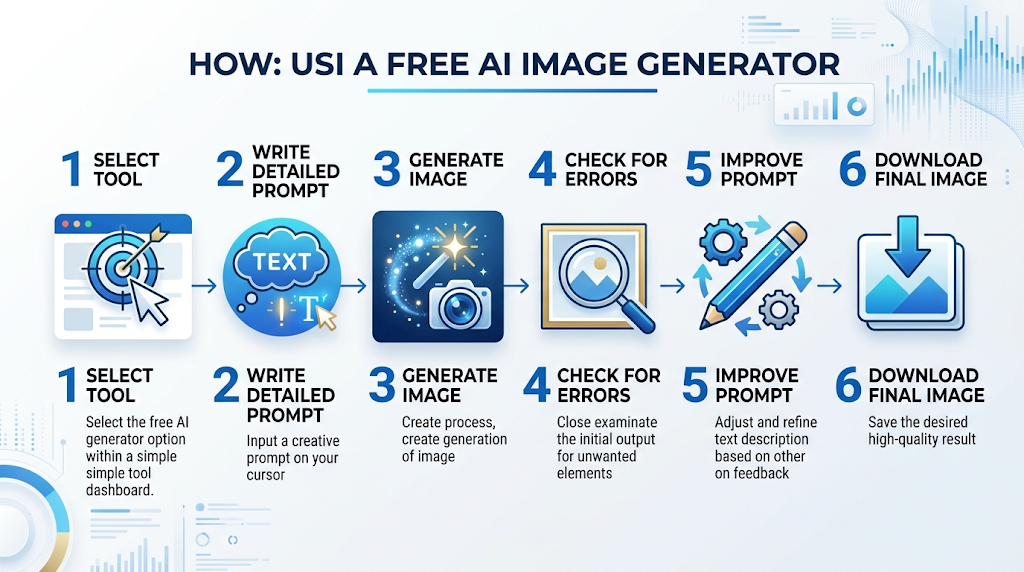
Pick a tool from the list above and open it in your browser. Write a detailed prompt describing the subject, setting, style, and lighting you want.
Generate the image, then look closely for any strange details, like distorted hands or unreadable text, which are still common weak points for AI image tools. If something looks off, adjust your prompt with more detail and generate it again before downloading.
🎯 Key Features Worth Looking For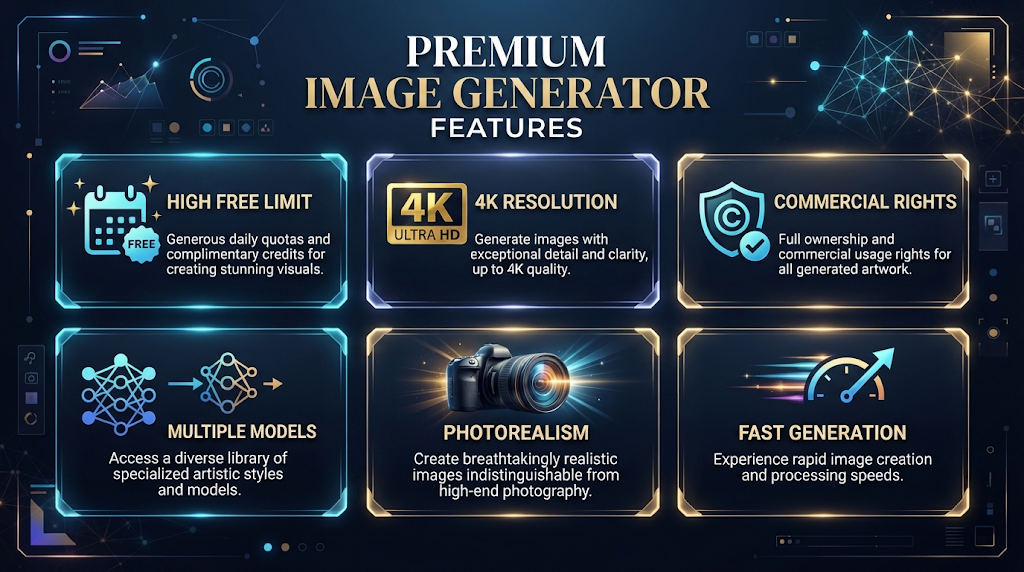
A genuinely high daily free limit is the most important feature for anyone generating images regularly, based on the comparison above. Resolution matters too, since a native 4K output looks far more professional than an upscaled, blurry image.
Commercial usage rights are worth checking closely as well, since some free plans only allow personal, non-commercial use. Multiple model access is a smaller but useful feature, since different models genuinely excel at different styles, from photorealism to illustration.
💰 Free vs Paid AI Image Generators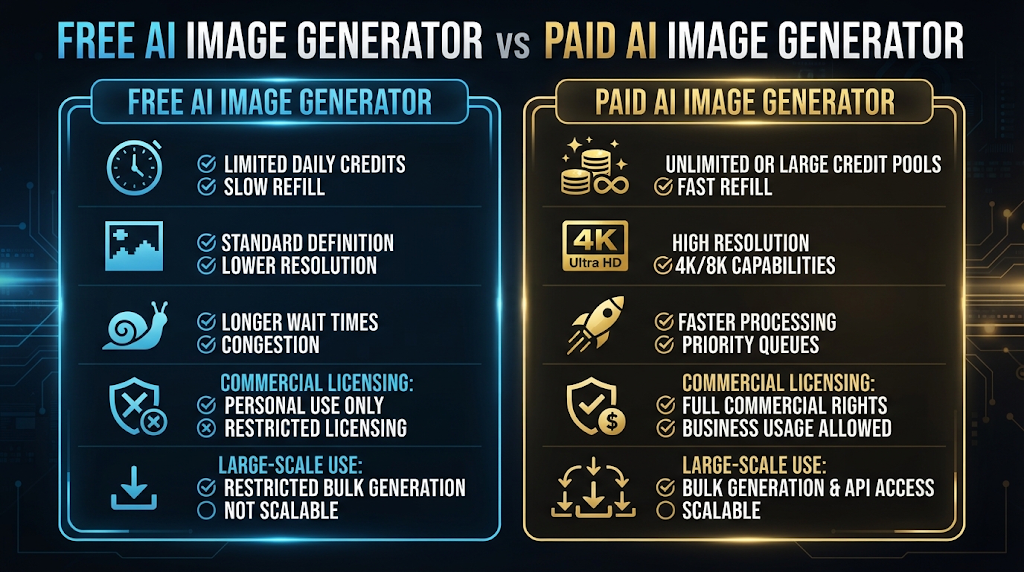
Free plans, when generous like Nano Banana 2’s, can genuinely cover most personal and even small business needs. Paid plans typically add higher resolution ceilings, priority generation speed, and broader commercial licensing for large-scale or client work.
If you generate a handful of images a week, a strong free tool is usually enough. If you are producing images daily for a business or an agency, a paid plan often becomes worth it for the speed and licensing clarity alone.
🕵️ The Truth About “Free” AI Image Generators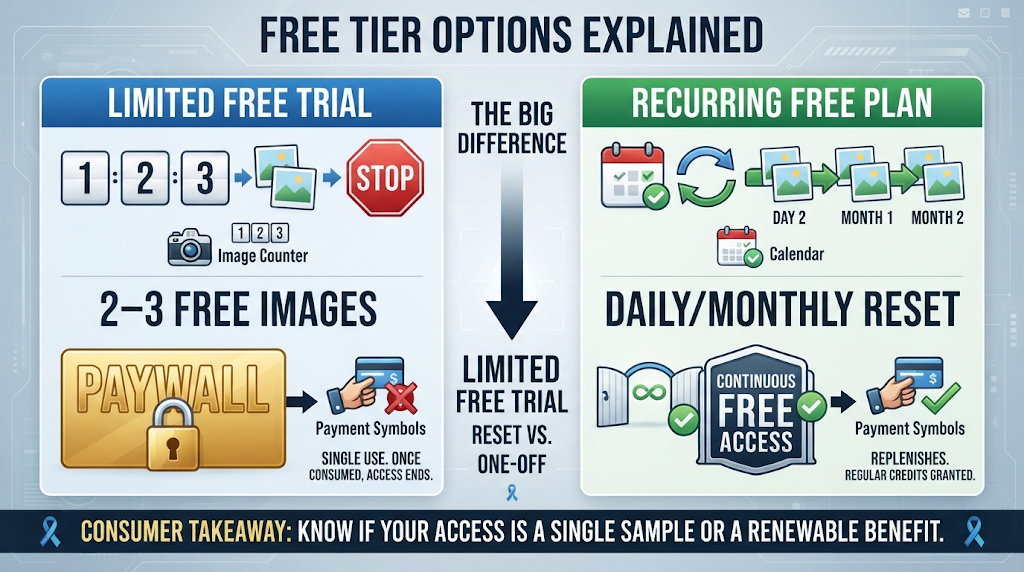
Many tools advertising a free plan actually mean two or three free images before a paywall appears, not an ongoing daily allowance. This is a common and frustrating pattern across the AI image space, and it rarely shows up clearly in the tool’s marketing.
A genuinely recurring free plan resets your usage daily or monthly without ever asking for payment, which is a meaningfully different experience. Reading the actual free-tier terms before relying on a tool for a real project is always worth the extra minute it takes.
🔒 How to Use These Tools Safely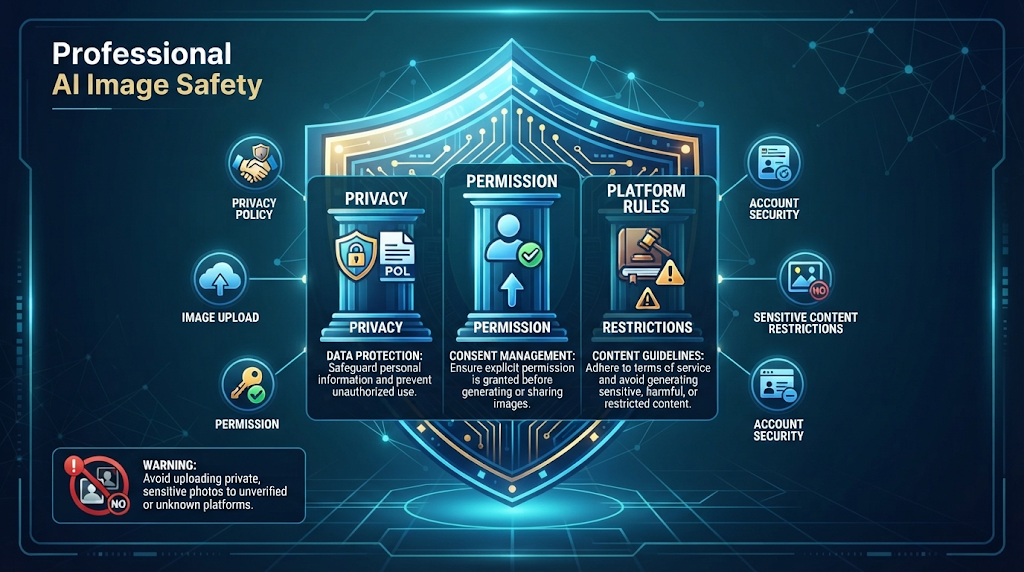
Avoid generating images of real, identifiable people without their permission, since this can violate a platform’s policy and, in some cases, the law. Most tools also restrict certain sensitive or harmful content categories, and attempting to bypass those restrictions can get your account banned.
Check a tool’s privacy policy before uploading any personal photos for image-to-image editing, since some platforms use uploaded images to train future models. Stick to well-known, established tools instead of random new websites with no reviews or track record.
👥 Who Should Use a Free AI Image Generator? 
Designers use these tools to quickly prototype visual concepts before committing time to a full design. Marketers use them to generate custom campaign visuals without hiring a photographer for every single post.
Small business owners use free tools for product mockups and social media graphics on a limited budget. Hobbyists and students use them simply to explore creative ideas that would otherwise require artistic training they do not have.
⚠️ Common Mistakes to Avoid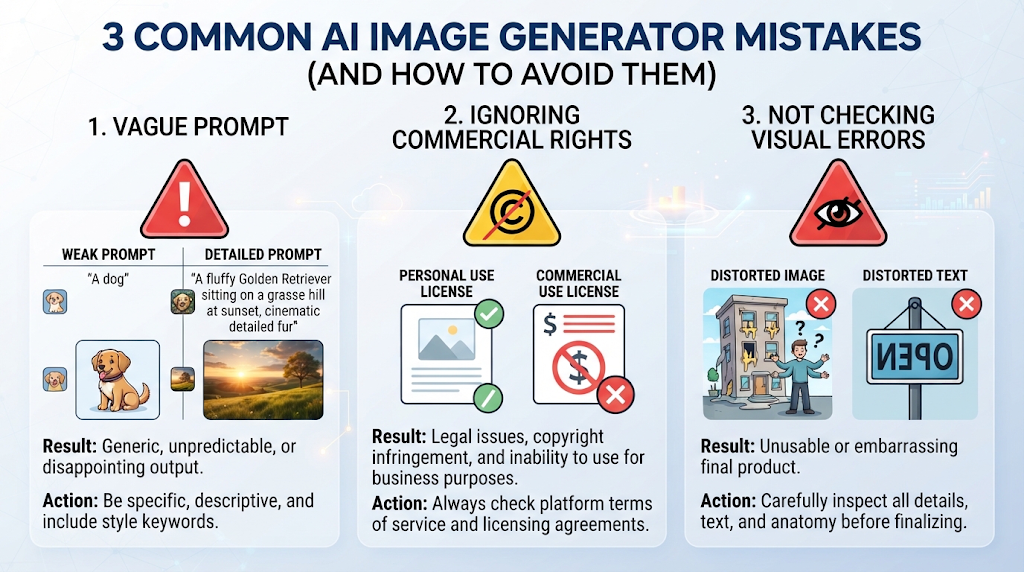
Writing a short, vague prompt is one of the most common mistakes, since the AI has very little to work with beyond a general idea. Detailed prompts describing subject, setting, and style consistently produce stronger, more specific results.
Assuming a watermark-free image automatically means full commercial rights is another mistake, based on the terms differences covered earlier. Skipping a close look for visual errors, like distorted hands or garbled text, before using an image publicly is a smaller but very common slip-up.
🌍 How These Tools Handle Different Styles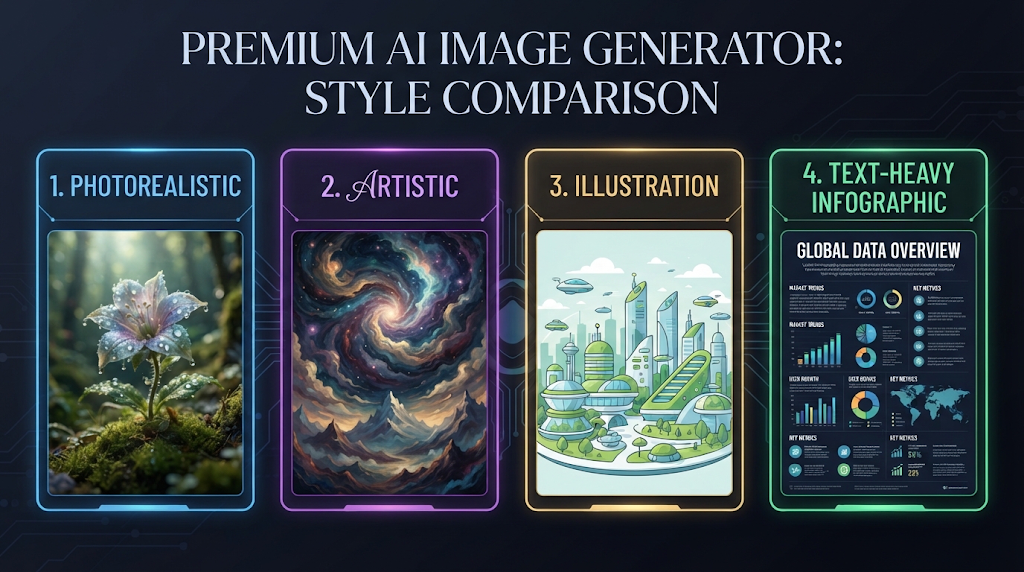
Not every image style performs the same across tools, and this is where testing multiple options really pays off. Photorealistic images tend to work best with tools like GPT Image or Nano Banana 2, since these models are specifically tuned for realism and brand-sensitive detail.
Artistic and illustrative styles often shine more with tools built around community-driven aesthetics, which historically produce more distinctive, stylized results. Text-heavy images, like posters or infographics, remain a genuinely hard category, though 2026’s newer models handle readable text far better than tools from previous years.
🔗 Pairing Your Image Generator With Other Tools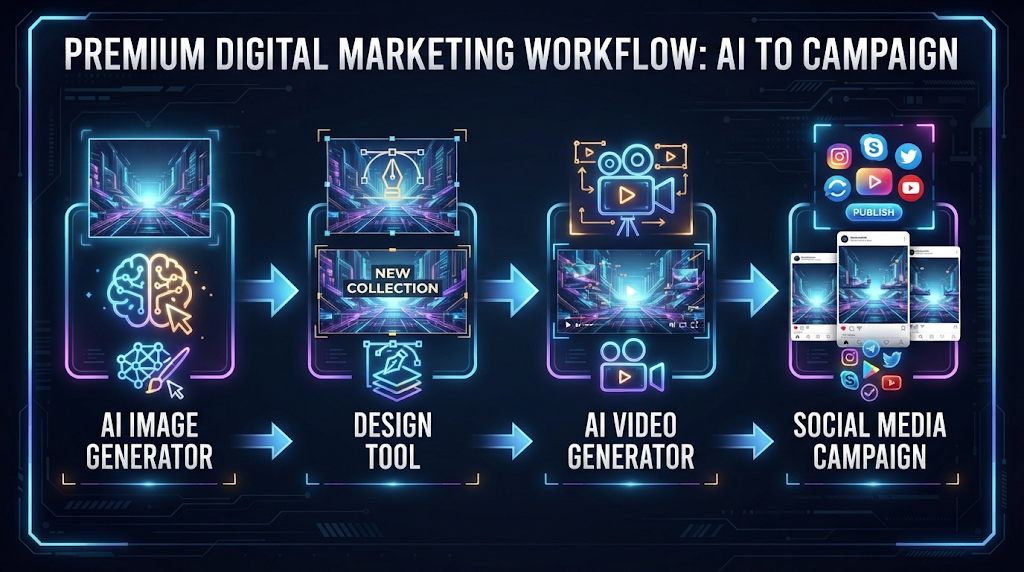
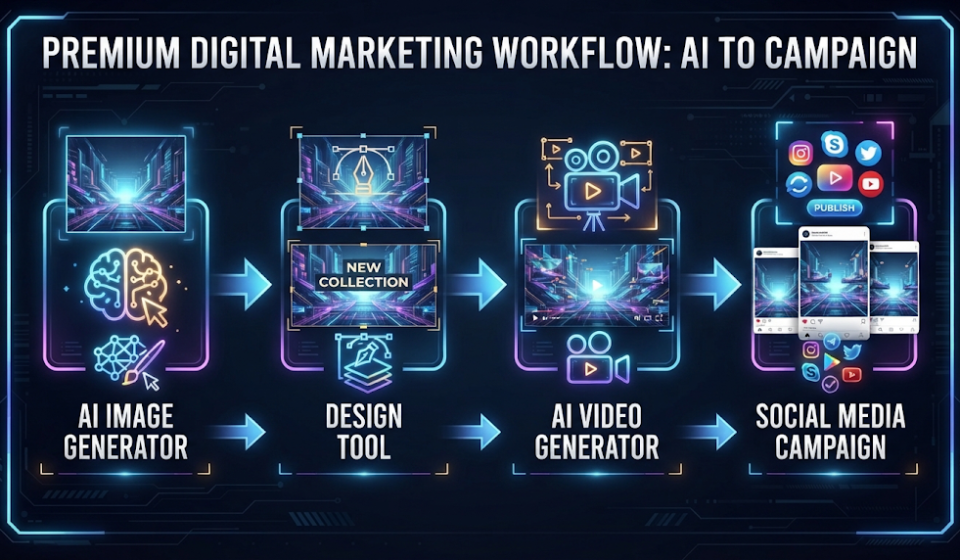
Many creators combine an AI image generator with a design tool like Canva to add text, logos, or layout elements after the image is generated. This two-step process often produces a more polished, finished result than relying on one tool alone.
Some people also pair image generation with a free AI video generator, using a generated image as the starting frame for an animated clip. Chaining tools together this way is a common workflow for creators building full social media campaigns.
✨ Tips for the Best Results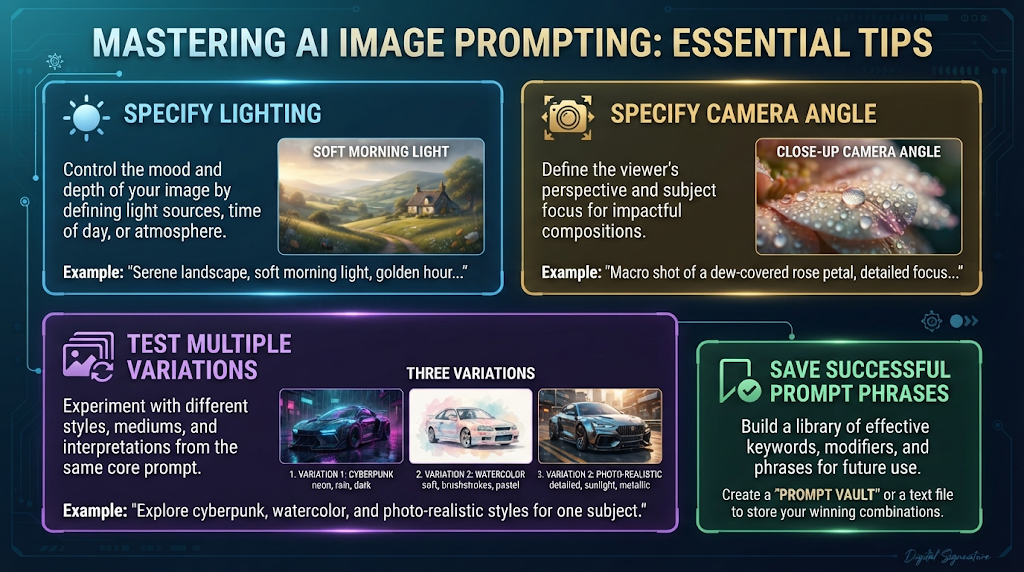
Describe lighting and camera angle specifically, not just the subject, since phrases like “soft morning light” or “close-up shot” genuinely change the output. Generate a few variations of the same prompt before settling on one, since results can vary noticeably between attempts.
Keep a short list of prompt phrases that work well for you personally, since reusing proven wording saves time and produces more consistent results across projects.
📊 Free AI Image Generator vs Hiring a Designer or Photographer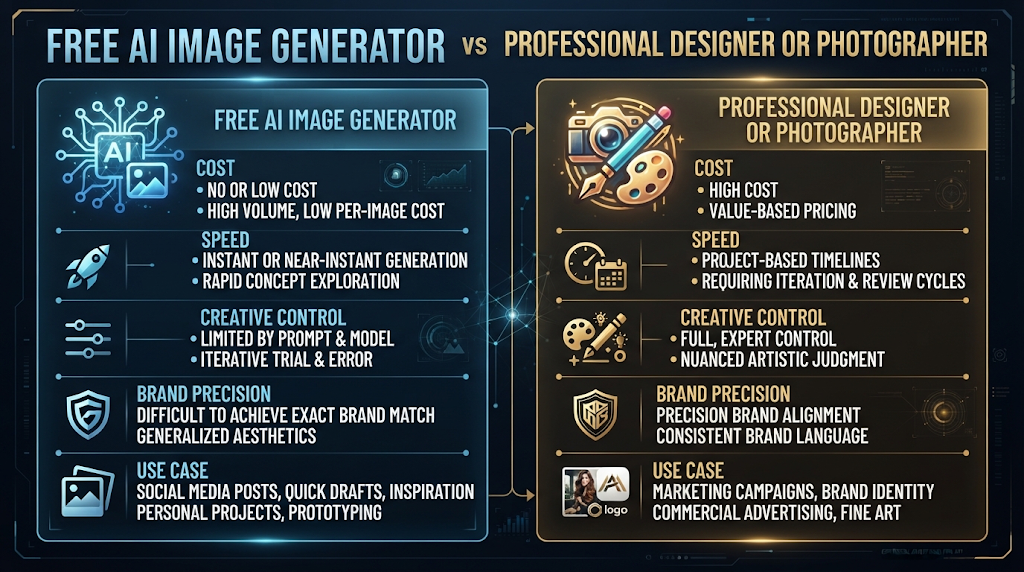
A freelance designer or photographer can cost anywhere from fifty to several hundred dollars per project, with turnaround measured in days rather than seconds. A free AI image generator gives you a usable image instantly, at no cost at all.
What you lose with an AI tool is the personal creative judgment and precise brand control a trained human professional brings. For quick social content, concept testing, or personal projects, a free AI tool is usually the smarter first step.
❓ FAQs
Which free AI image generator has the most generous daily limit?
Google’s Gemini app with Nano Banana 2 currently offers around 100 free images a day, rising to 500 or more through Google AI Studio.
Are these free images actually watermark-free?
Many are, including Google Gemini, Bing Image Creator, and Ideogram, though always confirm the current policy since terms change often.
Can I use free AI-generated images for my business?
Some tools allow this on their free tier, like Bing Image Creator and Ideogram, but always check the specific commercial terms first.
Do I need any design skills to use these tools?
No, these tools only require a written text prompt, and the AI handles the actual image creation for you.
Why do AI images sometimes get hands or text wrong?
These are historically difficult details for AI models to render accurately, though 2026’s newer models have improved significantly in this area.
Is it safe to generate images of real people?
Only with their clear permission, and many platforms restrict or ban generating images of real, identifiable individuals entirely.
Can I run a free AI image generator without creating an account?
Yes, tools like Bing Image Creator and some Stable Diffusion demos allow image generation without any sign-up.
What resolution can I expect from a free plan?
This varies widely, but newer models like Nano Banana 2 now generate at native 4K resolution even on free access.
🎓 Conclusion
A free AI image generator with no watermark can genuinely replace stock photos, quick design work, and creative experiments, especially now that tools like Google’s Nano Banana 2 offer roughly 100 free images a day. The real key is matching the tool to your actual need, whether that means the highest daily volume, guaranteed commercial rights, or a specific artistic style. Test the same prompt across two or three tools before committing to one, since the differences in quality and accuracy are often bigger than they first appear.
This space is moving fast, with major new models launching every few months. The most generous free tool today may not stay that way for long, so it is worth checking back in every so often. 🌟


