

 A free AI voice generator is a tool that turns written text into a natural-sounding voice, and some of the best ones need no sign up at all. You paste in your script, pick a voice, and get a finished audio file in seconds. This matters more than ever, since the voice AI market is expected to reach over three and a half billion dollars by 2030. People love these no-signup tools especially, since they skip the email, the password, and the waiting. In this guide, we will look at the best free tools that work instantly, how they work, and how to pick the right one for you. 🔊
🔍 What Is a Free AI Voice Generator?
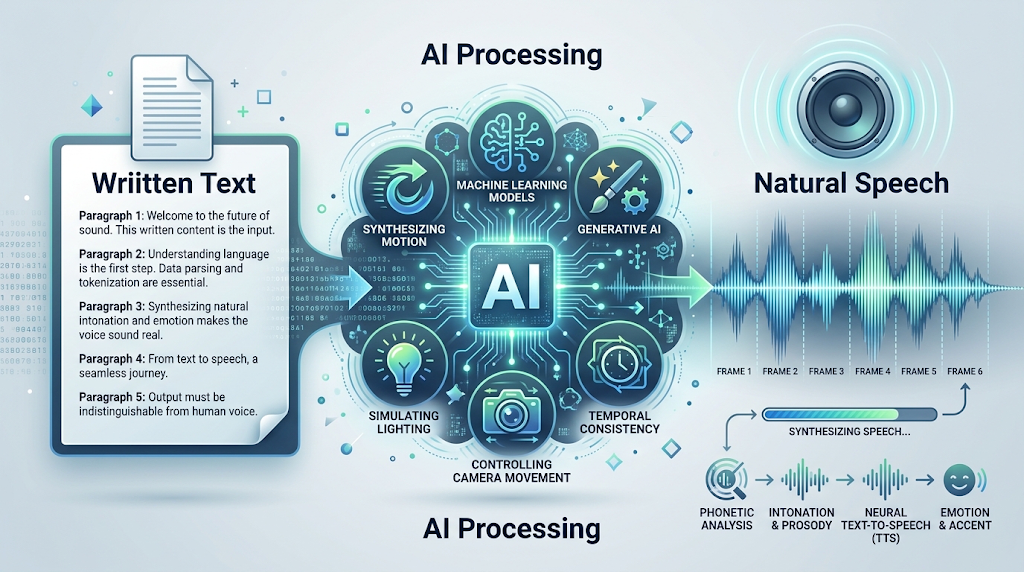 A free AI voice generator is an online tool that uses artificial intelligence to turn written words into spoken audio. You type or paste your script, and the tool reads it back in a realistic human-sounding voice.
Many tools now offer a version you can use without creating an account. This means no email, no password, and no waiting for a confirmation link before you can start.
Think of it like having a professional voice actor ready to read anything you write, instantly and for free. You still control the words and the tone, but the tool handles all of the actual speaking. 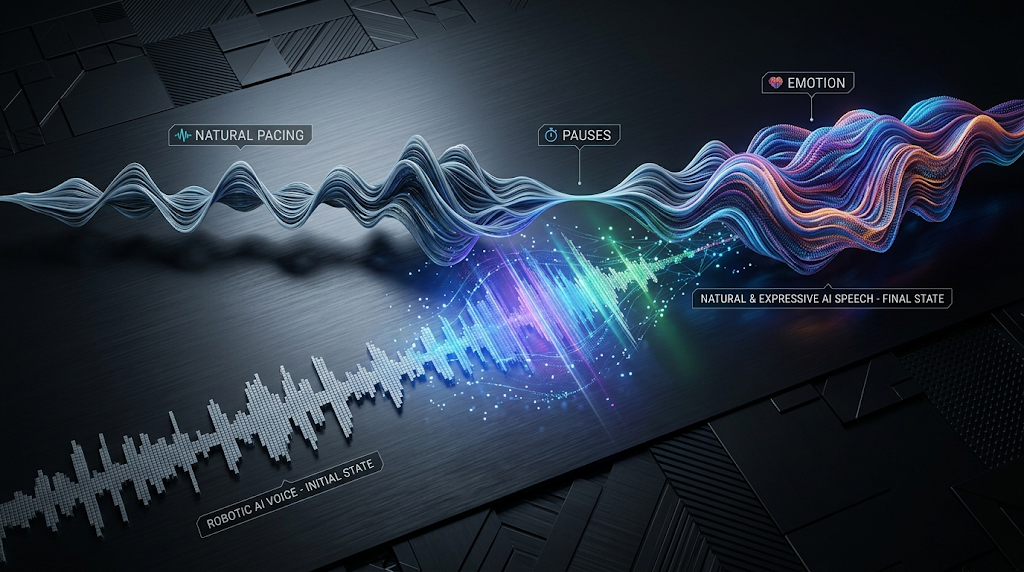
These tools have improved fast over the past few years. Early versions sounded flat and robotic, but today’s leading tools produce natural pacing, realistic pauses, and even emotional tone.
⚡ Why So Many People Are Using These Tools Now
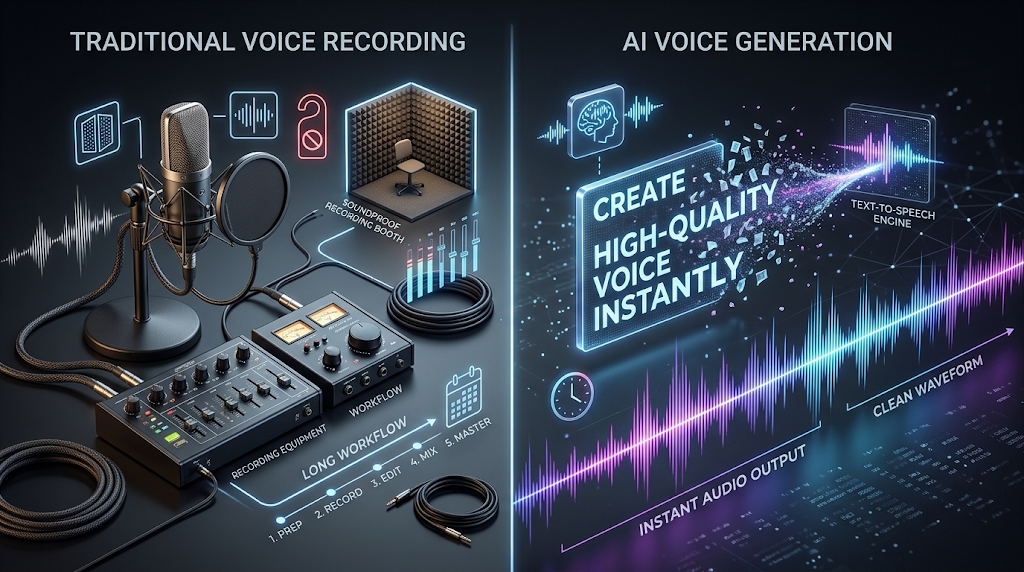 Recording a voiceover used to require a microphone, a quiet room, and often some editing skill. These tools remove nearly every one of those barriers, so anyone can create usable audio in minutes.
More people are also creating content without wanting to hear their own voice on a recording. A script that once took an hour to record and re-record can now be turned into clean audio in under a minute.
💡 Quick Tip: No-signup tools are great for quick tests, but they often limit how many characters you can convert at once. If you need a longer script, look for a tool with a generous free character limit instead.
⚙️ How Does a Free AI Voice Generator Work?
You type in a script, like “Welcome back to the channel, today we’re talking about something exciting.” The tool reads that text and predicts how a real voice would pronounce and pace each word.
Behind the scenes, these tools use natural language processing along with deep voice models trained on huge amounts of real human speech. This is how they learn natural rhythm, tone, and emotion.
Most tools let you choose from several voices, and some let you adjust the speed, pitch, or emotional style before generating the final audio.
That said, punctuation matters more than people expect. Adding a comma or a period in the right spot often makes the AI’s pacing sound far more natural.
🏆 Best Free AI Voice Generator Tools to Try
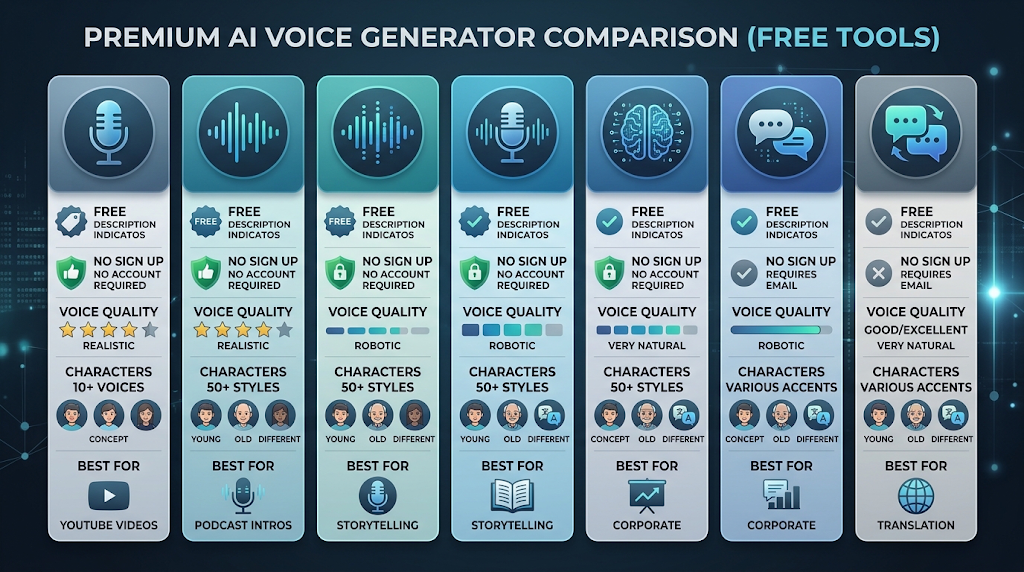 Here is a simple, honest list of some of the best free tools you can try today, including which ones skip the sign-up step entirely.
|
Tool |
Sign Up Needed? |
Free Plan Includes |
Best For |
|---|---|---|---|
|
ElevenLabs |
Yes |
10,000 characters/month |
Highly realistic, emotional voices |
|
PlayHT |
Yes |
Limited free characters |
Large voice library |
|
Speechify |
Yes |
Limited daily use |
Reading text aloud on the go |
|
Naturalreaders |
No |
Free browser-based use |
Quick, simple conversions |
|
Notevibes |
No |
300 characters per conversion |
Short scripts and testing |
|
Murf AI |
Yes |
Limited free minutes |
Business and e-learning voiceovers |
|
Balabolka |
No, downloadable software |
Fully free desktop tool |
Longer documents on Windows |
Free-tier limits and sign-up requirements change often, so always check the tool’s own website before starting a project.
Try two or three tools on the exact same script. You will notice each one has a slightly different voice style and pacing, so testing helps you find the sound that fits your project.
It also helps to know what each tool leans toward. ElevenLabs tends to shine for emotional, realistic narration, while Naturalreaders and Notevibes feel more natural for a fast, no-fuss conversion.
📝 How to Use a Free AI Voice Generator (Step by Step)
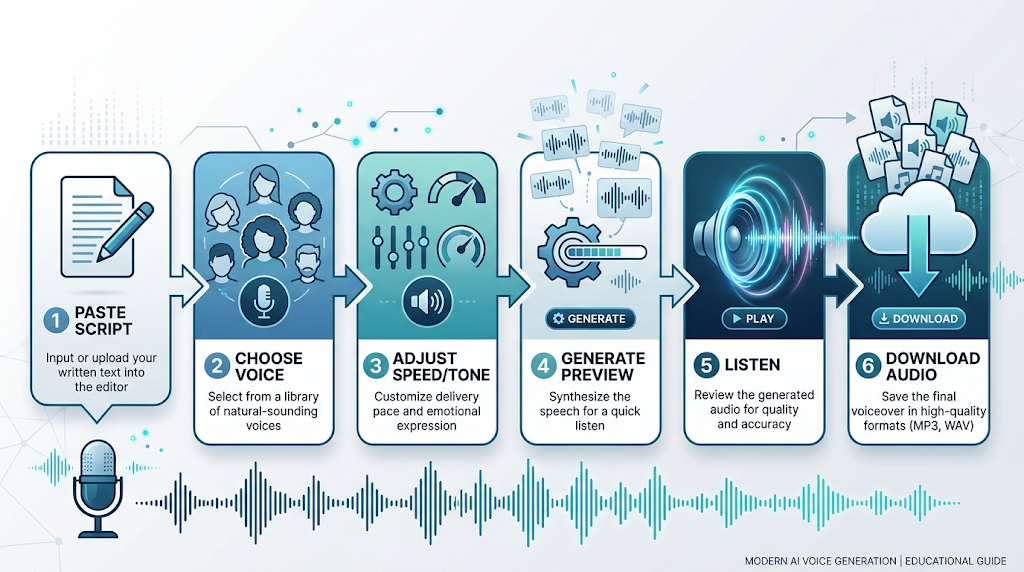 Pick a tool from the list above and open it in your browser. Paste your script into the text box, keeping punctuation clean and clear.
Choose a voice that matches your project, along with the speed or tone settings if the tool offers them. Generate a short preview first before committing to your full script.
Listen to the result carefully, then download the audio file once you are happy with how it sounds.
🎯 Key Features Worth Looking For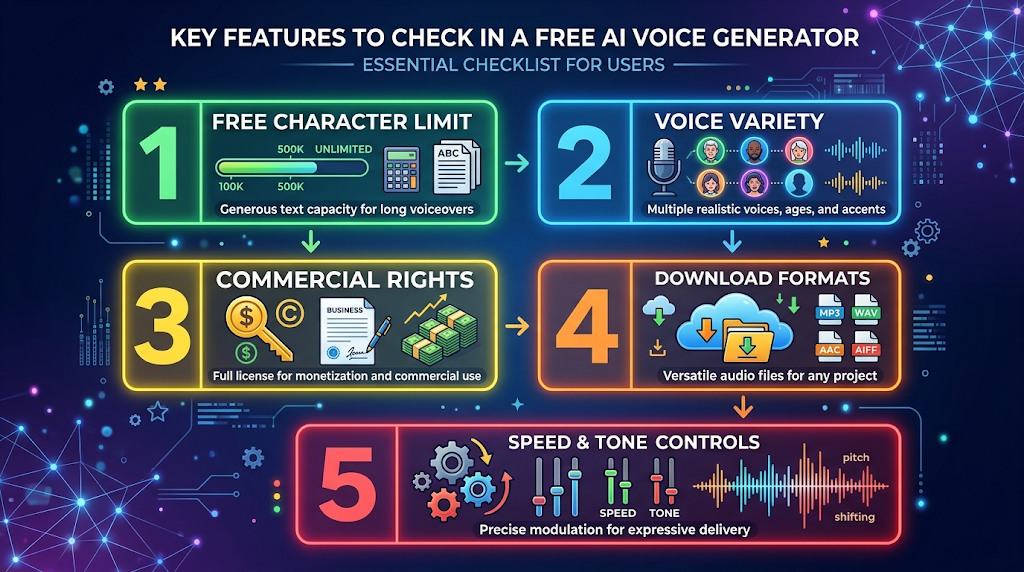
A genuinely free character limit is the most important feature to check, since some tools only give you a tiny amount before asking for payment. Voice variety matters too, since having several accents and tones lets you match the voice to your content.
It also helps to check whether a tool allows commercial use on its free plan, since some free licenses only permit personal projects.
Download format flexibility is worth checking as well. Most tools export as MP3, but a few offer other formats that may work better for video editing software.
💰 Free vs Paid AI Voice Generators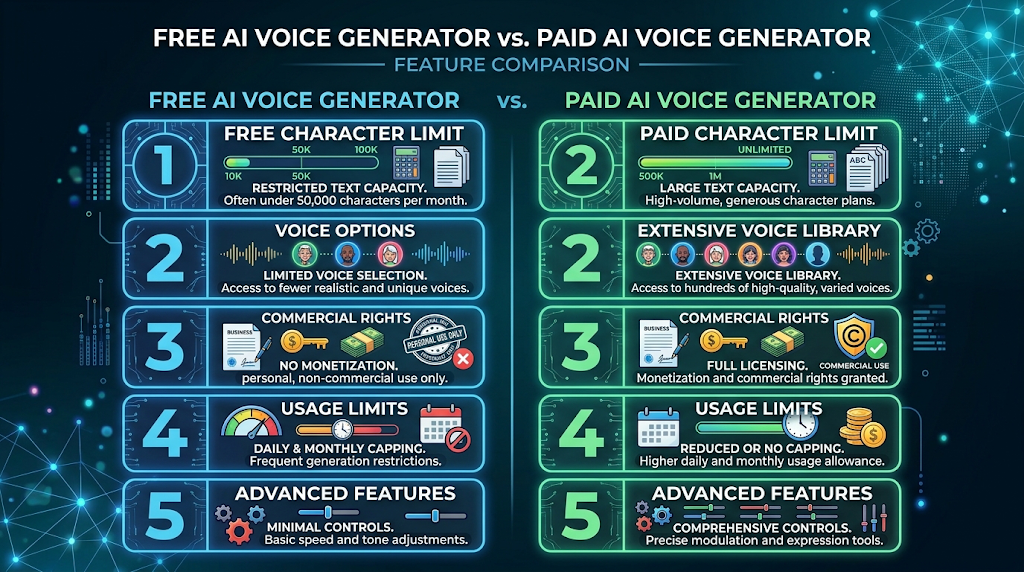
Free plans are great for short scripts, quick tests, or one-off projects like a school presentation. Most tools cap you at a small number of characters or minutes each month before asking for payment.
Paid plans usually unlock longer scripts, more voices, and full commercial usage rights. If you are producing voiceovers regularly for a business or a channel, a paid plan often pays for itself in saved recording time.
A smart approach is starting with a no-signup free tool for quick tests, then upgrading to a paid plan only once you know exactly which voice and features you need.
🕵️ The Truth About “No Sign Up” Voice Tools
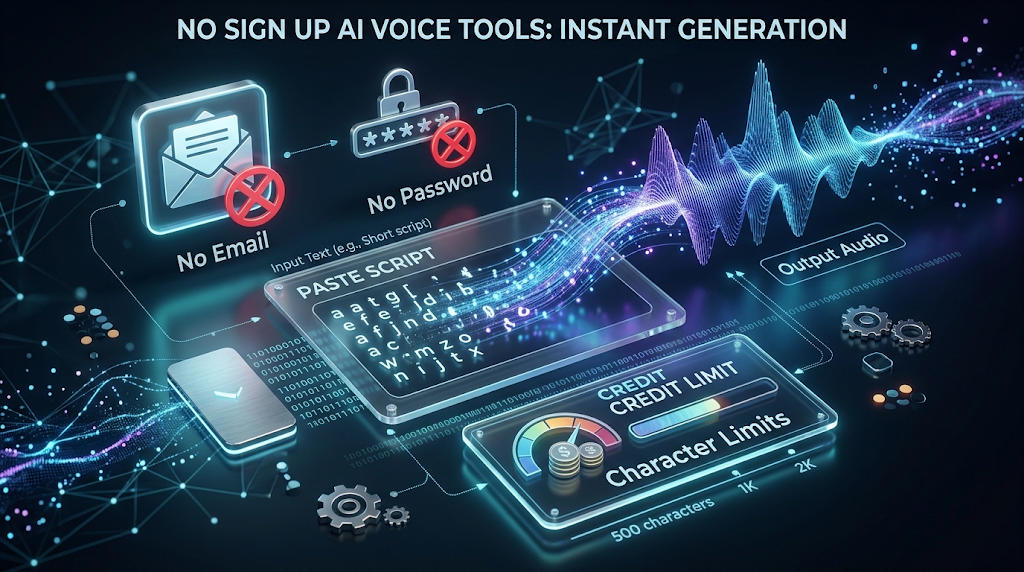 Many tools that advertise themselves as needing no sign up still limit you heavily on character count or daily use. This is a fair trade-off, since the tool is not asking for your email or storing an account for you.
A genuinely no-signup tool also usually means your script and audio are not saved to a personal account. This can be a real privacy benefit if you are working with sensitive or unpublished material.
It is worth knowing that some tools labeled “no sign up” still require it once your script goes past a certain length. Always test with a short line first before assuming a longer script will work the same way.
🔒 How to Use These Tools Safely
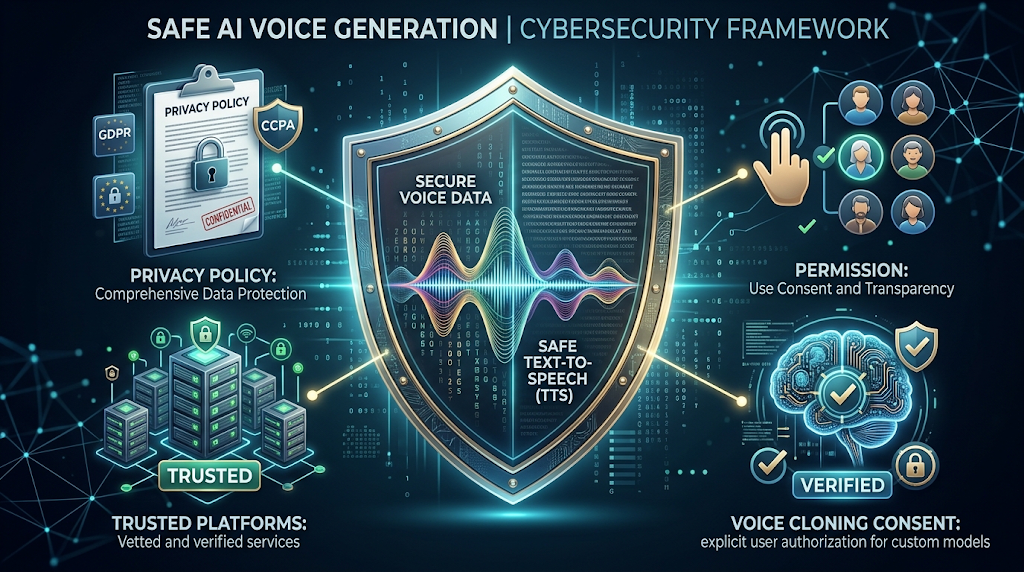 Never type private or sensitive information into a voice tool that stores your data, especially if it plans to use your text to train future models. Check a tool’s privacy policy before pasting anything personal.
Be careful with voice cloning features specifically, since some tools allow you to clone a real person’s voice. Only clone a voice with that person’s clear permission, and never use a cloned voice to impersonate someone without their consent.
Stick to well-known, established platforms instead of random new websites with no reviews, especially if you plan to use the audio for a public or commercial project.
👥 Who Should Use a Free AI Voice Generator? 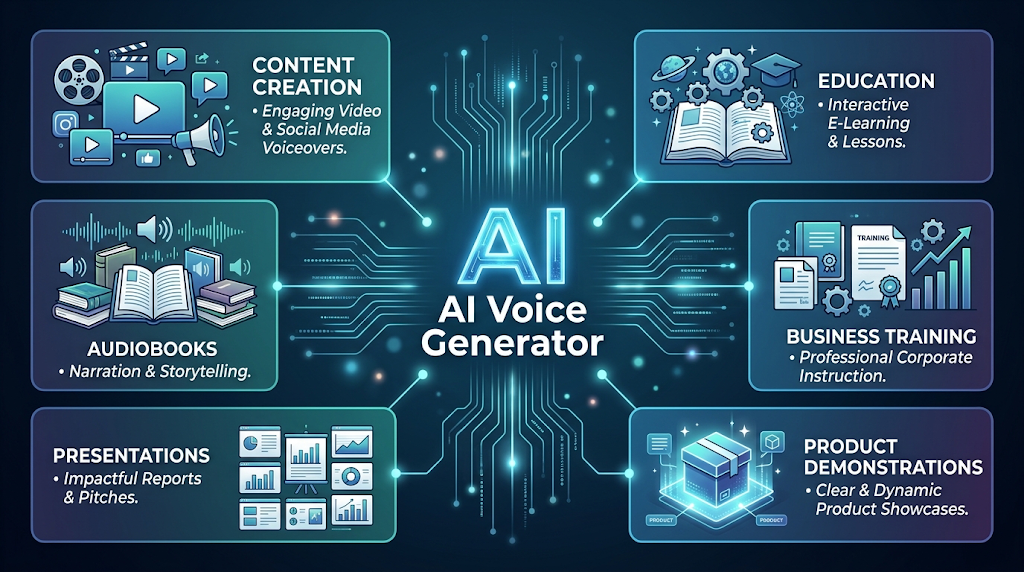
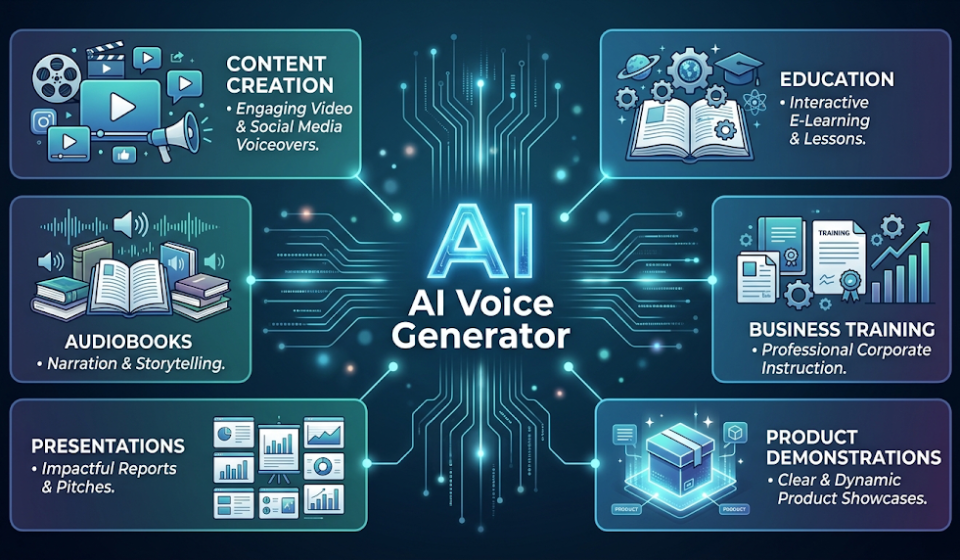
Content creators use these tools to add voiceovers to videos without needing to record themselves. Students and educators use them to turn written lessons into audio that is easier to listen to while multitasking.
Business owners use free voice generators for quick training videos, product demos, and presentations without hiring a voice actor. Authors sometimes use these tools too, listening to their own manuscript read aloud to catch awkward phrasing before publishing.
Anyone who simply feels uncomfortable hearing their own recorded voice can use these tools as a comfortable alternative.
⚠️ Common Mistakes to Avoid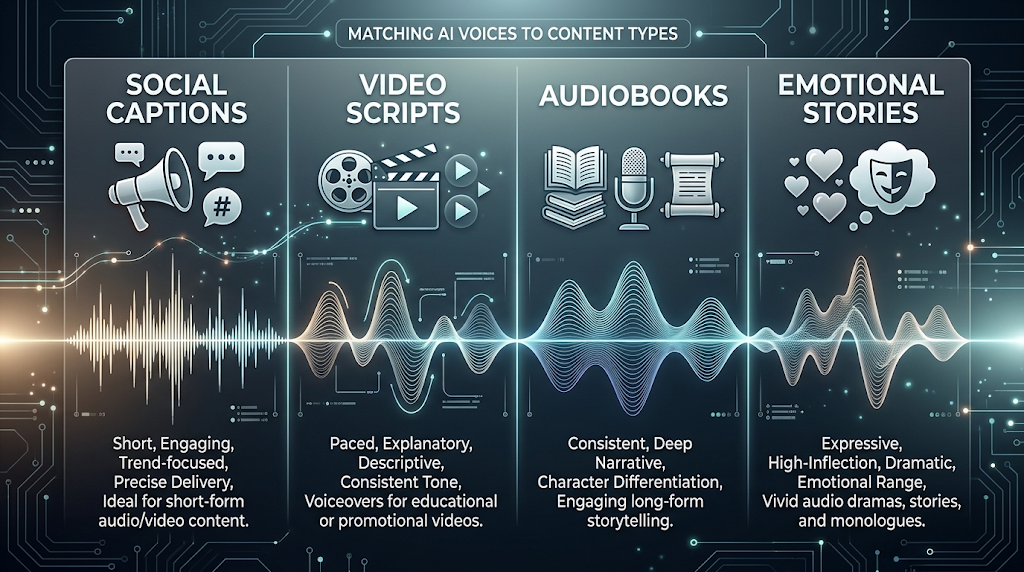
Pasting in a huge block of text without checking the free character limit first is a common mistake, since the tool may cut off your script partway through. Always test with a short sample before generating your full script.
Ignoring punctuation is another slip-up, since missing commas or periods can make the AI’s pacing sound rushed or unnatural. Reading your script out loud yourself first often reveals where a pause is actually needed.
Using a voice that does not match your content’s tone is a smaller but common mistake too, like a cheerful voice for a serious topic.
🌍 How These Tools Handle Different Types of Content
Not every piece of writing needs the same kind of voice, and these tools often perform differently depending on the content. Short social captions and quick tests tend to work well with any no-signup tool on this list.
Longer content, like audiobook chapters or full video scripts, usually benefits from a tool with a higher free character limit, since it avoids the need to paste in your script over and over.
Emotional or story-driven content is a bit different too. Tools like ElevenLabs tend to handle tone and emotion more naturally than simpler, purely functional text-to-speech tools.
🔗 Pairing Your AI Voice Generator With Other Tools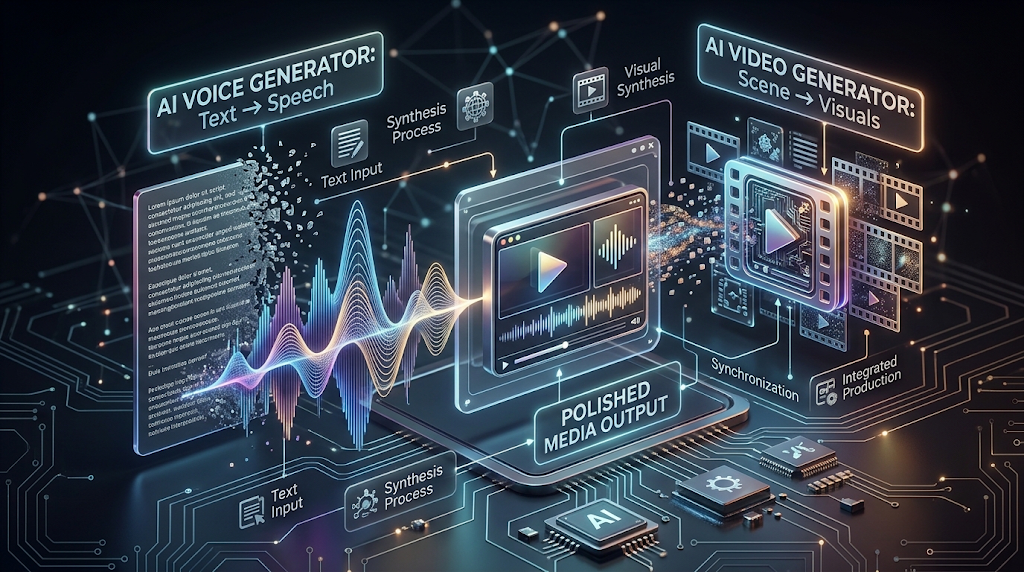
Many creators combine a voice generator with a video editor to add narration over their footage. Free editors like CapCut are commonly used for this final step.
Some creators also pair a voice generator with a free AI video generator, adding a natural-sounding voiceover to an AI-created video clip. Using both tools together often produces a much more polished final result than either one alone.
✨ Tips for the Best Results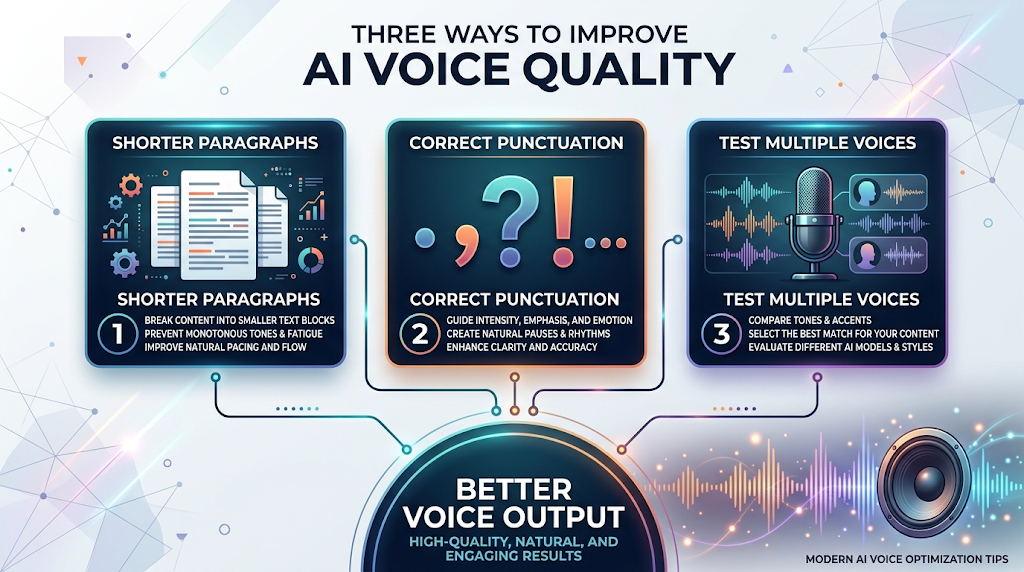
Break long scripts into shorter paragraphs before pasting them in, since this often helps the AI pace itself more naturally. Read your script out loud once yourself, so you can hear where a real pause or emphasis belongs.
Try more than one voice on the same script before deciding, since the right voice can make a huge difference in how your content feels. Small punctuation changes, like adding a comma, can fix awkward pacing more easily than rewriting the whole sentence.
📊 Free AI Voice Generator vs Hiring a Voice Actor
A professional voice actor can cost anywhere from fifty to several hundred dollars per project, and turnaround time is usually a few days. A free AI voice generator gives you finished audio in under a minute, at no cost at all.
What you lose with an AI tool is the personal creative performance a trained human voice actor brings. For quick content, tests, or personal projects, starting with a free AI tool is usually the smarter first step.
❓ FAQs
Is there really a free AI voice generator with no sign up at all?
Yes, tools like Naturalreaders and Notevibes let you convert short scripts to speech without creating an account, though longer scripts may require one.
Are free AI voice generators good enough for business use?
Some are, but always check the free plan’s commercial usage rights first, since many free licenses only allow personal use.
How much text can I convert for free?
This varies a lot by tool, ranging from a few hundred characters per conversion to around ten thousand characters a month.
Do I need any audio editing skills to use these tools?
No, most tools only require you to paste in text and pick a voice, and the AI handles the rest.
Can I clone my own voice with a free AI voice generator?
Some tools, like ElevenLabs, offer limited voice cloning on their free plan, though full cloning features are usually paid.
Which free AI voice generator is best for beginners?
Naturalreaders and Notevibes are both considered beginner-friendly, since they need no account and no extra setup.
Is it safe to use these tools with private information?
Only paste in information you are comfortable sharing, and always check the platform’s privacy policy before using sensitive text.
Can these tools speak in different languages?
Many tools support multiple languages and accents, though voice quality can vary, so it is worth testing your specific language first.
🎓 Conclusion
A free AI voice generator can turn any script into natural, ready-to-use audio in seconds, and the best no-signup tools let you do it without ever creating an account. The key is matching the tool to your project, whether that means a longer free character limit, a specific emotional tone, or simply the fastest possible conversion. Test a short script on two or three tools, listen closely, and pick the voice that fits your content best.
Give yourself room to experiment, too. Voice AI keeps improving fast, and the tool that feels basic today might sound completely different in just a few months. 🌟


