
 More creators than ever are searching for a free AI video generator with no watermark, and the demand keeps climbing as short-form video takes over every platform. The best part is that you get clean, professional-looking clips without paying a single rupee or dollar. This whole idea of typing a sentence and getting a moving video back felt like science fiction just a few years ago, but now it’s an everyday tool for students, small business owners, and content creators. In this guide, you’ll find real tools, honest limits, current pricing, and simple steps to make your first watermark-free video today.
What Is a Free AI Video Generator (No Watermark)
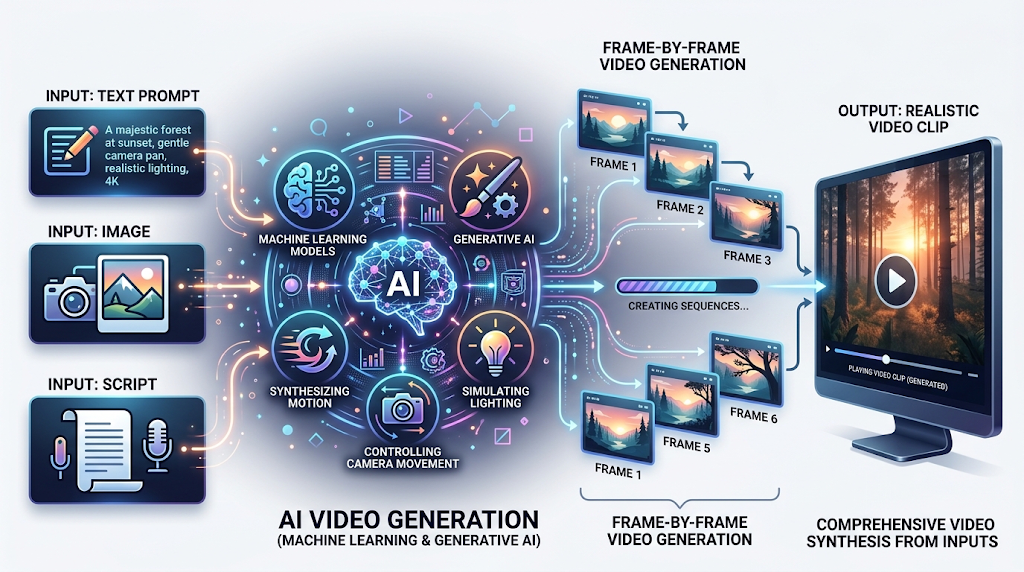 A free AI video generator is a type of software that turns text, images, or a short script into a video clip using machine learning models. Instead of filming anything yourself, you describe what you want — like “a golden retriever running on a beach at sunset” — and the tool builds the scene frame by frame. Most of these platforms use what’s called generative AI, which studies huge amounts of video data and learns to predict realistic motion, lighting, and camera movement.
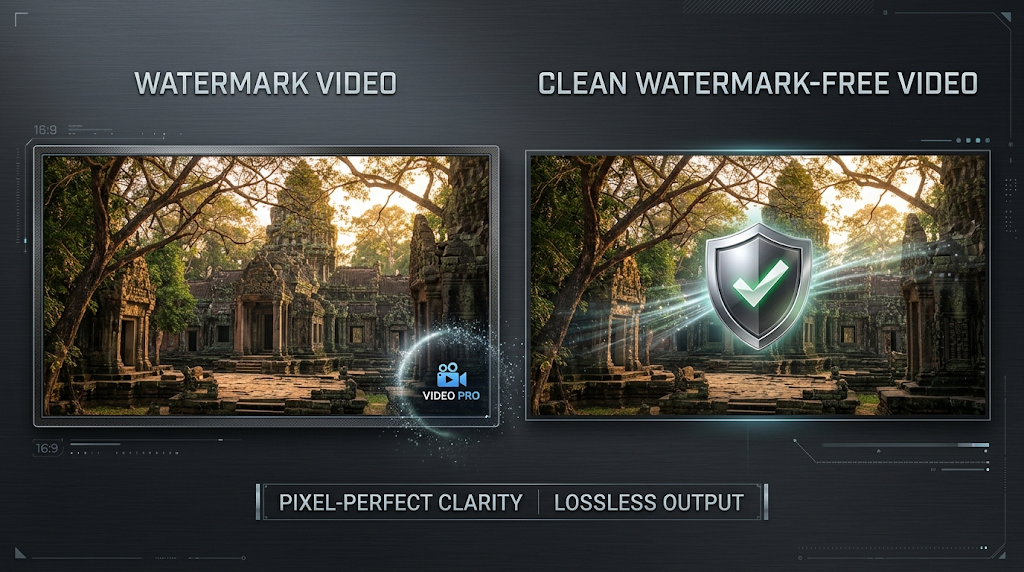
The “no watermark” part matters a lot. Many free tools slap a small logo or brand mark in the corner of your video to encourage you to upgrade. A true no-watermark option lets you download and use your clip anywhere — YouTube, Instagram Reels, TikTok, or a client project — without that extra branding showing up. Not every “free” tool keeps this promise, so knowing which ones actually deliver clean exports saves you a lot of wasted time.
Why Everyone Is Suddenly Talking About AI Video Tools
 The AI video generation space grew incredibly fast this year. Industry estimates put the AI video generation sector on track to pass $940 million in value during 2026, growing at roughly 20 percent year over year. That kind of growth explains why new tools keep popping up, and why older favorites like Runway, Pika, and Kling keep changing their free plans to stay competitive.
At the same time, the quality bar jumped dramatically. Newer models raised expectations for realism and motion, and platforms have been adjusting their free tiers and watermark policies to match. This means a roundup written even six months ago might already be outdated, so it’s smart to always double check the current free-tier terms before building a routine around one tool.
Top Free AI Video Generators With No Watermark (Compared)
Here is a real, current comparison of the tools that actually let you export a clean video without paying. Ratings reflect general community sentiment and hands-on reviews from mid-2026. 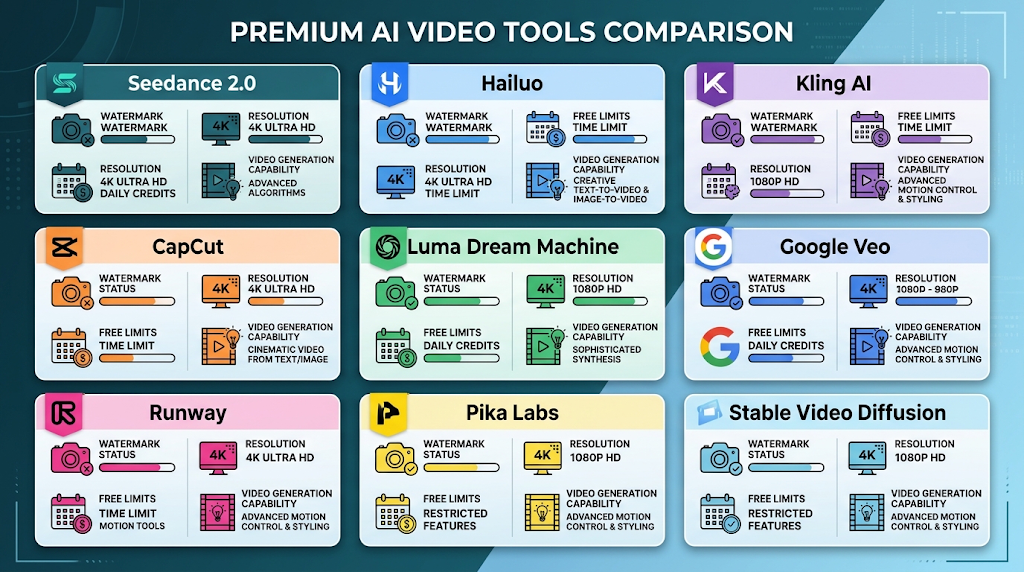
|
Tool |
Free Watermark Status |
Free Resolution |
Free Limits |
Paid Plan (Watermark-Free) |
Rating |
|---|---|---|---|---|---|
|
Seedance 2.0 |
No watermark |
1080p |
Daily-refreshing credits |
From ~$9/month |
⭐ 4.6/5 |
|
Hailuo (MiniMax) |
No watermark |
720p |
Free daily generations, 6-second clips |
Paid tiers available |
⭐ 4.4/5 |
|
Kling AI (image-to-video mode) |
No watermark on image-to-video |
720p |
Free daily credits |
~$35/month for Pro |
⭐ 4.3/5 |
|
CapCut (core editing, not AI generation) |
No watermark on standard edits |
1080p |
Limited AI credits |
$9.99–$19.99/month |
⭐ 4.5/5 |
|
Luma Dream Machine |
No watermark on standard output |
720p |
About 30 generations/month |
Higher tiers for more volume |
⭐ 4.2/5 |
|
Google Veo (via Flow) |
No visible watermark (invisible SynthID mark) |
Up to 1080p |
50 Flow credits/day for eligible users |
$19.99/month (Google AI Pro) |
⭐ 4.7/5 |
|
Runway |
Watermark on free tier |
720p |
125 one-time free credits |
$15/month (Standard) |
⭐ 4.3/5 |
|
Pika Labs |
Watermark on free tier |
720p |
Limited free credits |
Paid plans remove watermark |
⭐ 4.1/5 |
|
Stable Video Diffusion (open-source) |
No watermark, ever |
Depends on your hardware |
Unlimited (local generation) |
Free forever |
⭐ 4.0/5 |
💡 Quick Tip: Don’t rely on just one tool. Many creators rotate between two or three free generators to stretch their daily credits further and get the best result for each type of shot.
Seedance 2.0 — Best Overall Free Pick
Seedance combines multi-model access, 1080p watermark-free exports, and a daily-refreshing free tier, which makes it one of the most practical picks for someone making their very first AI video or even commercial-ready content. It gives you access to several underlying models from one dashboard instead of locking you into a single engine.
Hailuo (MiniMax) — Most Generous Daily Allowance
Hailuo does not add a watermark to free-tier output and offers free daily generations of up to six-second clips at 720p resolution, with prompt understanding that reviewers say is on par with more expensive tools like Kling.
Kling AI — Best for Image-to-Video
Kling’s free tier watermarks video-to-video generations, but its image-to-video mode does not add a watermark on the current free plan. If you already have a photo and want to bring it to life, this is one of the cleanest free options available right now.
Google Veo (via Flow) — Best Raw Quality
Google Flow gives eligible non-subscribers 50 Flow credits per day, refreshing daily and not rolling over. Veo produces some of the most cinematic, realistic motion of any model tested, though it carries an invisible provenance signal called SynthID rather than a visible logo.
CapCut — Best Free Editor to Pair With Any Generator
CapCut isn’t primarily a generator, but it’s the tool most creators use to clean up and assemble AI clips afterward. On desktop, CapCut does not add watermarks to free exports, and free exports look identical to paid exports at 1080p resolution. The catch is that its deeper AI generation features run on a limited free credit system. 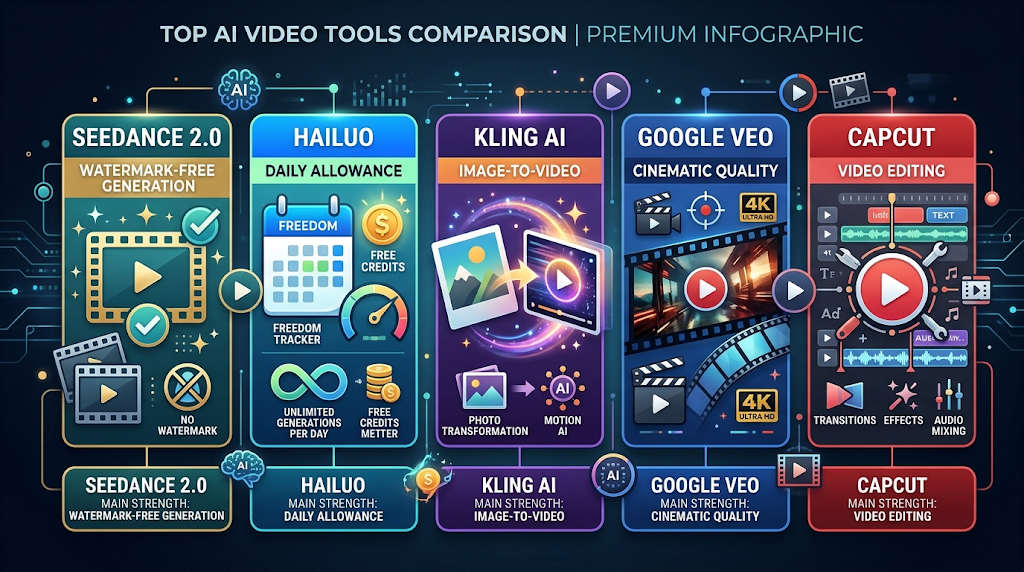
How to Use a Free AI Video Generator (Step by Step)
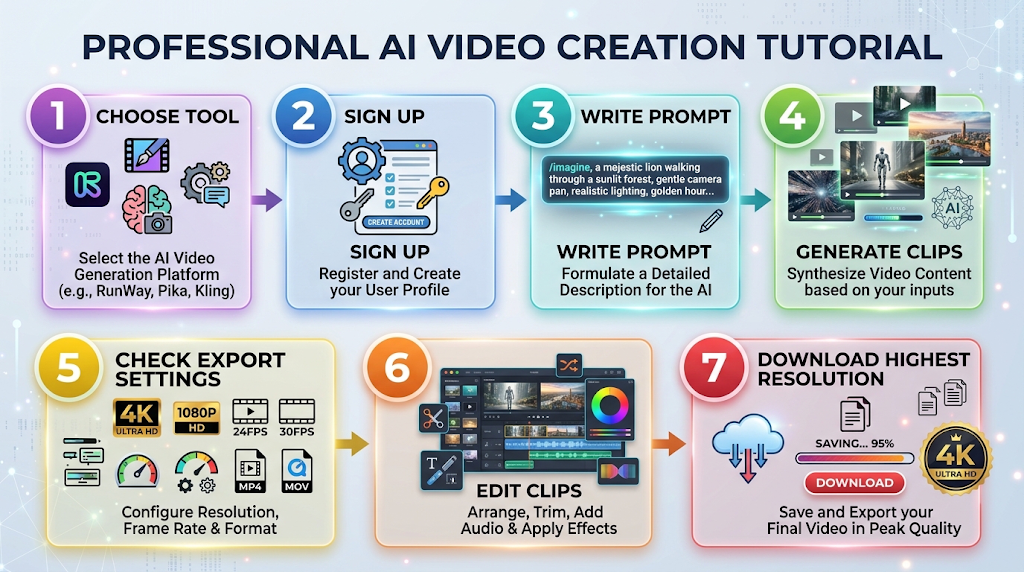
- Pick a tool based on your goal. If you want realism, try Veo or Hailuo. If you want to animate a photo, try Kling’s image-to-video mode.
- Sign up with just an email. Most of these tools, including Seedance and Hailuo, don’t require a credit card for the free tier.
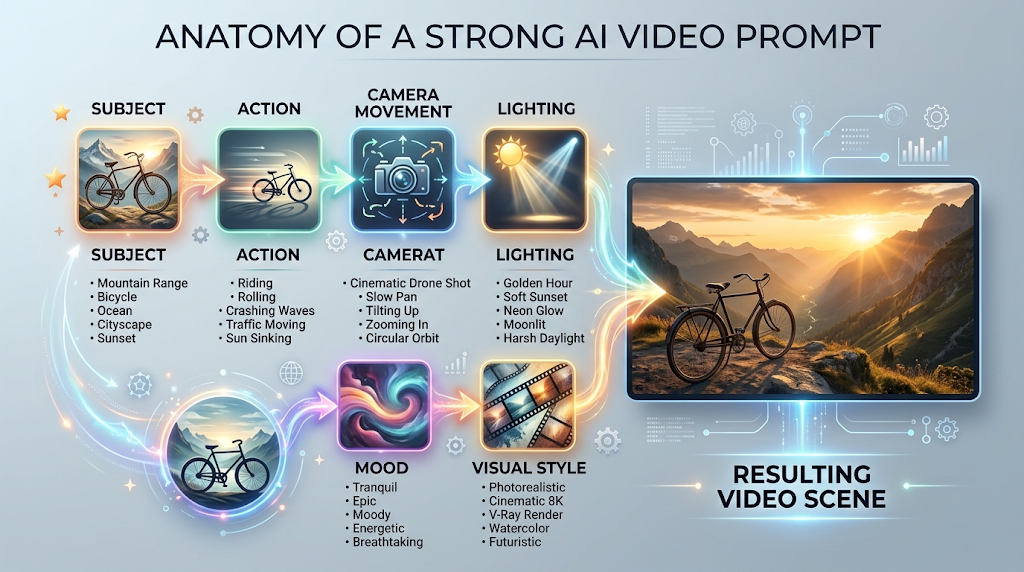
- Write a structured prompt. Follow the pattern: subject → action → camera movement → visual style. For example, “A red bicycle rolling down a mountain trail, slow tracking shot, cinematic lighting.”
- Generate a small batch. Create two or three short clips instead of one long one, then keep your favorite take.
- Check the export settings before downloading. Some tools hide the watermark-free option behind a toggle or a specific export button.
- Edit and combine clips in a free editor like CapCut if you need captions, transitions, or background music.
- Download in the highest resolution your free plan allows, usually 720p or 1080p depending on the tool.
Best Prompts to Try With a Free AI Video Generator
Getting good results depends heavily on how you write your prompt. Here are a few structures that consistently perform well across most tools:
- “A [subject] doing [action], [camera style], [lighting/mood]”
- “Close-up shot of [object], soft natural light, slow zoom in”
- “[Character] walking through [setting], cinematic wide shot, golden hour”
💡 Quick Tip: Keep your first prompt simple. Once you see how the model interprets basic instructions, you can add more detail like camera angles or specific art styles.
Free vs Paid: What You Actually Give Up
Free tiers are genuinely usable, but almost every tool holds something back for paying users. The most common trade-offs are: 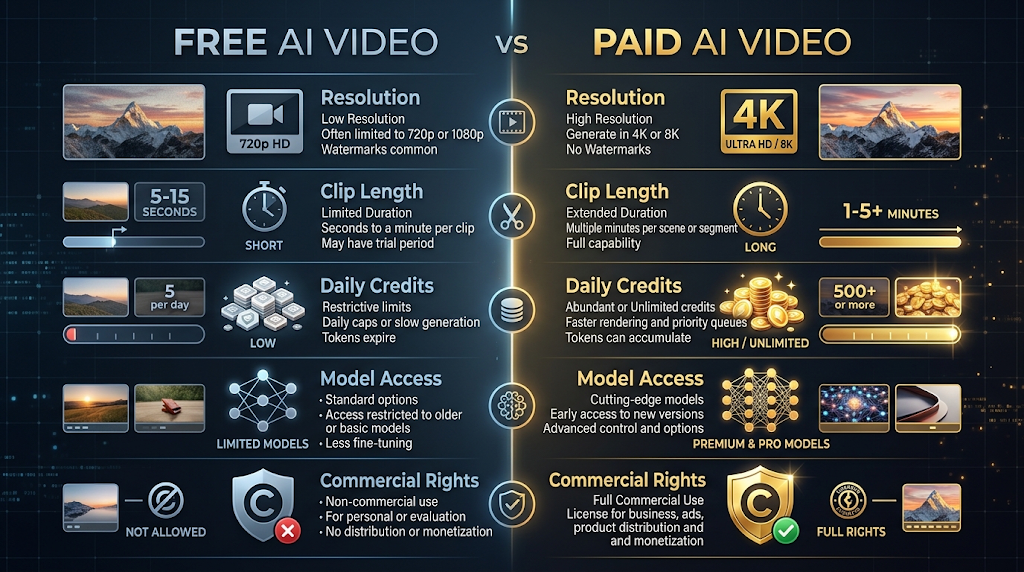
- Resolution caps — many free tiers stop at 720p instead of full 1080p or 4K.
- Clip length limits — most free generations are five to ten seconds long.
- Daily or monthly credit limits — you can’t generate unlimited videos without paying eventually.
- Model access — the newest, highest-quality models are often reserved for paid subscribers.
- Commercial rights — some free plans only allow personal use, not client or business work.
If clean, watermark-free output is critical for your work, a low-cost paid plan is more dependable long term than hoping a free policy stays the same. Free-tier terms change often as companies tune their business model, so what’s true today may shift in a few months.
Common Problems and How to Fix Them
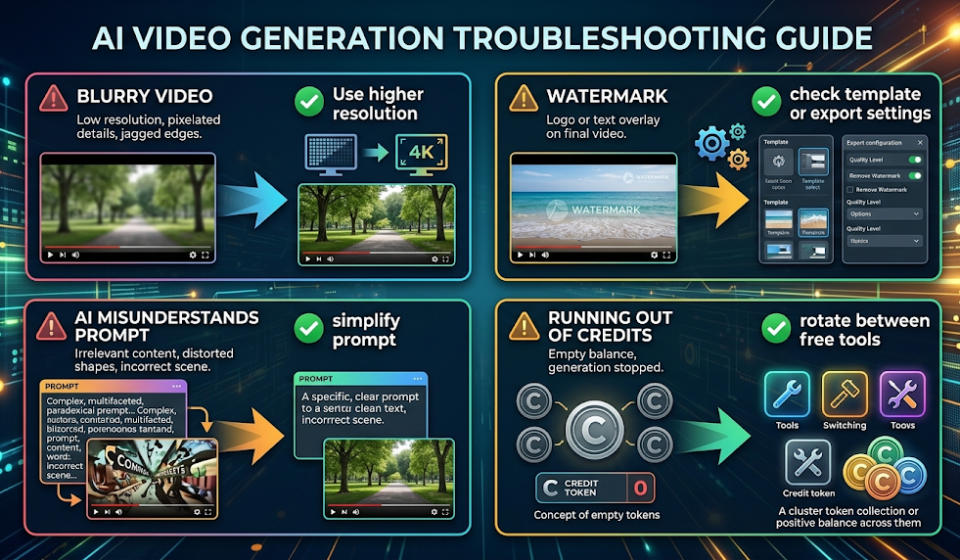
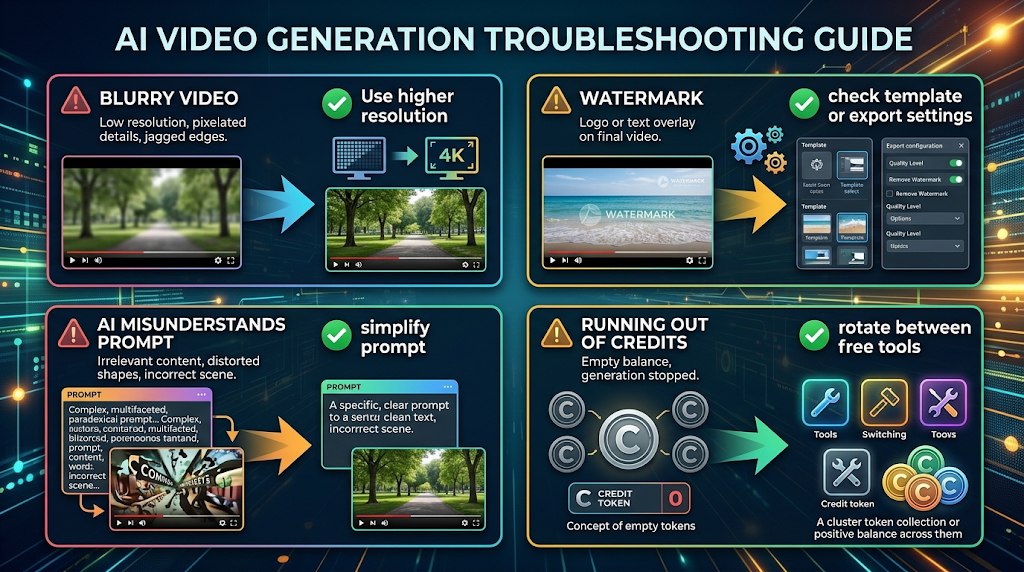 Problem: The video looks blurry or low quality. This usually happens on the free tier’s lower resolution setting. Try switching to a tool that offers 1080p free exports, like Seedance or CapCut.
Problem: My clip has a watermark even though the tool claims to be watermark-free. Check whether you used a “Pro-tagged” template or effect. Some tools, like CapCut, keep watermarks only on premium templates while core edits stay clean.
Problem: The AI doesn’t understand my prompt. Break your prompt into smaller, clearer parts. Avoid combining too many actions in one sentence.
Problem: I keep running out of credits. Spread your usage across two or three free tools instead of relying on one, and use daily-refreshing credit tools like Hailuo or Seedance for consistent output.
Real Use Cases for Free AI Video Tools 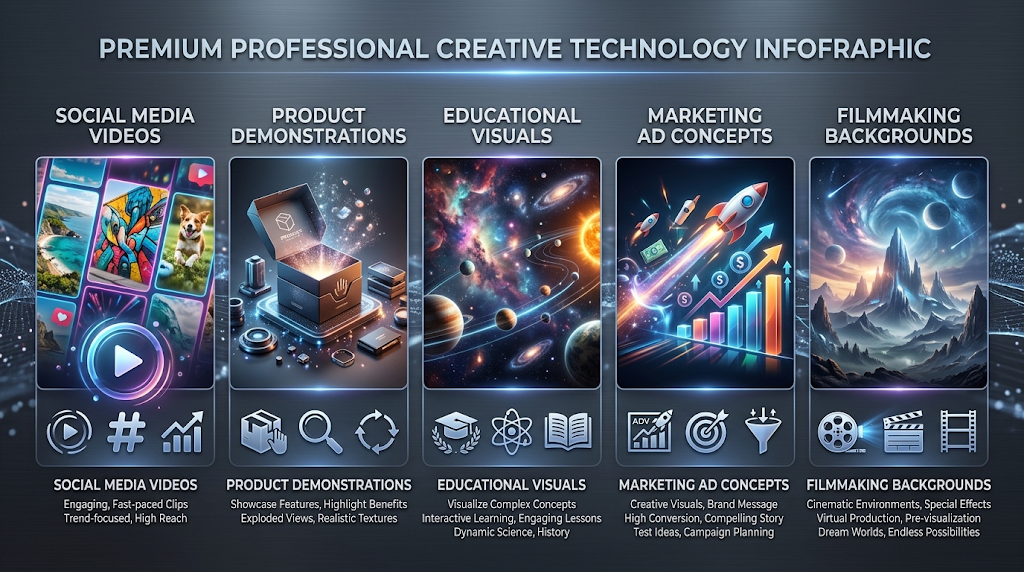
- Social media creators making short clips for Instagram Reels, TikTok, or YouTube Shorts.
- Small business owners creating quick product demo videos without hiring a videographer.
- Students and teachers building visual aids for presentations or class projects.
- Marketers testing ad concepts before committing budget to professional production.
- Hobbyist filmmakers experimenting with AI-generated backgrounds or concept scenes.
How to Use AI Video Tools Safely
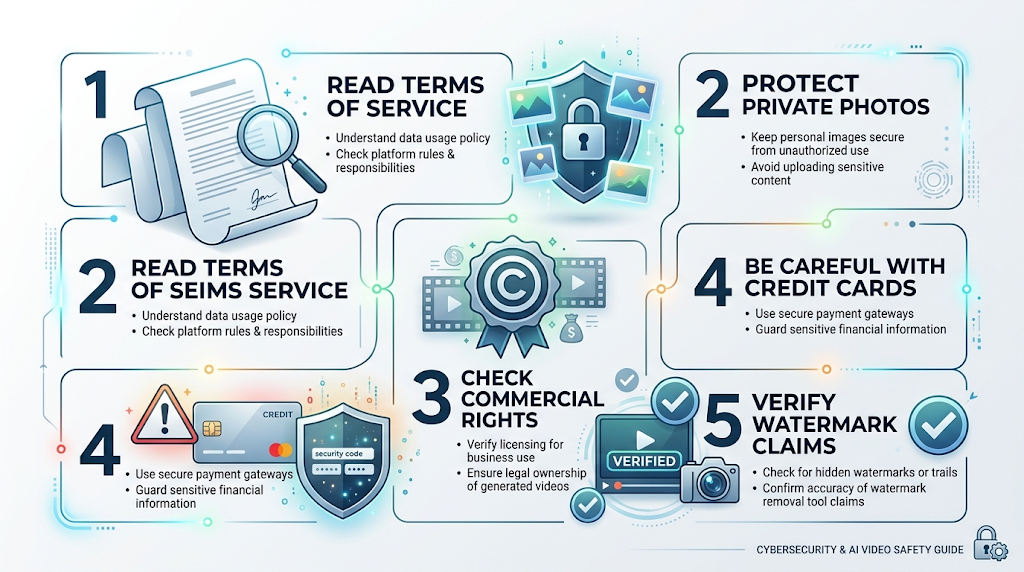 Using a free AI video generator safely means paying attention to a few basic things before you get too comfortable with any single tool.
- Read the terms of service. Some platforms claim broad rights over content you create, including the ability to modify or redistribute it.
- Avoid uploading private or sensitive photos, especially images of other people, without their permission.
- Double check commercial-use rules before using a free-tier video for business or client work — many free plans only cover personal use.
- Be cautious with tools that ask for a credit card even for a “free” trial, since some auto-charge after the trial period ends.
- Verify watermark claims yourself. Free-tier policies change often, so test a real export before building a workflow around any one tool.
💡 Quick Tip: If a platform’s privacy policy is vague or hard to find, that’s usually a sign to be more careful about what you upload.
Alternatives Worth Knowing
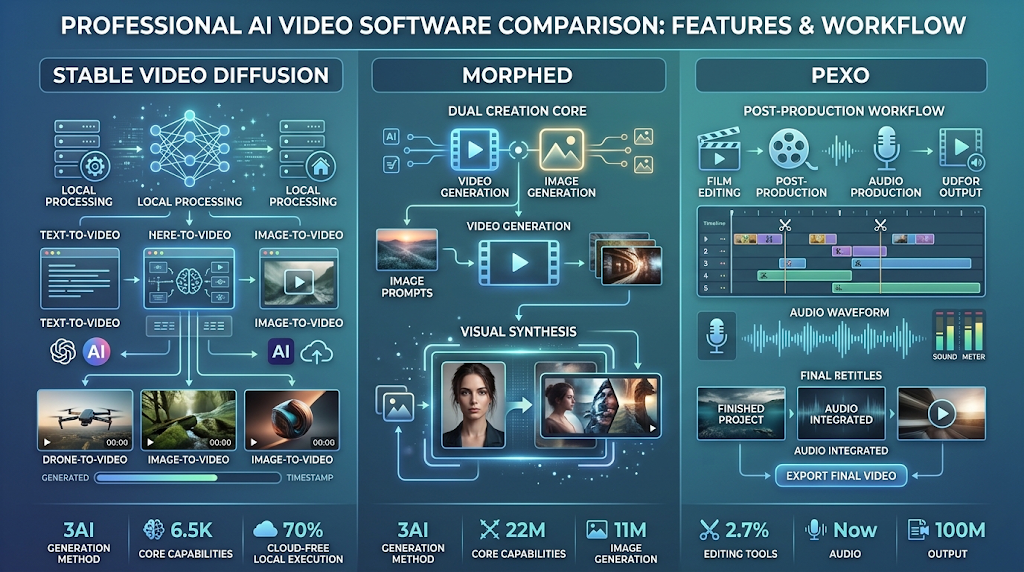 If none of the tools above fit what you need, a few alternatives are worth a look:
- Stable Video Diffusion (open-source): Runs locally on your own computer with no watermark and no limits, but requires a decent GPU and some technical setup.
- Morphed: A creative platform that includes AI video, image generation, and editing in one place, useful if you want more than just raw clips.
- Pexo: Focuses on returning a finished, edited video with titles and audio rather than a raw clip you still need to assemble.
Frequently Asked Questions
Is there a truly free AI video generator with no watermark at all?
Yes, several tools like Seedance, Hailuo, and Kling’s image-to-video mode offer watermark-free exports on their free tier, though with daily credit limits.
Do free AI video generators require a credit card?
Most don’t. Tools like Seedance, Hailuo, and Google Flow let you start with just an email address and no payment information.
What is the best free AI video generator for beginners?
Veo, accessed through Google Flow, is often recommended first because it produces the most polished output without requiring complex prompt skills.
Can I use free AI-generated videos for business or commercial projects?
It depends on the tool. Always check the specific plan’s terms, since many free tiers only allow personal, non-commercial use.
Why do some tools still show a watermark even though they’re labeled “free”?
Watermarks are often used as a marketing tool to encourage upgrades. Companies that offer clean free exports usually limit resolution or credits instead.
Is Stable Video Diffusion really free forever?
Yes, since it runs locally on your own hardware, there are no subscription costs or watermarks, but you do need a capable computer.
How long can my clips be on a free plan?
Most free tiers cap clips between five and ten seconds. Longer videos usually require stitching several clips together or upgrading to a paid plan.
What resolution can I expect from free AI video tools?
Typically 720p, though a few tools like Seedance and CapCut offer 1080p even on their free tier.
Are AI-generated videos safe to post on YouTube or TikTok?
Generally yes, as long as you follow each platform’s content policies and the AI tool’s terms of service regarding commercial use. 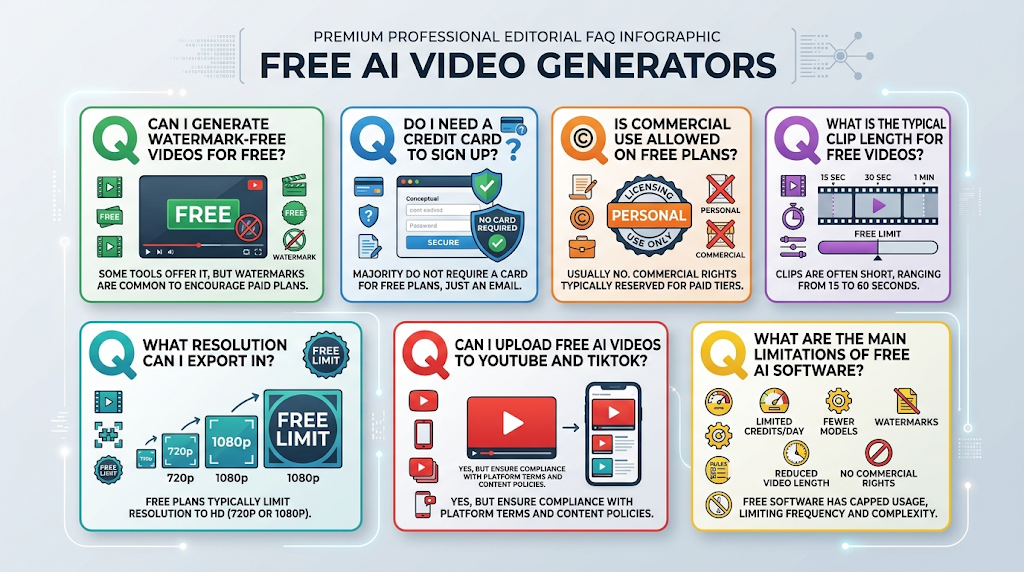
Conclusion
Finding a genuinely free AI video generator with no watermark is easier in 2026 than it’s ever been, but it takes a little research to separate the tools that actually deliver from the ones that only look free. Seedance, Hailuo, and Kling’s image-to-video mode currently stand out as the most reliable options for clean, watermark-free exports without spending anything. Pair any of these with a free editor like CapCut, and you can build polished, professional-looking videos with nothing but a good prompt and a little patience. As this space keeps moving fast, it’s always worth double-checking a tool’s current free-tier terms before you build your whole workflow around it.