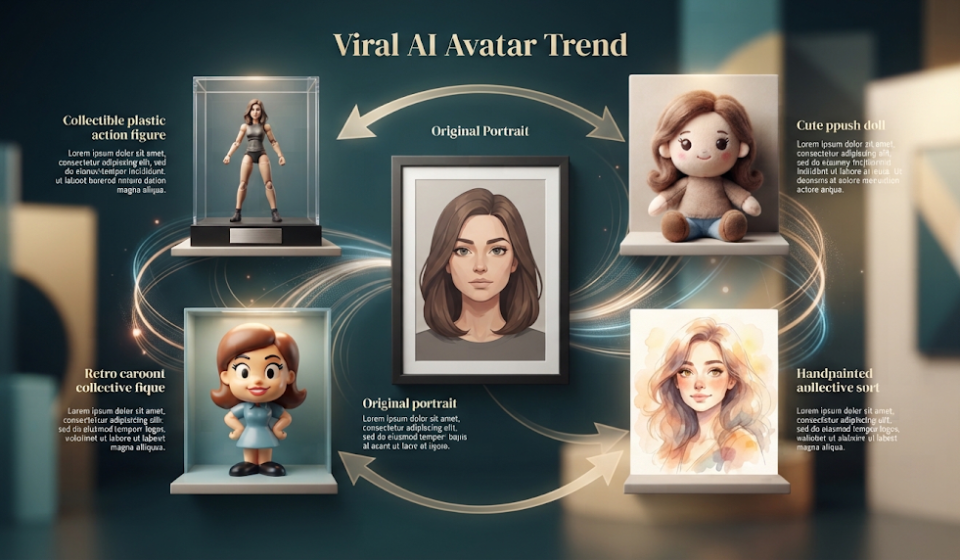

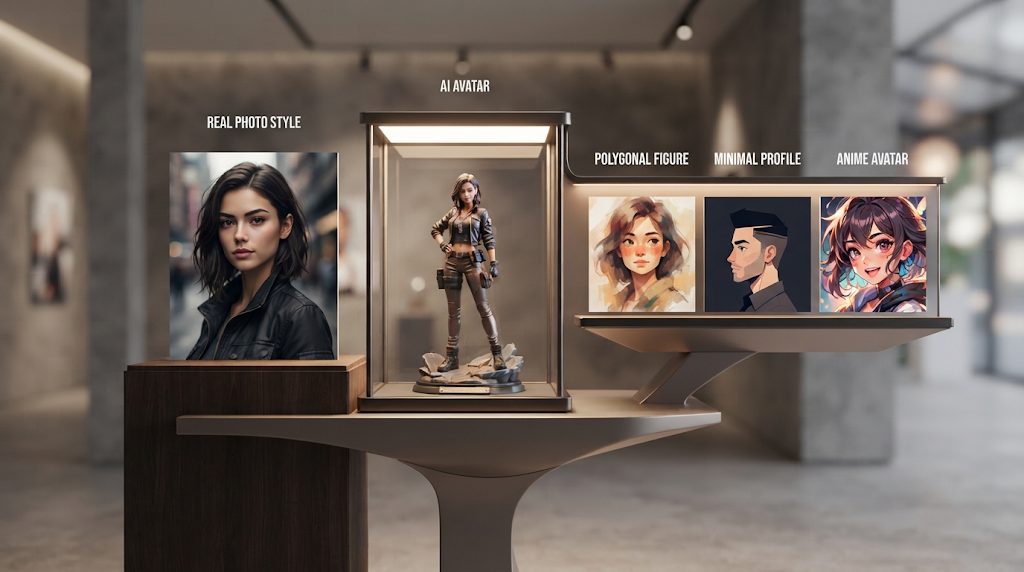
 Turn on Instagram or TikTok this month and you will see it everywhere. A person’s face turned into a tiny plastic action figure in a box. A soft, dreamy cartoon version of someone’s dog. A whole family redrawn like a scene from a Studio Ghibli film. All of this comes from one type of tool: a free AI avatar generator. You upload one photo, and in under a minute, you get a whole new version of yourself in a fun new style. This guide shows the best free tools for this, and which ones sneak a watermark onto your picture when you were not looking.
What Is a Free AI Avatar Generator
A free AI avatar generator is a tool that takes a real photo of you, or of a pet, and turns it into a new picture in a chosen art style. You upload your photo, pick a style like “cartoon,” “action figure,” or “anime,” and the tool builds a new image using artificial intelligence.
This is not the same as a normal AI image generator, which builds a picture from a text description alone. An avatar generator needs your real photo first. It studies your face, your pet’s fur, or your family’s features, and keeps enough of the real likeness that people can still tell it is you, just drawn in a new style.
🔥 Why This Trend Took Off
The recent wave of avatar trends traces back to a model many people call “Nano Banana,” part of Google’s newer image tools. People began turning their selfies into tiny collectible toys, plush dolls, and retro cartoon figures, and the results spread fast across social media. A few weeks before that, a wave of Studio Ghibli-style portraits, soft colors, gentle light, dreamy backgrounds, did the same thing.
Neither trend needed any design skill. That is the real reason it spread so fast. A single photo and one click gave anyone a picture worth sharing, and each new share showed the next person how to make their own.
💡 Quick Tip: Clear, well-lit photos give the best avatar results. A blurry or dark selfie gives the AI less real detail to work with, so the final avatar often looks less like you.
🏆 Best Free AI Avatar Generator Tools
|
Tool |
Free Plan |
Watermark |
Best For |
|---|---|---|---|
|
Fotor |
Free with daily limits |
Sometimes |
Quick profile pictures and social posts |
|
Google Gemini (Nano Banana) |
Free, limited daily uses |
No |
Trendy styles like action figures |
|
Canva |
Free with limits |
No |
Avatars plus easy editing tools |
|
Picsart |
Free with limits |
Sometimes |
Mobile users who want fast results |
|
Adobe Firefly |
Free with monthly credits |
No |
Clean, realistic art styles |
Free plan limits change often. Always check the tool’s own site before you count on it for something important, like a business profile picture.
Fotor and Canva are both strong starting points if you have never tried an avatar tool before, since neither needs much setup. Google’s Gemini tool is the one behind most of the viral “action figure” trend, and its results currently carry no watermark on the free tier.
⚙️ How These Tools Actually Work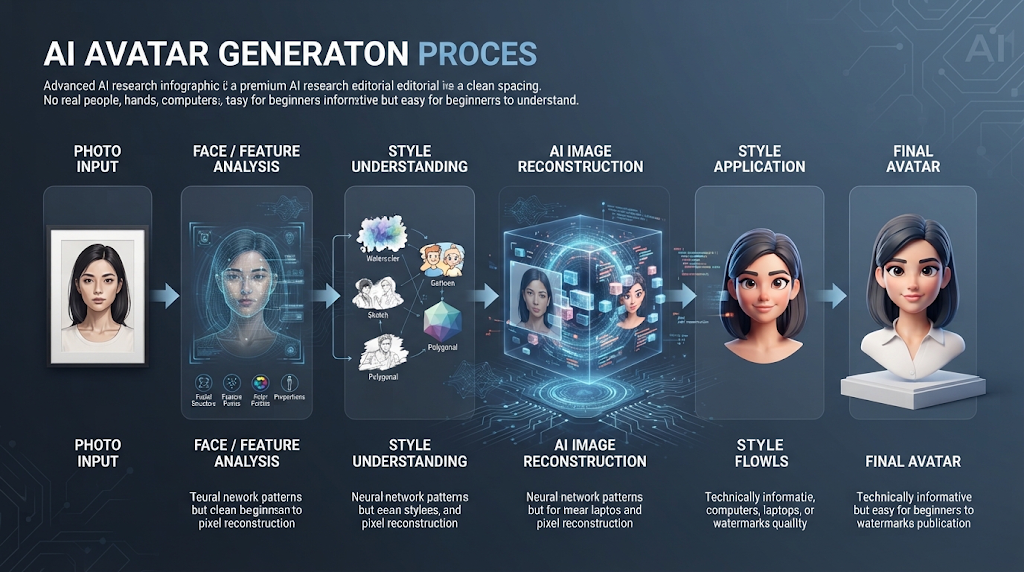
You upload a clear photo of your face, or your pet, or a small group photo. The AI studies the shapes, colors, and features in that photo. Then it uses a style you picked, like “anime” or “oil painting,” to redraw those same features in a brand new way.
The AI is not tracing your photo like a copy machine. It is rebuilding the image from scratch, guided by what it learned from millions of real photos and drawings during its training. This is why two people who upload very similar-looking selfies can still get avatars that look noticeably different once the chosen art style is applied.
📝 Step by Step: Making Your Own Avatar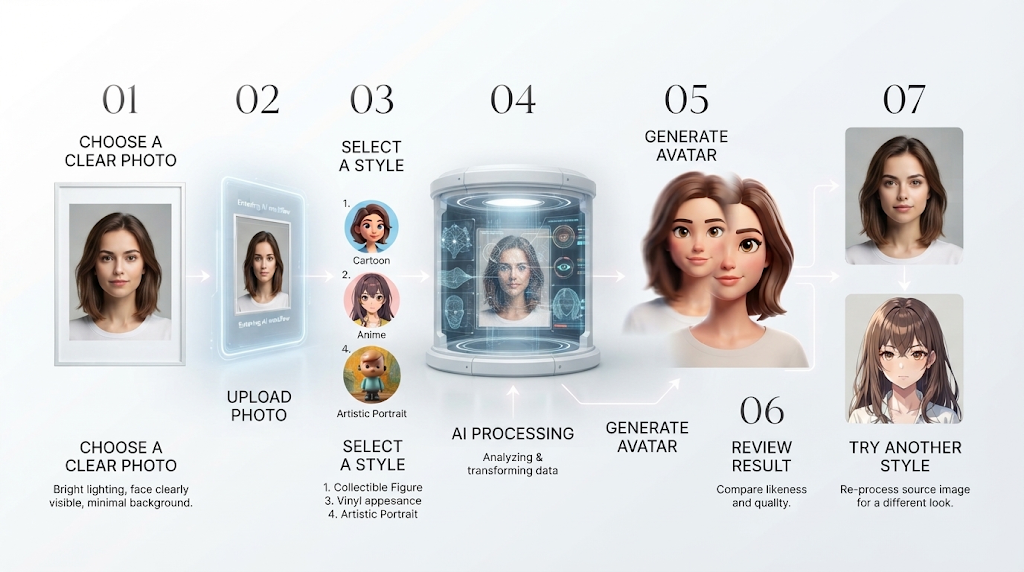
Pick a clear, well-lit photo where your face is the main focus, not hidden behind sunglasses or a hat. A plain background usually works better than a busy one, since the AI has less to guess about.
Upload the photo to your chosen tool, then pick a style from the list it gives you. Wait a few seconds for the result, then look closely. If the avatar does not look enough like you, try a different photo or a different style, since some styles simply suit some faces better than others.
🎯 Where an Avatar Differs from a Full AI Image
An avatar tool keeps your real face as the base of the picture. A general AI image generator can create a whole new scene or person from just a written description, with no real photo involved at all. If your photo has a background you do not like, a free AI background remover can clean that up either before or after you turn it into an avatar.
Knowing which tool does which job saves time. If you want “me, but as a cartoon,” you need an avatar generator. If you want “a dragon flying over a castle,” a general image generator is the right tool instead.
💰 Free Plans vs Paid Plans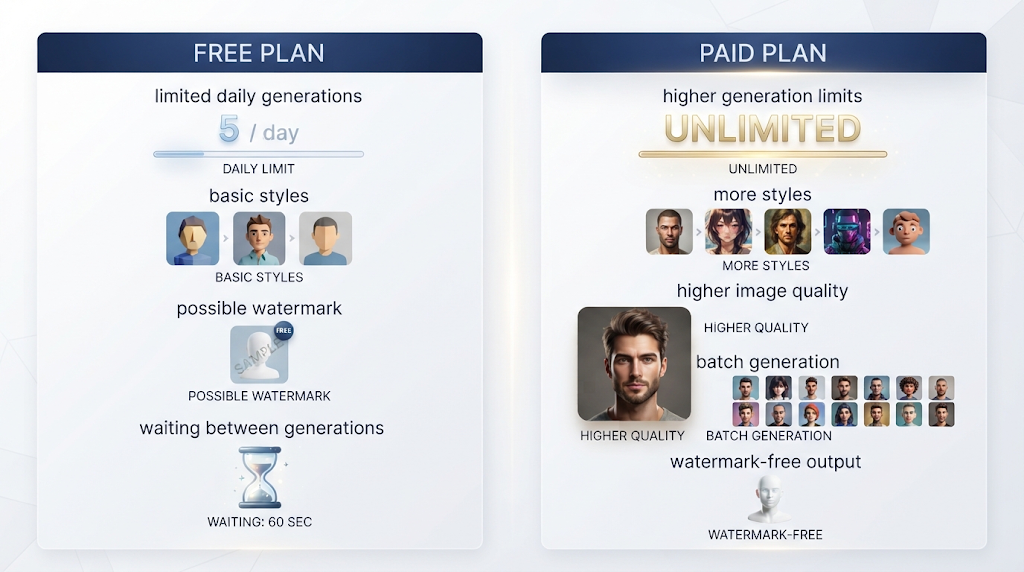
Free plans are usually enough for a handful of avatars a week. Most tools give you a set number of free tries each day, then either slow down, add a watermark, or ask you to wait until the next day. Fotor, for example, allows a small daily number of free avatars before it starts adding its logo to the corner of each picture.
Paid plans remove that daily cap and often add extra styles, higher picture quality, and the ability to make many avatars in a row without waiting. If you only want one or two fun pictures, a free plan is almost always enough. If you run a business page and post new avatar-style content every day, a paid plan can save real time and give a cleaner, watermark-free result every single time.
🎨 Why Some Photos Turn Into Better Avatars Than Others
Not every starting photo works equally well, and knowing why helps you get a better result on your first try. A photo where your whole face is clearly visible, with good light and no big shadows, gives the AI the most real detail to work from. This usually leads to an avatar that still looks like you, even in a very different art style.
A photo taken from far away, in low light, or at a strange angle gives the AI much less to work with. The tool still tries its best, but the result often looks more generic, like it could be almost anyone rather than specifically you. Group photos can be tricky too, since some tools only focus clearly on one face and may blur or distort the others.
Pet photos tend to work surprisingly well, especially close-up shots where the fur pattern and face shape are both clear. A pet photo taken from far away, the same way, often gives a weaker result than a close, well-lit one.
✨ Tips for a Better Avatar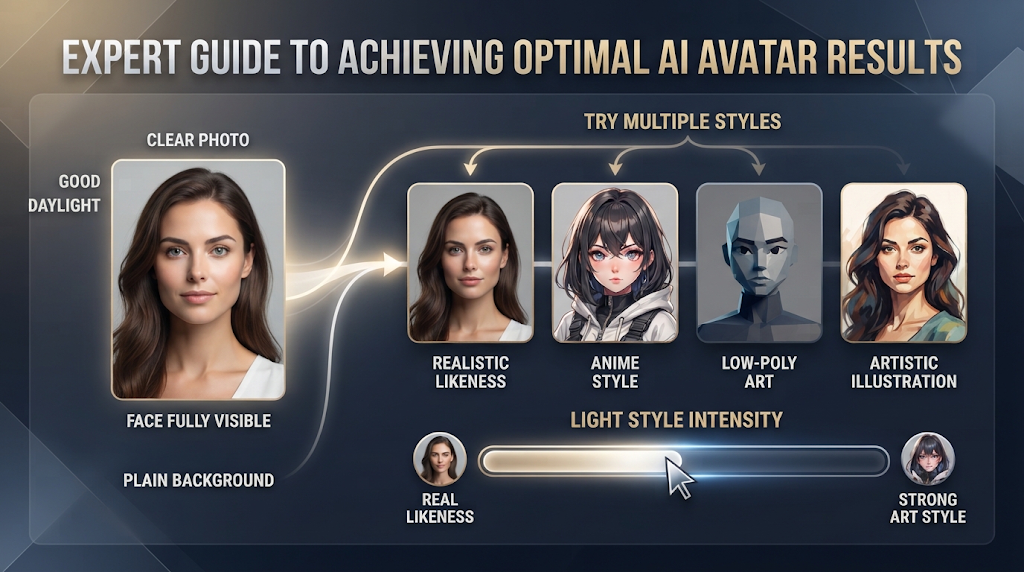
Try more than one style on the same photo before picking your favorite, since a style that looks great on one face can look strange on another. If a tool lets you adjust strength or intensity, a lighter setting usually keeps more of your real likeness, while a heavier setting leans further into the cartoon or art style.
Take a fresh photo specifically for this if your existing photos are all dark, blurry, or taken from far away. A single good photo, taken in daylight facing a window, often gives noticeably better results than reusing an old, low-quality picture.
🔒 Using These Tools Safely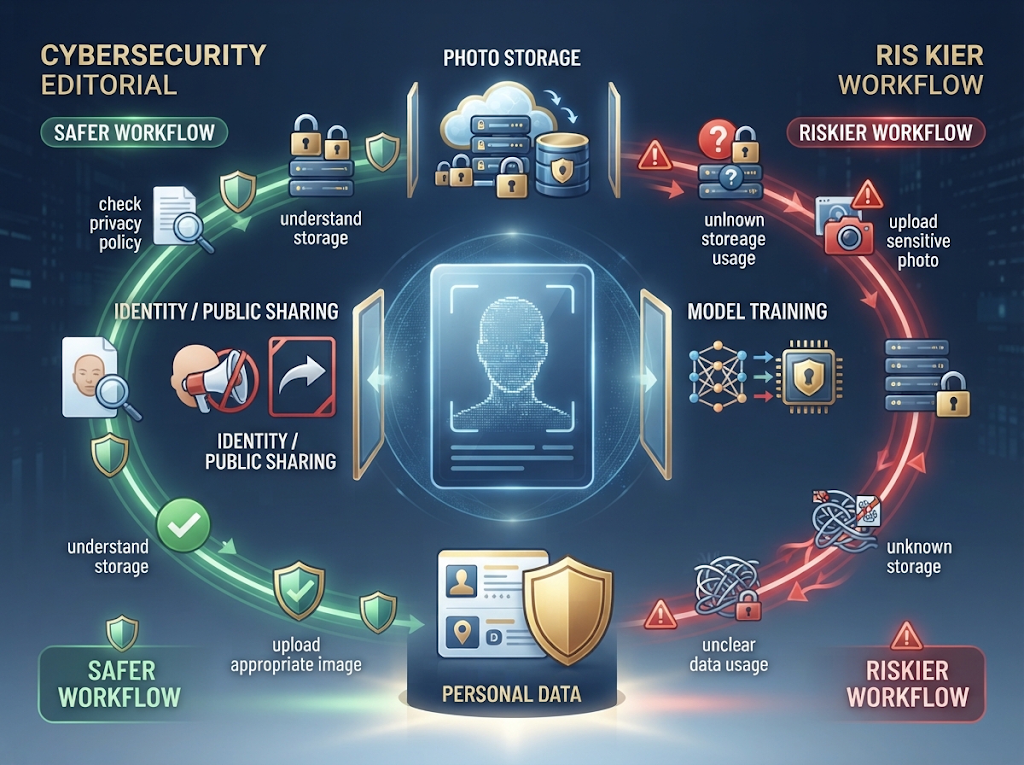
Think carefully before uploading a photo of a child, since some avatar tools store uploaded photos to help train future AI models. Check the tool’s privacy page first if you are unsure, and avoid uploading photos of other people without asking them first.
Be aware that an AI avatar is still based on your real face. If you plan to use it as a public profile picture, remember that anyone could, in theory, guess it started from a real photo of you, so avoid uploading anything you would not want linked back to your real identity.
⚠️ Mistakes to Avoid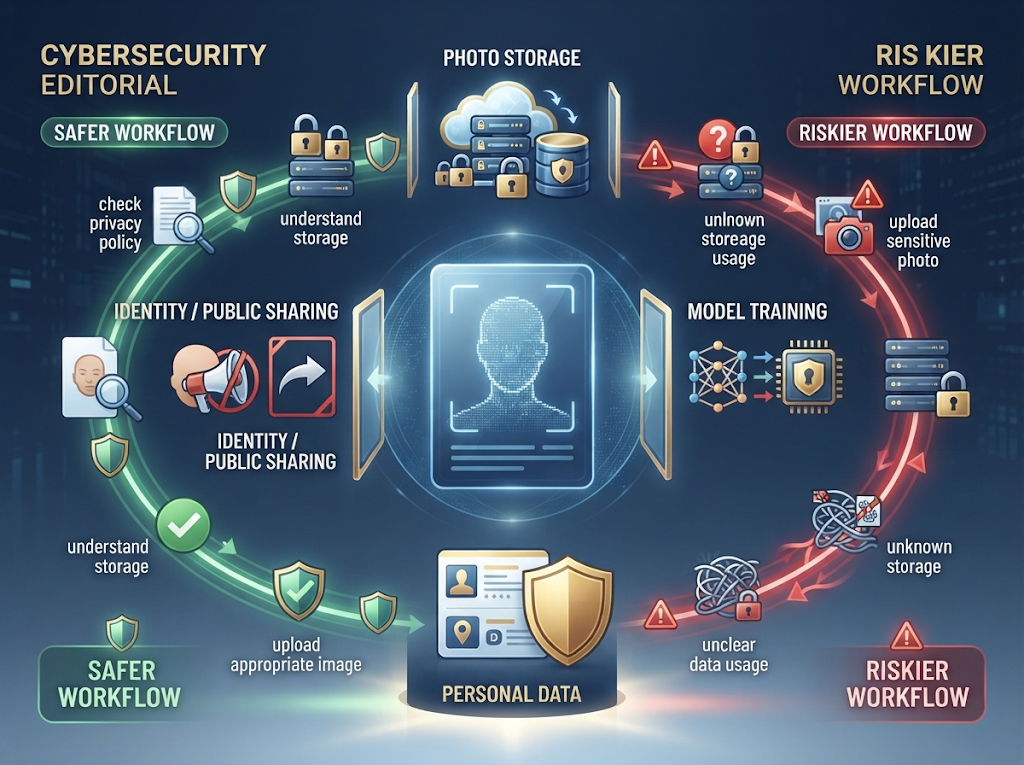
Uploading a blurry or very dark photo is the most common reason an avatar turns out looking wrong or generic, since the AI simply does not have enough clear detail to work with. Picking a style that does not match your photo’s lighting, like a bright cartoon style from a dark night photo, can also give a strange, mismatched result.
Assuming every “free” tool skips the watermark is another common mistake. Some tools, like Fotor and Picsart, only remove the watermark once you pay, even though the avatar itself is free to create.
👥 Who Uses AI Avatar Generators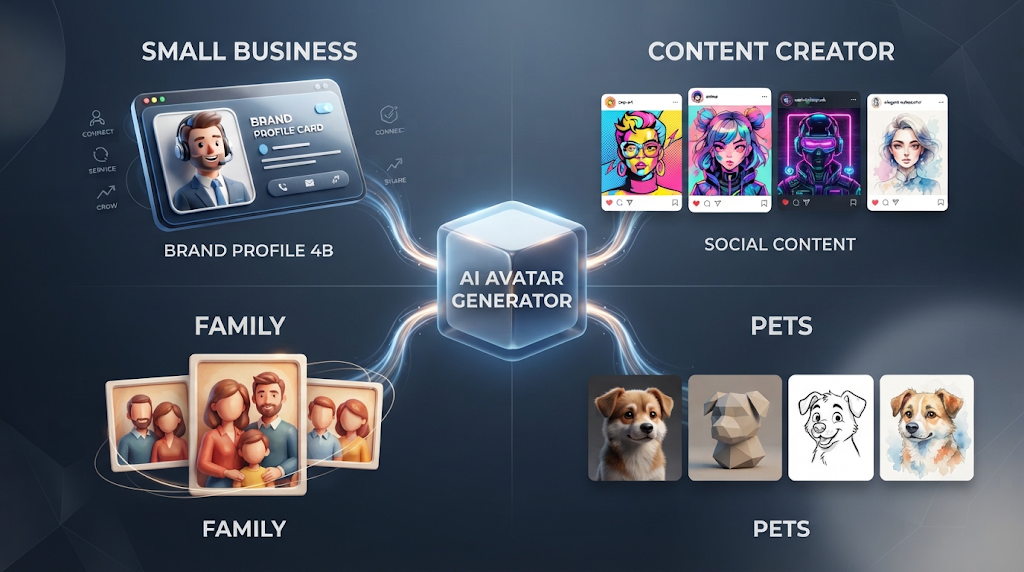
Small business owners use clean, professional-looking avatars for their social media profile pictures without paying for a photo shoot. Content creators use fun, trendy styles like the action figure look to get more likes and shares on their posts. Regular people use these tools just for fun, turning family photos or pet pictures into keepsakes worth sharing with friends.
❓ Frequently Asked Questions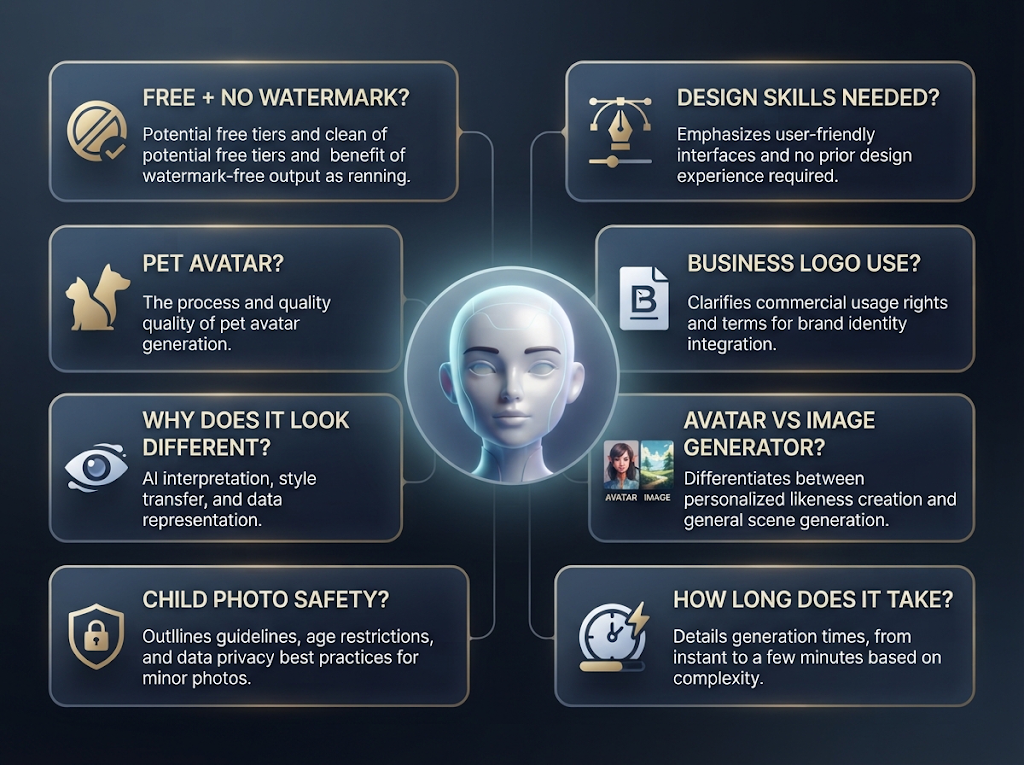
Is there a truly free AI avatar generator with no watermark? Yes. Google’s Gemini tool, known for the “Nano Banana” trend, currently offers watermark-free avatars on its free tier.
Can I turn a photo of my pet into an avatar? Yes, most of these tools work on any clear photo, including pets, not just human faces.
Why doesn’t my avatar look much like me? This usually happens with a blurry or poorly lit starting photo, or a style that changes the face too much to keep a strong likeness.
Is it safe to upload a photo of my child? Check the tool’s privacy policy first, since some free tools store uploaded photos to improve their AI. Many parents choose to avoid this for children’s photos.
Do I need design skill to use these tools? No. You only need to upload a photo and pick a style. The AI does the rest of the work automatically.
Can I use an AI avatar as my business logo? It can work for a casual brand, but check the tool’s terms of use first, since some free plans limit commercial use.
What is the difference between an avatar generator and an image generator? An avatar generator needs your real photo as a starting point. An image generator can create a brand new picture from just a written description, with no photo needed at all.
How long does it take to make an AI avatar? Most tools finish in under a minute, though busier times of day can slow things down slightly on free plans.
🎓 In Short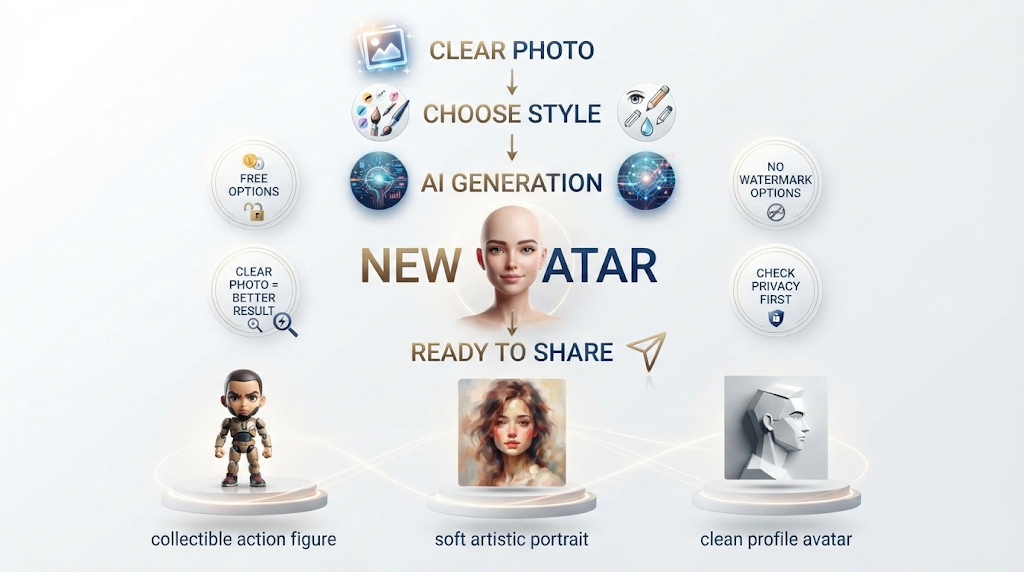
A free AI avatar generator can turn one clear photo into a fun new version of yourself in under a minute, and tools like Google’s Gemini and Canva currently do this without stamping a watermark on the result. Start with a clear, well-lit photo for the best outcome, and always check a tool’s privacy page before uploading a photo of a child or anyone else. Whether you want a tiny action figure, a soft Ghibli-style portrait, or a clean profile picture, the right free tool is already out there.
Reviewed by the BrainxoAI Editorial Team, which researches and compares free AI tools for creators, small businesses, and everyday social media use.