

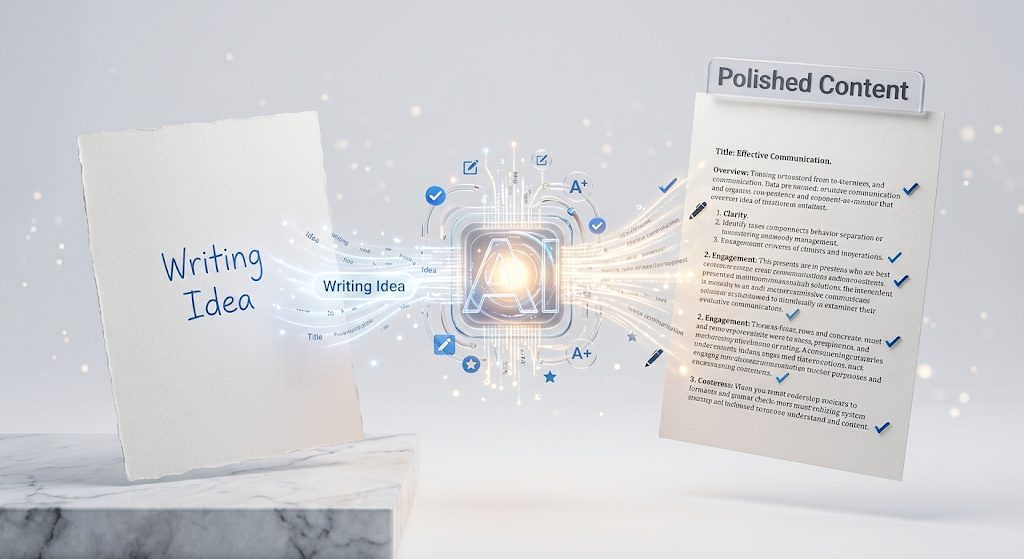
 A free AI writing assistant is a tool that helps you write better and faster. You type in what you need, like a blog post, an email, or a social media caption, and the tool writes it for you in seconds. This is a huge help for anyone who feels stuck staring at a blank page. Many people use these tools every day now, for work, school, or just personal projects. In this guide, we will look at the best free tools, how they work, and how to pick the right one for you. 📝
🔍 What Is a Free AI Writing Assistant?
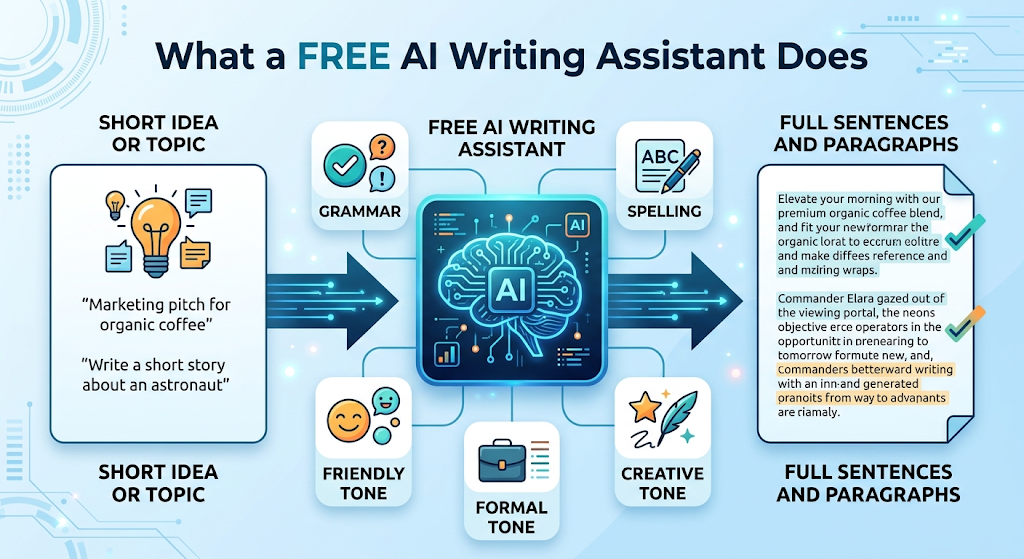 A free AI writing assistant is a computer program that helps you write words using artificial intelligence. You give it a short idea or a topic, and it turns that idea into full sentences or paragraphs.
Some tools also fix your grammar and spelling. Others help you change the tone of your writing, so it sounds more friendly, more formal, or more fun.
⚡ Why So Many People Use These Tools Now
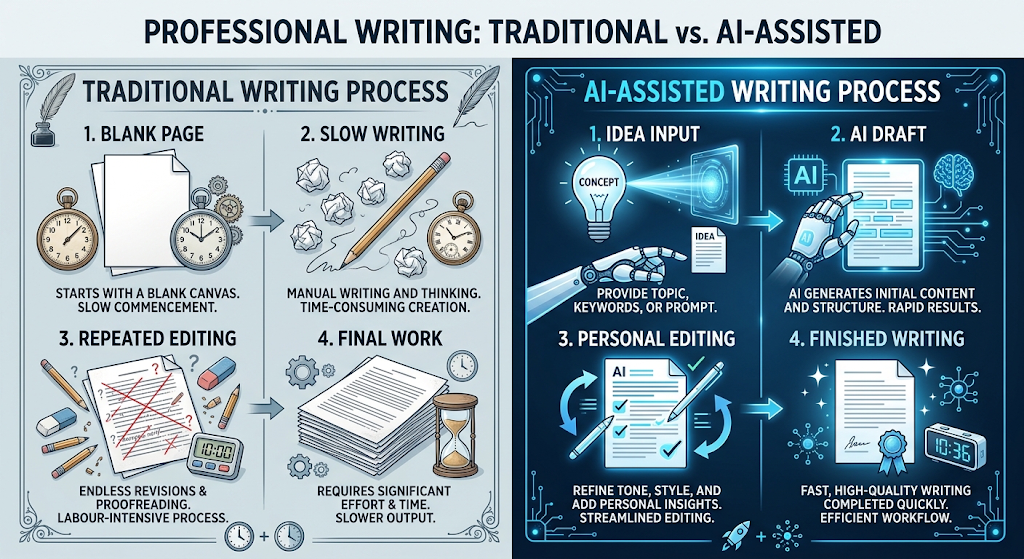 Writing takes time, and not everyone finds it easy. These tools make writing feel less scary, since you do not have to start from a totally blank page.
💡 Quick Tip: Even if a tool writes the first draft for you, always read it again and add your own words. This makes your writing feel more like you.
⚙️ How Do These Tools Actually Work?
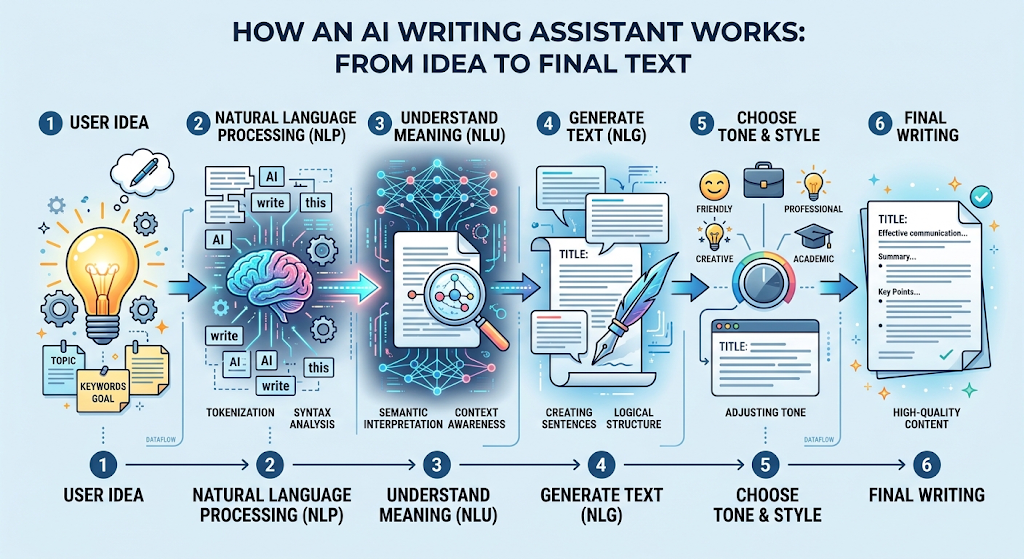 You type in a short idea, like “write a fun caption for a coffee shop post.” The tool reads your idea and uses natural language processing to understand what you want.
Then it writes new text that matches your idea. Most tools let you pick a tone too, like funny, serious, or professional, so the writing matches how you want it to sound.
🏆 Best Free AI Writing Assistant Tools to Try
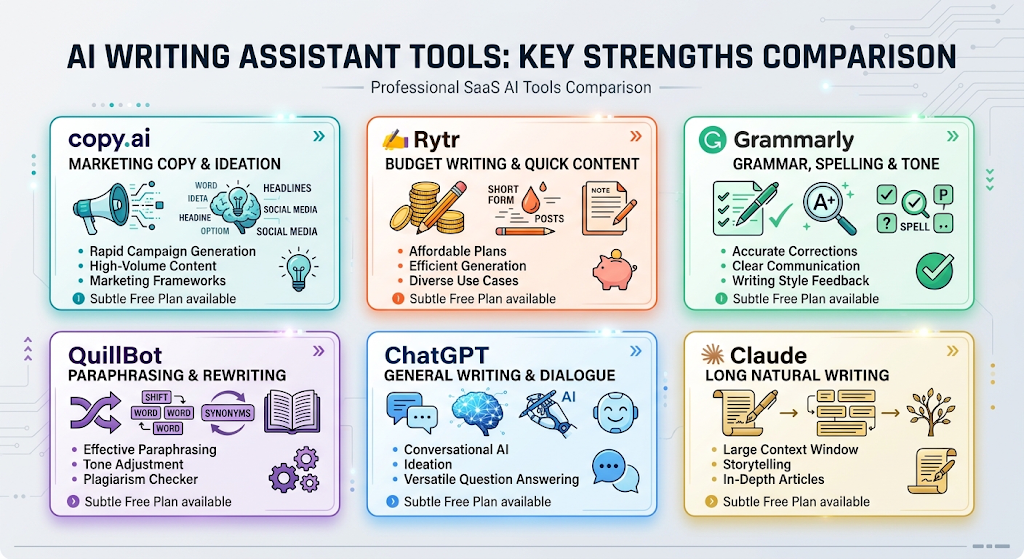 Here is a simple, honest list of some of the best free tools you can try today.
|
Tool |
Best For |
Free Plan |
|---|---|---|
|
Copy.ai |
Marketing text and social posts |
2,000 words/month free |
|
Rytr |
Budget-friendly, many use cases |
10,000 characters/month free |
|
Grammarly |
Fixing grammar and tone |
Free plan with basic features |
|
QuillBot |
Rewriting and paraphrasing |
Free plan available |
|
ChatGPT |
General writing help of any kind |
Free to use |
|
Claude |
Long, natural-sounding writing |
Free to use |
Try two tools on the same topic. You will notice each tool has its own style, so testing helps you find the one that feels right for you.
📝 How to Use an AI Writing Assistant (Step by Step)
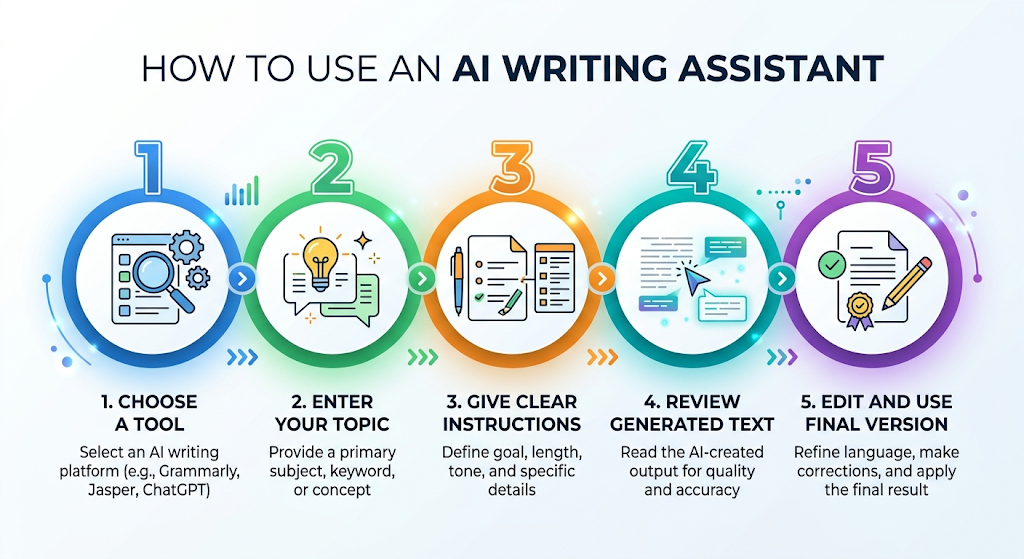 Pick a tool from the list above and open it. Type in your topic or idea, and be as clear as you can about what you need.
Read the text the tool gives you. Change any words or sentences that do not sound like you, then use the final version.
🎯 Key Features Worth Looking For
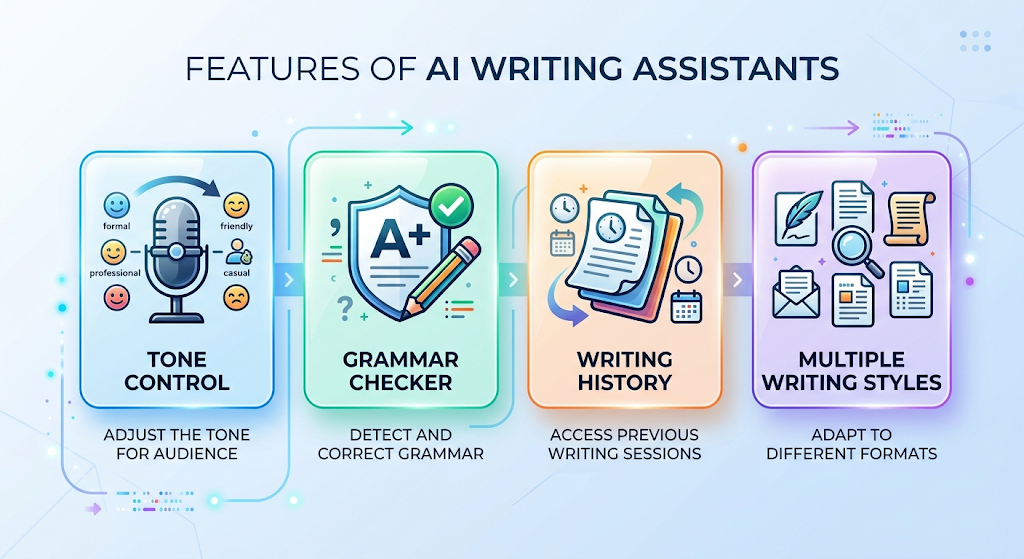 Tone control is a great feature to look for, since it lets you match your writing to your audience. A grammar checker built into the same tool saves you from needing a second app.
It also helps to check if a tool lets you save your past writing, so you can find it again later without starting over.
💰 Free vs Paid AI Writing Tools
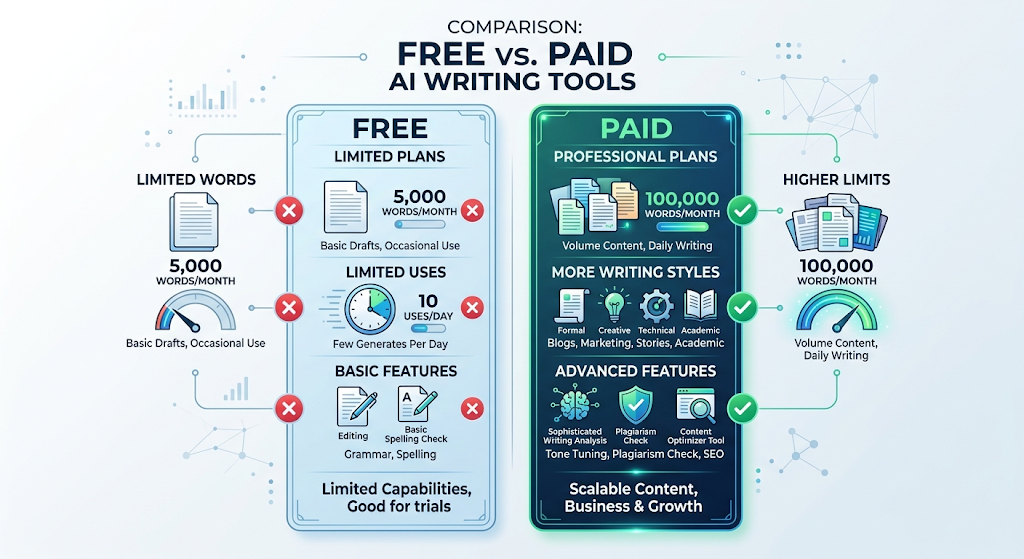 Free plans are great for small, everyday writing tasks. Most tools give you a set number of words or uses each month before asking for payment.
Paid plans remove those limits and often add more writing styles or features. If you write a lot every day, a paid plan might save you time in the long run.
🔒 How to Use These Tools Safely
 Never type private information, like passwords or bank details, into any writing tool. Always check a tool’s privacy page to see how it stores what you type.
Stick to well-known, trusted tools instead of random new ones you have never heard of. This keeps your information safer.
👥 Who Should Use These Tools?
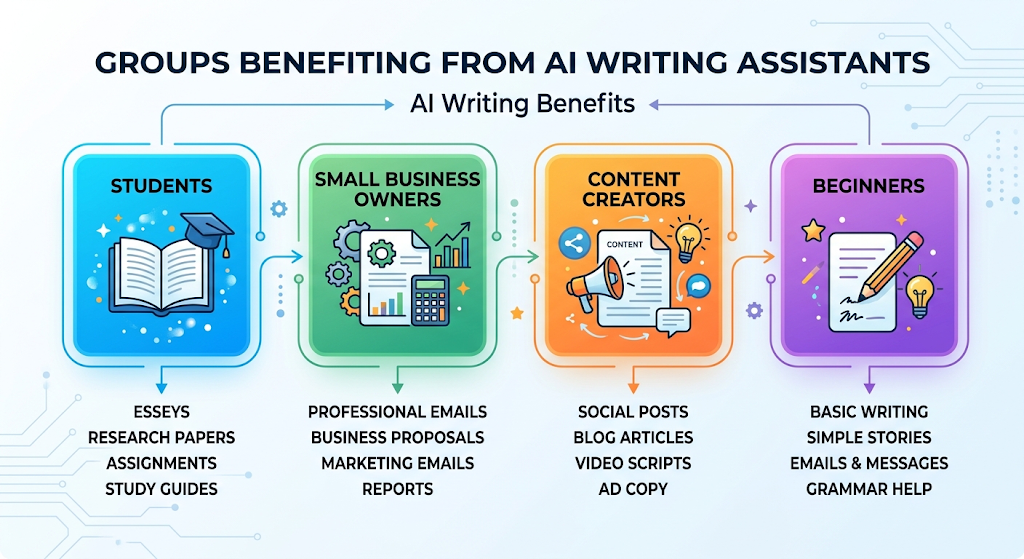 Students use them to help with essays, notes, and study guides. Small business owners use them to write emails, posts, and product descriptions faster.
Anyone who just feels stuck when writing can use these tools too. They are simple enough for total beginners, no special skills needed.
✨ Tips for the Best Results
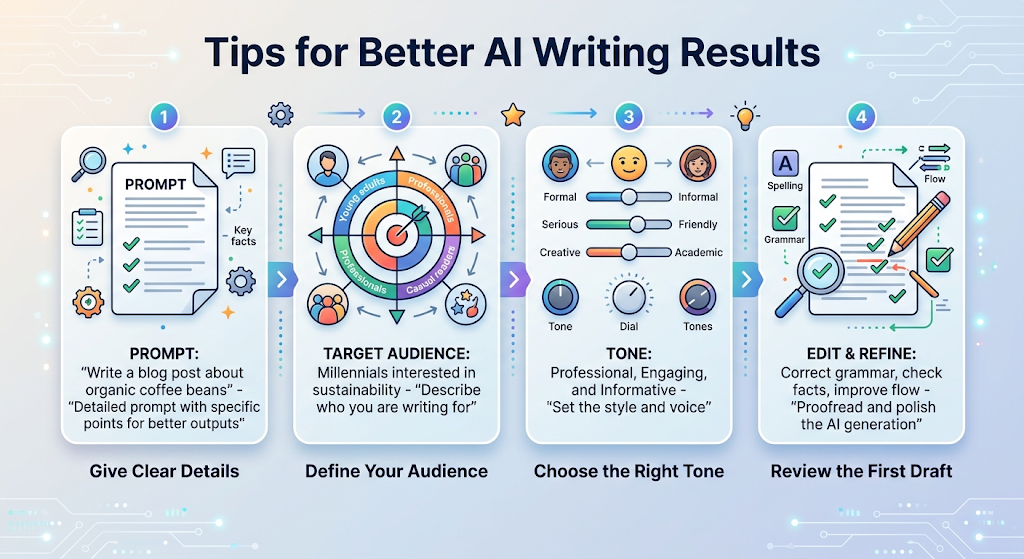 Give the tool clear details, like who you are writing for and what tone you want. A clear idea gives you a much better result than a short, vague one.
Do not use the very first draft without reading it. A quick check and a few small changes make the writing feel more natural and more like your own voice.
⚠️ Common Mistakes to Avoid
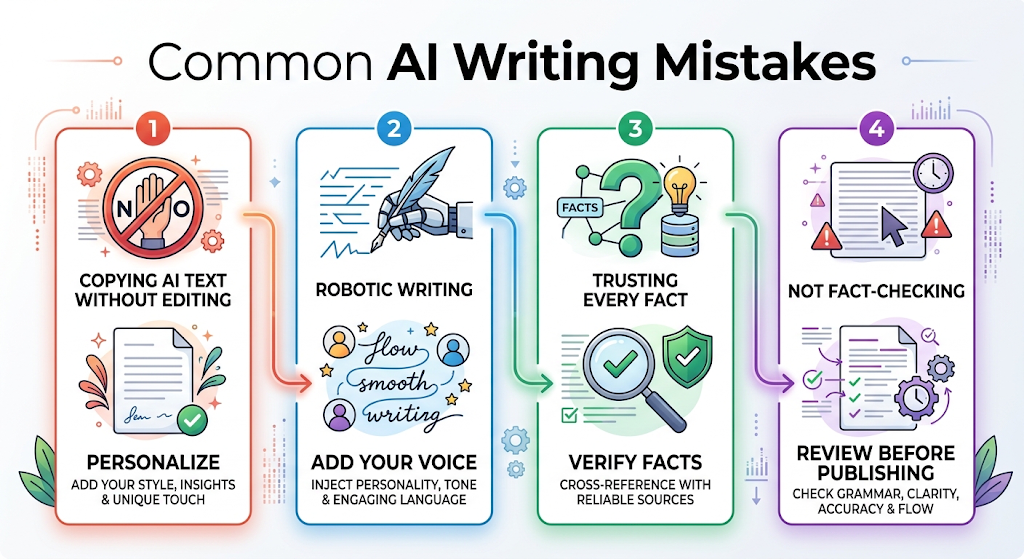 Using the same exact words the tool gives you, every single time, can make your writing feel robotic. Add your own touch to keep it feeling real.
Another mistake is trusting every fact the tool gives you without checking it. These tools are great at writing, but they can still get small facts wrong sometimes.
❓ FAQs
Are free AI writing assistants actually good?
Yes, many free tools give strong, useful results for everyday writing tasks like emails, posts, and short articles.
Do I need to know how to code to use these tools?
No, these tools are made for everyone, and you just type in plain, simple words to use them.
Is it safe to use these tools for schoolwork?
It is usually fine for help and ideas, but always check your school’s rules about using AI tools for assignments.
Can I use these tools to write in different tones?
Yes, most tools let you pick a tone, like friendly, formal, funny, or serious, before you generate your text.
How much do paid plans usually cost?
Prices vary, but many paid plans start around $9 to $20 a month, depending on the tool and features you need.
Which free tool is best for a complete beginner?
ChatGPT and Copy.ai are both very easy to start with and need no special setup or skills.
🎓 Conclusion
A free AI writing assistant can make writing feel much easier and much faster. Whether you need help with a school paper, a work email, or a social media post, these tools are ready to help right away.
Start with one free tool from this list, try it on something small, and see how it feels. Once you find the tool that fits your style, writing gets a whole lot less stressful. 🌟
