
 AI note taking tools have quietly solved one of the most annoying parts of working life: trying to listen carefully in a meeting while also scribbling down notes fast enough to keep up. These tools now record, transcribe, and summarize entire conversations automatically, so nothing important gets missed. Demand has grown fast as more teams work across time zones and rely on recorded calls instead of everyone attending live. In this guide, we’ll cover the best tools worth trying, how they actually work, and how to pick the right one for your needs. 🎙️
🔍 What Are AI Note Taking Tools?
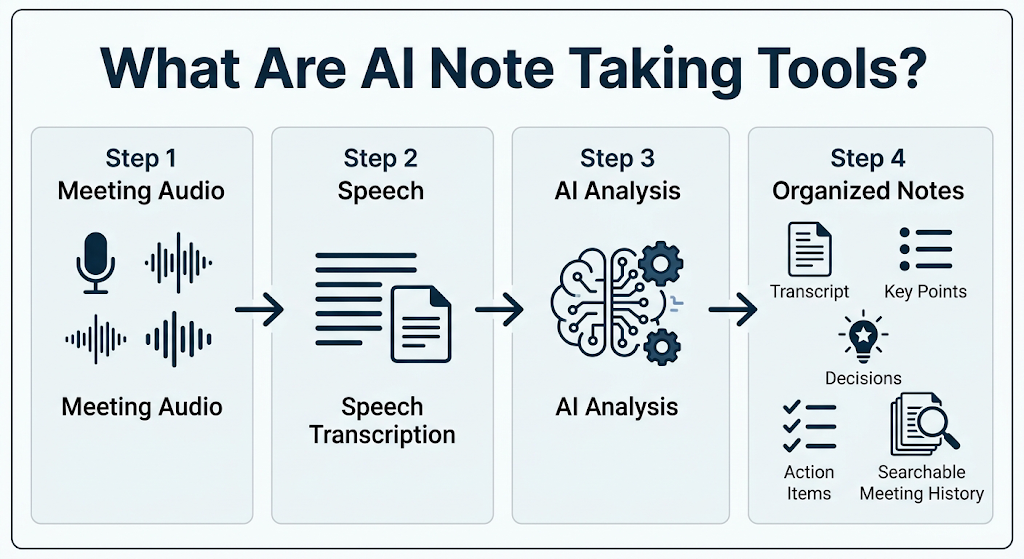 These are apps that join or record your meetings, then use artificial intelligence to turn spoken conversation into clear, organized notes. Instead of typing frantically, you can stay fully present in the discussion.
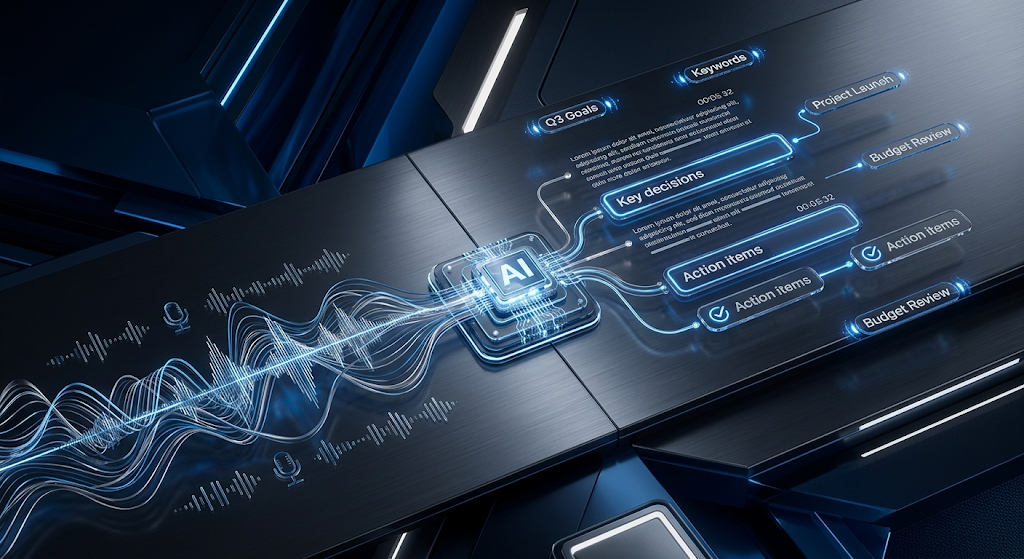
Most tools go beyond plain transcripts too. They highlight key decisions, flag action items, and let you search back through old meetings just by typing a keyword.
This search feature alone tends to be the biggest time-saver for regular users. Instead of trying to remember which call a specific detail came from, you can just search the phrase and jump straight to it. 
⚡ Why This Tool Category Has Taken Off
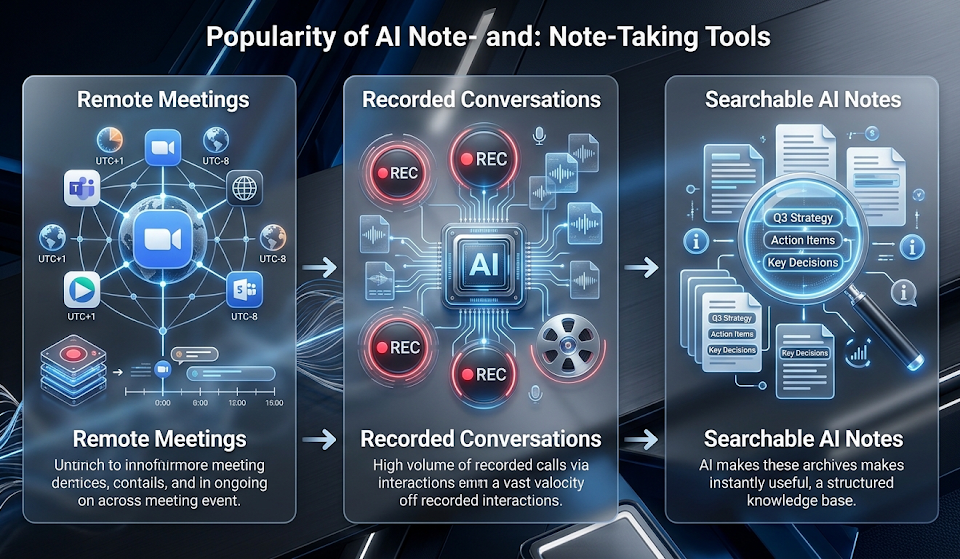
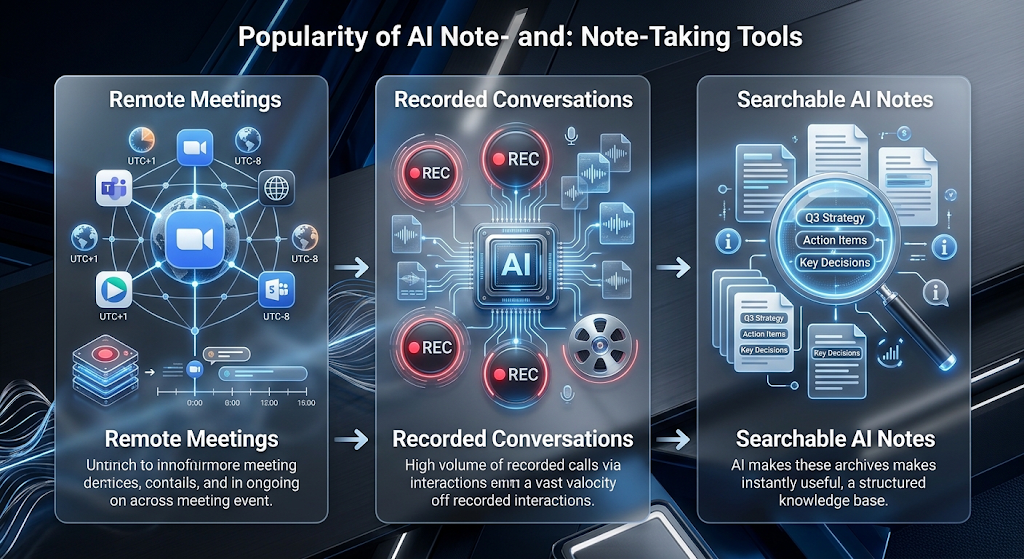 Remote and hybrid work made recorded meetings far more common than they used to be. With that shift, having a reliable, searchable record of every conversation suddenly became genuinely useful, not just a nice extra.
💡 Quick Tip: Even if you attend a meeting live, running a note taker in the background still helps, since it’s easy to miss small details while actively participating in the discussion.
⚙️ How These Tools Actually Work
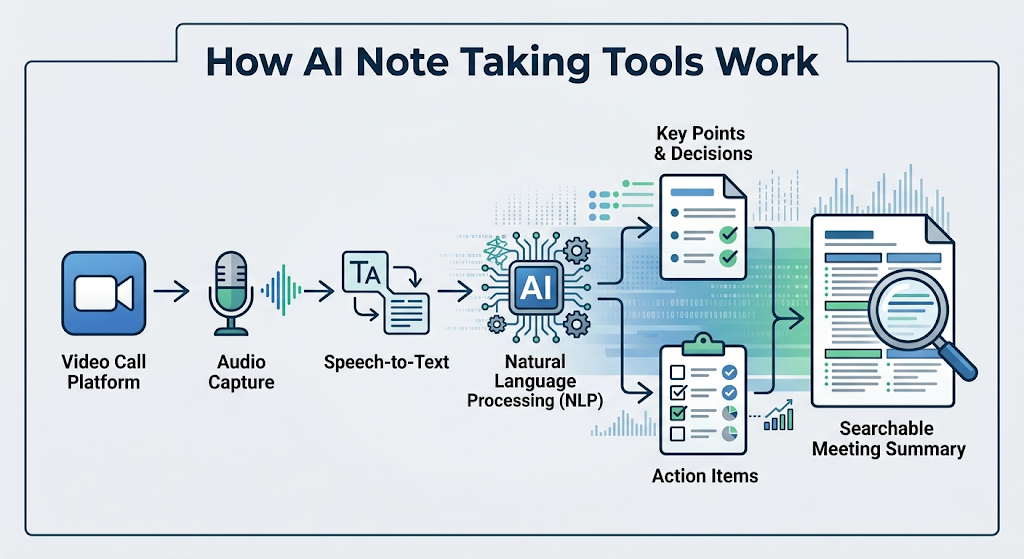 Most platforms connect directly to video call apps like Zoom, Google Meet, or Microsoft Teams. Once connected, the tool listens in and converts speech to text in real time using natural language processing.
After the meeting ends, the tool organizes everything into a clean summary, often separating key points, decisions, and next steps into their own clearly labeled sections.
Some advanced tools also track sentiment and speaking patterns over time, which can be genuinely useful for sales teams reviewing how a client responded to a pitch across several calls.
🏆 Best AI Note Taking Tools to Try
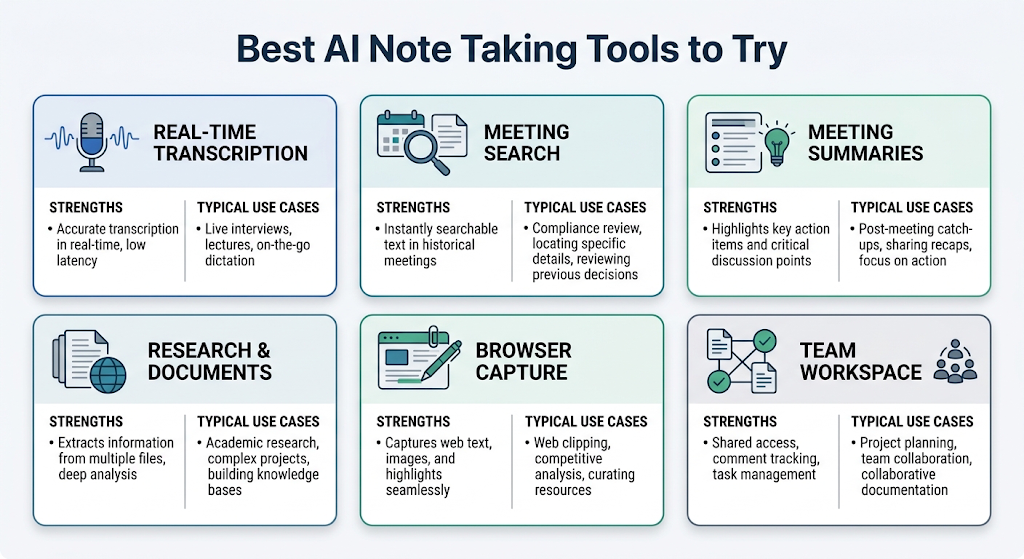 Here’s an honest breakdown of the standout options based on real features and typical use cases.
|
Tool |
Best For |
Free Plan |
|---|---|---|
|
Otter.ai |
Real-time transcription during live calls |
Limited free minutes/month |
|
Fireflies.ai |
Searching across many past meetings |
Free plan with limits |
|
Fathom |
Quick, no-cost meeting summaries |
Fully free tier |
|
Google NotebookLM |
Combining notes with research and documents |
Fully free |
|
Tactiq |
Simple, browser-based capture for Meet and Zoom |
Free plan available |
|
Notion AI |
Teams already organizing work inside Notion |
Included with paid plans |
Try a tool during a real meeting before committing to a paid plan. Accuracy can vary depending on accents, background noise, and how many people are speaking at once.
🧩 Key Features Worth Checking For
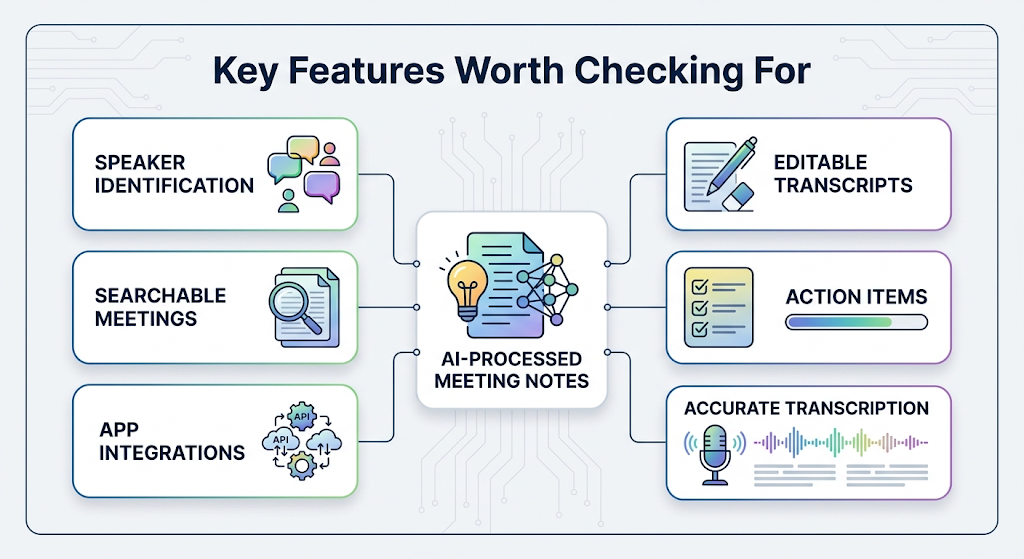
Speaker identification matters a lot in group meetings, since knowing who said what makes notes far more useful later. Search functionality is another big one, letting you find a specific comment across dozens of past meetings instantly.
Integration with your existing tools, like project management apps or shared documents, also saves a lot of manual copying and pasting after each call.
Editable transcripts are worth checking for too. Being able to quickly fix a misheard name or term keeps your records accurate without needing to redo the entire summary from scratch.
💰 Free vs Paid AI Note Taking Tools
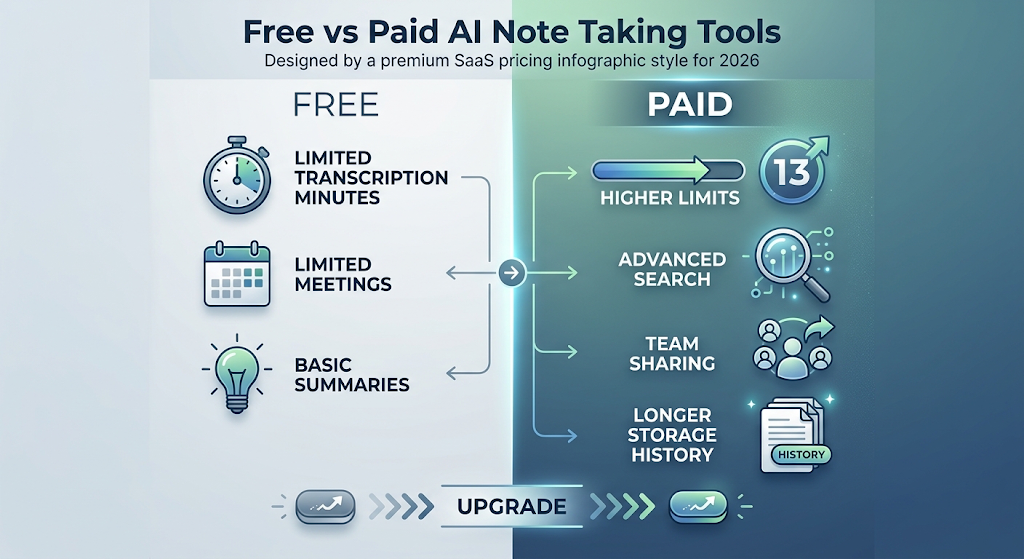 Free plans are often enough for occasional users, though they usually cap monthly transcription minutes or the number of meetings recorded. This is a solid way to test a tool before spending anything.
Paid plans typically remove those limits and add features like advanced search, team sharing, and longer storage history. Teams recording meetings daily tend to get the most value from upgrading.
🔒 How to Use These Tools Safely
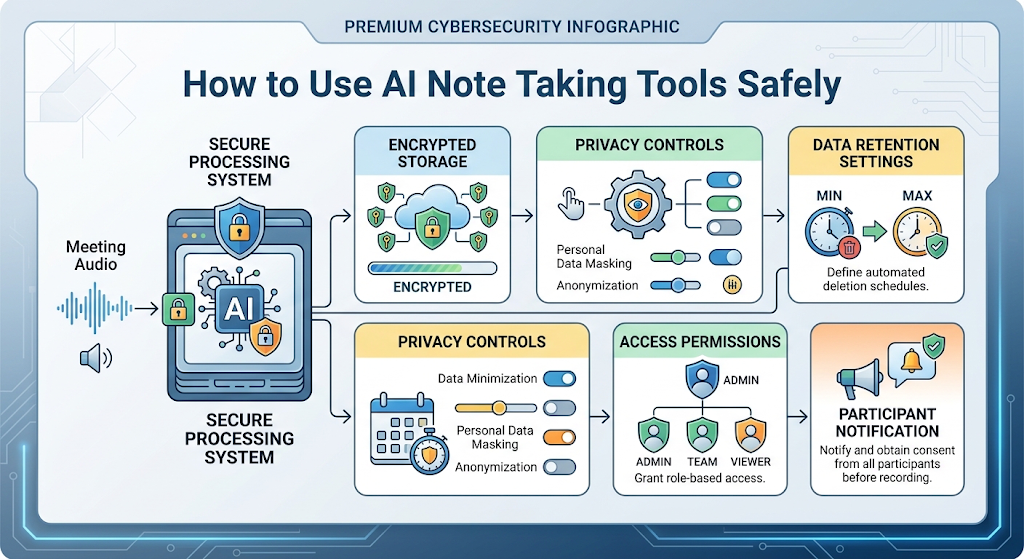 Meeting recordings often include sensitive business details, so it’s worth checking how long a tool stores your data and who else can access it. Reputable tools clearly explain their cloud storage and security practices upfront.
It’s also considerate, and sometimes legally required, to let meeting participants know a note taker is recording and transcribing the conversation before it starts.
👥 Who Should Use These Tools?
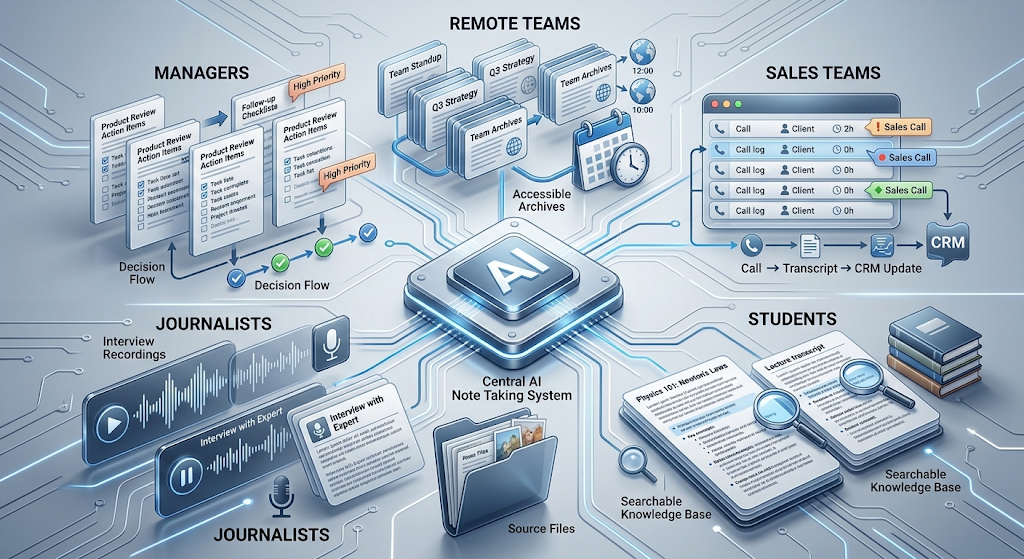 Remote teams benefit enormously, since recorded meetings become searchable references instead of memories that fade within a day. Sales teams use them to review calls and catch details they might otherwise miss while focused on the conversation itself.
Students and journalists find them useful too, turning long interviews or lectures into clean, reviewable text without manual transcription work.
Managers running frequent one-on-one meetings also benefit, since it becomes far easier to track commitments and follow up consistently across many different team members over time.
✨ Tips for the Best Results
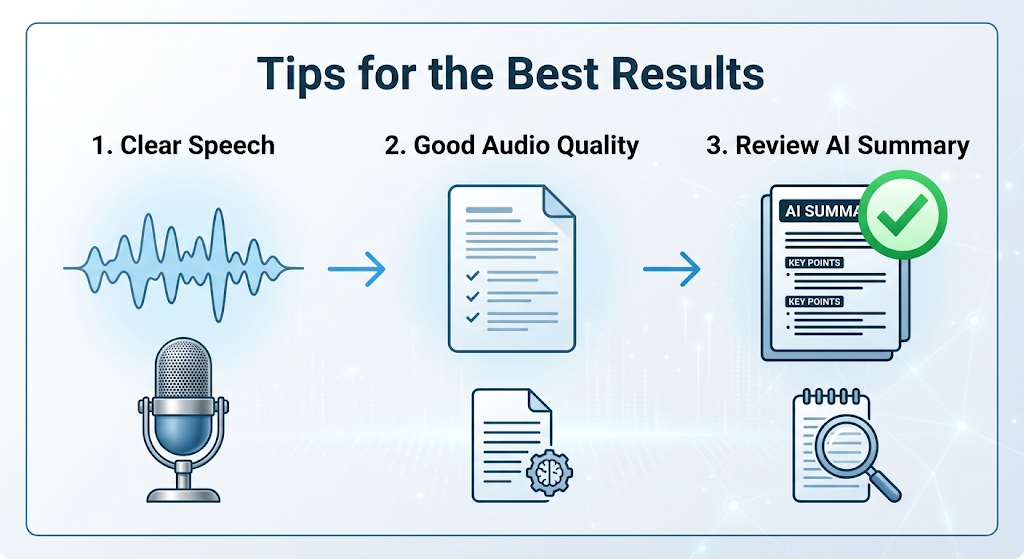 Speak clearly and avoid talking over others when possible, since overlapping speech is still one of the trickiest things for these tools to handle accurately. Good audio quality makes a noticeable difference in transcript accuracy too.
Review the AI-generated summary shortly after each meeting while the context is still fresh. This makes it much easier to catch and correct anything the tool misunderstood.
⚠️ Common Mistakes to Avoid
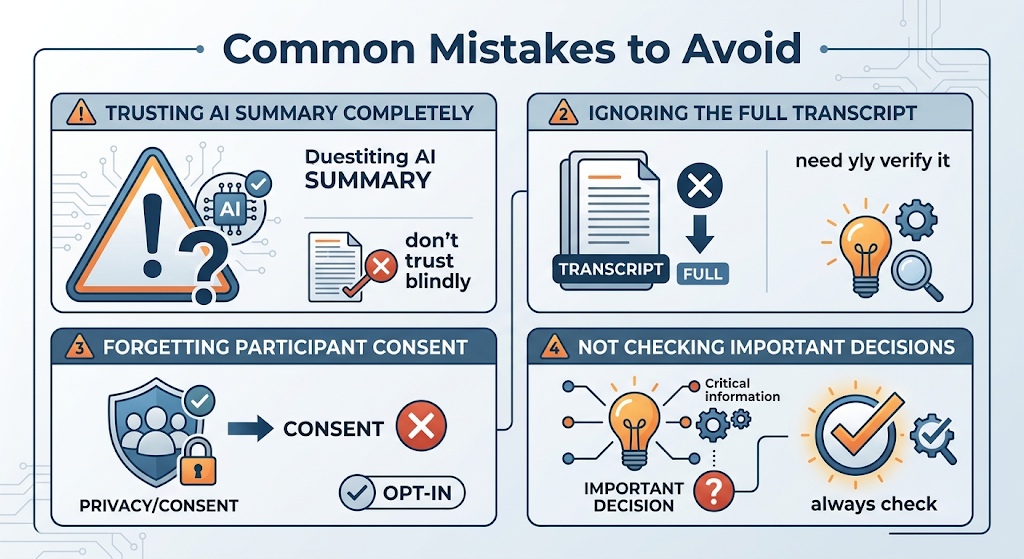 Relying completely on the AI summary without ever checking the full transcript is a common mistake, especially for meetings involving important decisions. Summaries are helpful, but nuance sometimes gets lost.
Another mistake is forgetting to inform participants about recording, which can create trust issues or even legal problems depending on where your meeting takes place.
❓ FAQs
Are AI note taking tools accurate for meetings with heavy accents?
Accuracy has improved significantly, though results can still vary, so reviewing important sections of the transcript is always a good habit.
Is it legal to record meetings with an AI note taker?
Laws vary by location, so it’s best to inform participants and check local recording consent requirements before using these tools regularly.
Do these tools work with every video call platform?
Most major tools support popular platforms like Zoom, Google Meet, and Microsoft Teams, though it’s worth checking compatibility for less common apps.
Can I use these tools for in-person meetings too?
Yes, many apps can record audio directly from your phone or laptop microphone, not just virtual calls.
How much do these tools typically cost?
Many offer a usable free plan, with paid tiers often starting around $10 to $20 a month depending on the features included.
Is my meeting data safe with these tools?
It’s generally safe with well-known, reputable providers, though it’s worth reviewing their data storage and privacy policies for sensitive discussions.
🎓 Conclusion
AI note taking tools have turned meeting notes from a stressful juggling act into something that just quietly happens in the background. Starting with a free plan on a tool like Fathom or Otter.ai is enough to see how much mental space it frees up during actual conversations.
Once you get used to reviewing a clean, searchable summary instead of scrambling through handwritten notes, it becomes one of those small upgrades that ends up mattering a lot more than expected. 🌟