
 A strong resume gets you nowhere if a recruiter never finds your profile in the first place. According to LinkedIn’s own reported data, members who list five or more skills on their profile get contacted up to 33 times more often by recruiters, and receive 17 times more profile views, than members with fewer skills listed. Separately, the Jobvite Recruiter Nation Survey, widely cited across hiring research, found that 87 percent of recruiters use LinkedIn as part of how they search for and vet candidates. Put those two facts together and the math is simple: most hiring now starts with a LinkedIn search, and most people’s profiles are not built to be found in one. This guide covers the free AI tools that fix that, and which ones let you check your profile without handing over an email address first.
What Is a Free AI LinkedIn Profile Optimizer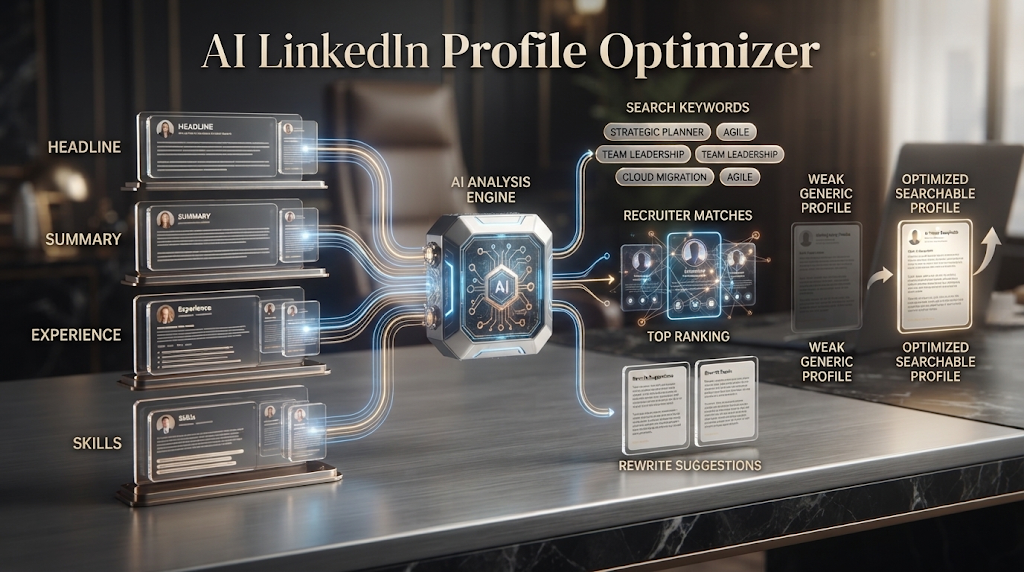
A free AI LinkedIn profile optimizer is a tool that reviews your LinkedIn headline, summary, experience section, and skills list, then tells you how to rewrite them so recruiters actually find you in a search. You usually paste in your profile text, or sometimes your public profile link, and the AI compares it against what recruiters in your target role typically search for.
This is a different job than a resume checker. A resume is read after someone already has it in hand. A LinkedIn profile needs to be found first, through a search, before anyone reads anything at all. That difference is why LinkedIn optimization leans heavily on keywords and a concept called search engine optimization, the same basic idea Google uses, just applied to LinkedIn’s internal recruiter search tool instead. 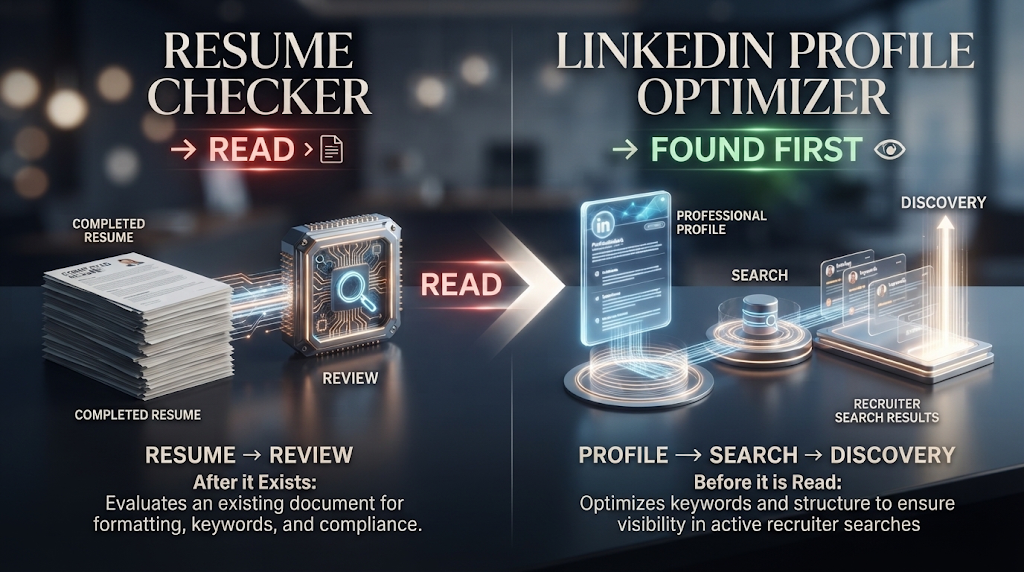
📊 Why Being “Findable” Matters More Than Most People Realize
LinkedIn’s own reported figures show the scale of this: more than 9,000 job applications get submitted on the platform every minute, and roughly 65 million people search for jobs there every single week. Inside that much noise, a recruiter isn’t reading every profile closely. They are searching by keyword, job title, skill, and location, and only opening the profiles that come up in that search. 
This is exactly why the skills-section statistic matters so much. If your profile is missing the specific skill keywords a recruiter searches for, you don’t rank lower in their results. You often don’t appear at all, regardless of how qualified you actually are for the role.
💡 Quick Tip: Your headline and skills section carry more search weight than your summary. If you only have time to optimize one part of your profile, start there.
🏆 Free LinkedIn Optimizer Tools Worth Trying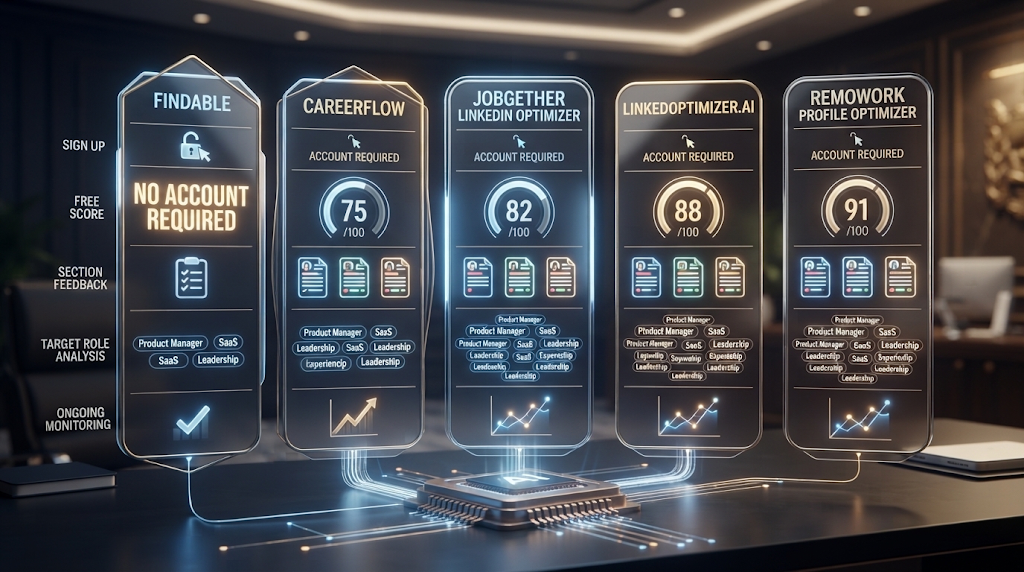
|
Tool |
Sign Up Needed? |
Free Plan Includes |
Best For |
|---|---|---|---|
|
Findable |
No |
Free AI readiness score in 30 seconds |
Quick, no-account visibility check |
|
Careerflow |
Yes |
Free real-time section feedback |
Detailed, section-by-section suggestions |
|
Jobgether LinkedIn Optimizer |
Yes |
Free score and top fixes |
Scoring against a specific target role |
|
LinkedOptimizer.AI |
Yes |
Free instant profile score (0-100) |
Comparing against real hiring standards |
|
RemoWork Profile Optimizer |
Yes |
One free full AI analysis, unlimited quick scores |
Ongoing light-touch monitoring |
Free-tier limits and signup requirements change often in this space — confirm current details on each tool’s own site before relying on it.
Findable stands out as one of the only tools here that works with no account at all, simply by pasting in your public LinkedIn URL. Careerflow and Jobgether both offer deeper, section-specific feedback once you’re willing to create a free account.
⚙️ How These Tools Actually Work
You provide your profile content, either by pasting each section or linking your public profile. The AI uses natural language processing to compare your headline, summary, and skills against the language recruiters in your target field actually search for, based on patterns the tool has learned from real job postings and hiring data.
The output usually includes a numeric score, a breakdown by section, and specific keyword suggestions you’re currently missing. A good tool explains why a suggestion matters, not just what to change, since a stronger headline written without understanding why it works is harder to keep consistent as you update your profile later.
📝 Step by Step: Optimizing Your Profile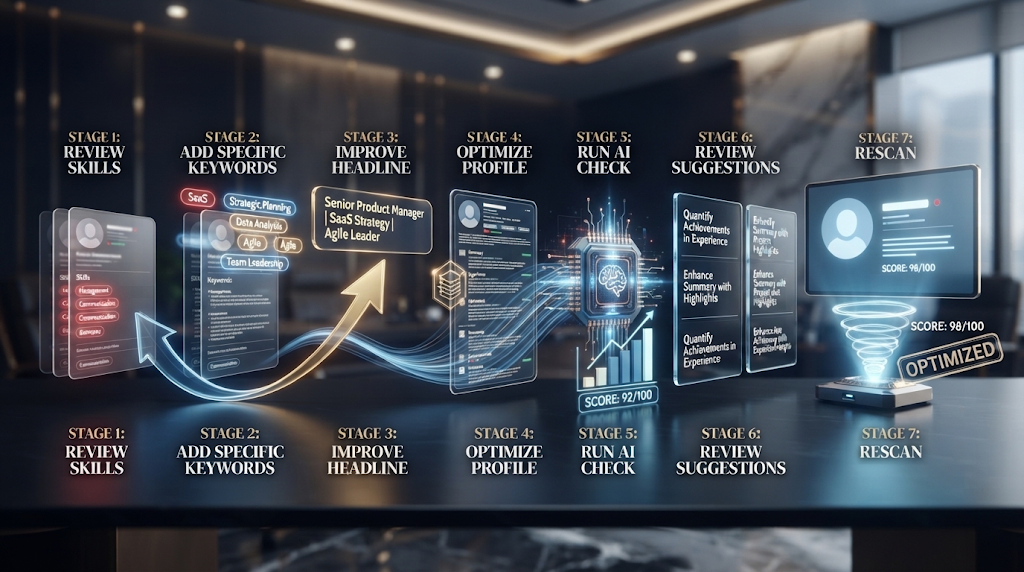
Start with your skills section, since the data above shows this single section has an outsized effect on how often recruiters find you at all. Aim for a complete, specific list rather than a vague one, since generic terms are searched less often than specific job titles and tools.
Rewrite your headline next, since it’s the first and sometimes only thing a recruiter sees in a list of search results. Run your updated profile through the tool a second time after making changes, since most optimizers let you rescan for free and confirm your score actually improved.
🎯 Completing Your Job Search Toolkit
A strong LinkedIn profile works best alongside the rest of your application materials. If you haven’t built a resume yet, a free AI resume builder can help you draft one, and a free ATS resume checker can confirm it passes automated screening once it’s done. When you’re ready to apply, a free AI cover letter generator can help you write a matching letter, and a free AI mock interview tool can get you ready for the conversation that follows.
💰 Free Plans vs Paid Plans
Free plans are usually enough for a one-time profile check-up, especially from a tool like Findable that gives a full readiness score at no cost. Most other tools in this category offer one solid free analysis, then ask for a subscription if you want to track changes over time or rescan after every update.
Paid plans typically add ongoing monitoring, side-by-side comparisons against profiles of people already working in your target role, and sometimes direct integration with a resume builder so your documents and profile stay consistent. If you’re actively job hunting and updating your profile weekly, a paid plan’s unlimited rescans can be worth it. For a single, thorough optimization pass, the free tier of a generous tool is usually enough.
📈 What the Recruiter Search Numbers Actually Mean for You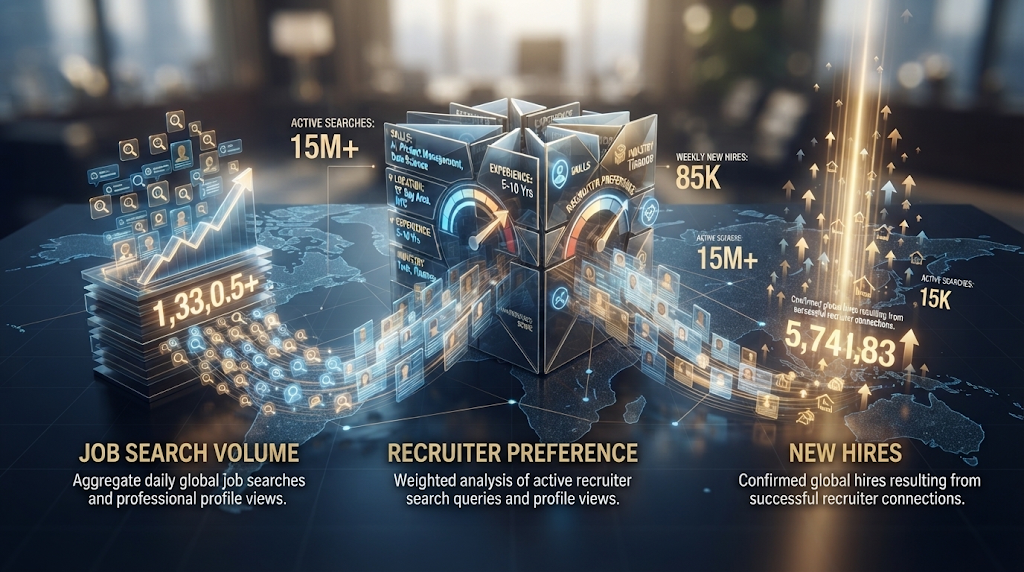
It’s worth sitting with the scale of LinkedIn’s own reported numbers for a moment. Over three million new hires happen through the platform every year, and eight people are hired through it every single minute. At the same time, LinkedIn reports that 72 percent of recruiters consider hires made through the platform to be higher quality than candidates sourced elsewhere, which is part of why recruiting teams keep investing more time there rather than less.
This creates a kind of quiet filter most job seekers never see happening. A recruiter searching for, say, “data analyst” plus a specific tool like SQL or Tableau will see a ranked list of matching profiles, and most recruiters only review the first page or two of results before moving on. If your profile doesn’t contain those exact search terms, you don’t rank lower on that list. You frequently don’t appear on it at all, which is a very different problem than having a weak profile that a recruiter saw and passed on.
This is why keyword-focused optimization matters more on LinkedIn than it might feel like it should. It’s not about tricking an algorithm. It’s about describing your real experience using the same specific words a recruiter is actually typing into the search bar.
🔒 Using These Tools Safely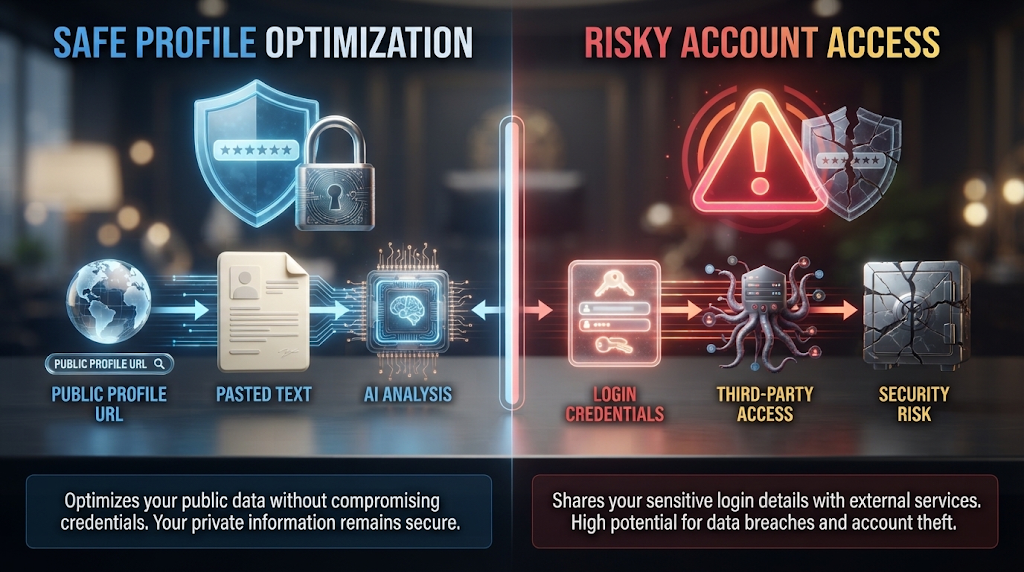
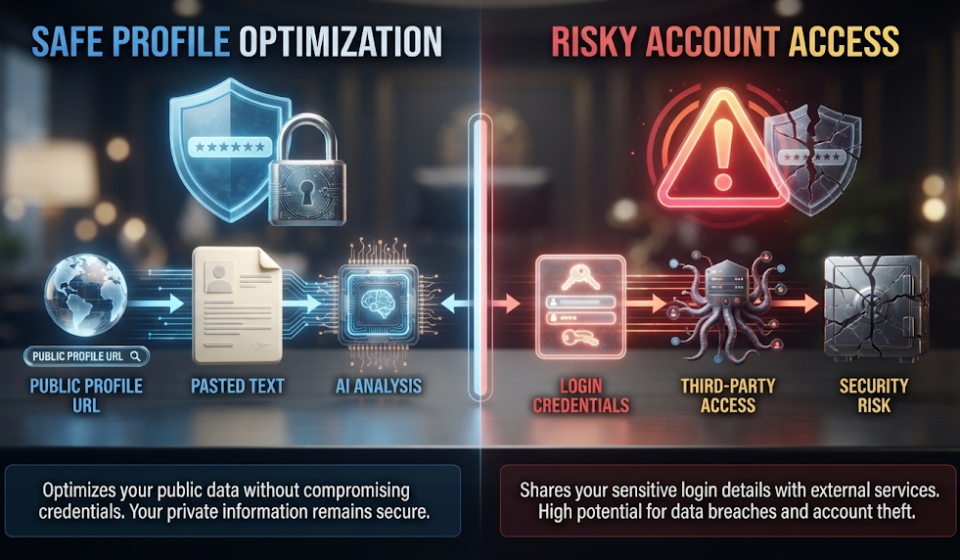
Be cautious about which tools ask for your LinkedIn login credentials directly rather than just your public profile link or pasted text, since handing over a password to a third-party tool carries real risk. A tool that only needs your public profile URL or copied text is generally safer than one requesting account access.
Check a tool’s privacy policy before uploading a full profile export, especially one containing your full work history and contact details, since some free tools store this data to improve their own systems.
⚠️ Common Mistakes to Avoid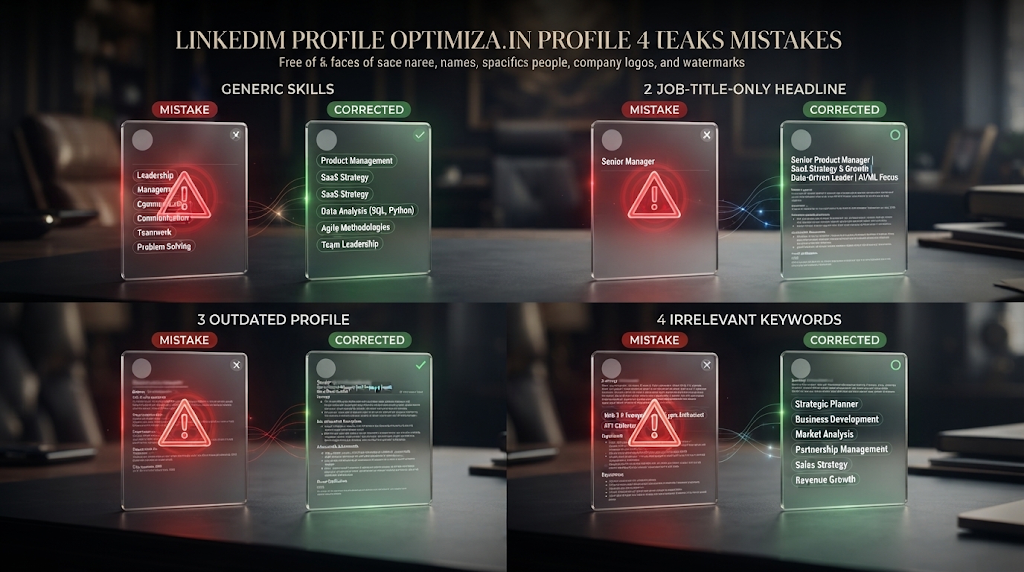
Listing vague, generic skills instead of specific ones is the most common mistake, given how directly the skills section affects how often you’re found in search, based on the 33x statistic covered earlier. Writing a headline that only states your job title, like “Marketing Manager,” without any searchable detail about your specialty or industry, wastes the most visible part of your entire profile.
Optimizing your profile once and never updating it again is a smaller but real mistake too, since LinkedIn’s search also favors profiles that show regular activity, not just strong keyword content.
👥 Who Should Use a LinkedIn Profile Optimizer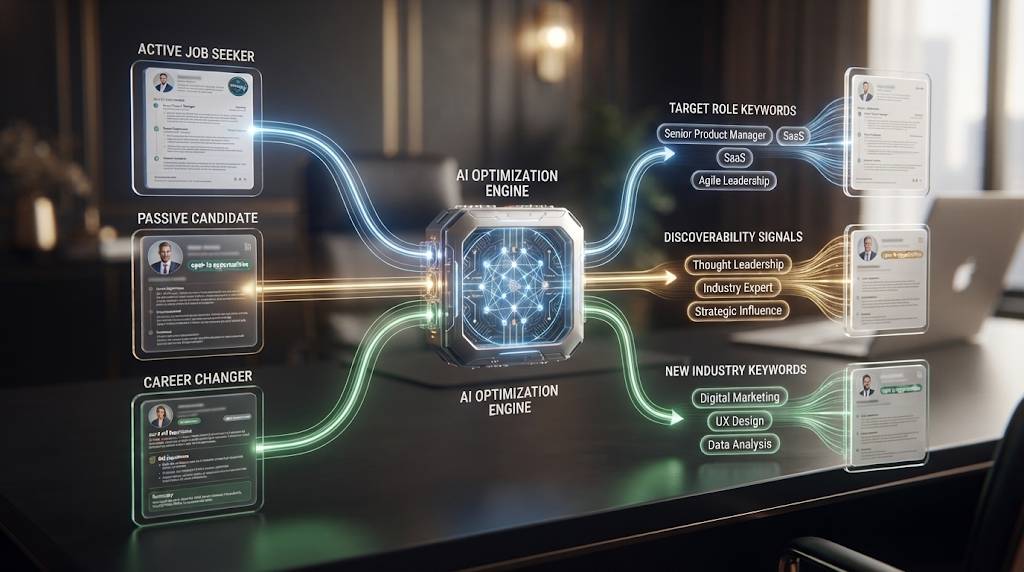
Active job seekers get the most direct benefit, given how much of modern recruiting starts with a keyword search rather than a job posting response. Passive candidates, people not actively job hunting but open to the right opportunity, benefit too, since a well-optimized profile can surface real offers without ever submitting a single application. Career changers moving into an unfamiliar industry should pay particularly close attention, since their existing profile likely lacks the specific keywords recruiters in the new field search for.
❓ Frequently Asked Questions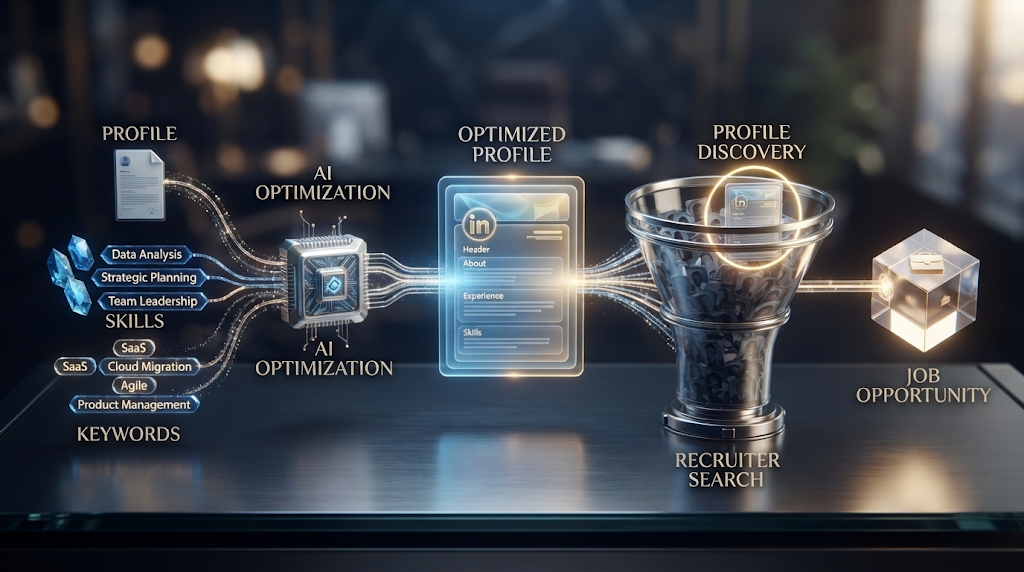
Is there really a free LinkedIn optimizer with no sign up?
Yes, Findable currently offers a free AI readiness score with no account required, using just your public profile link.
How much does my skills section actually matter?
A great deal — LinkedIn’s own data shows members with five or more listed skills get contacted up to 33 times more often by recruiters.
Will these tools automatically change my LinkedIn profile for me?
No, most tools give you specific suggestions and rewritten text, but you choose what to copy over and update on LinkedIn yourself.
Is it safe to give a tool my LinkedIn login?
Avoid tools that ask for your login credentials directly. A tool that only needs your public profile link or pasted text is safer.
Do I need a complete profile before using an optimizer?
No, most tools work whether you’re starting from scratch or improving an existing, complete profile.
How often should I re-optimize my profile?
Whenever you gain a new skill, change roles, or notice your profile views dropping, since keeping it current matters as much as the initial optimization.
Does being active on LinkedIn actually affect my search ranking?
Yes, LinkedIn’s search tends to favor profiles showing regular activity in addition to strong keyword content, not keywords alone.
Can an AI optimizer help me if I’m changing industries completely?
Yes, often more than for someone staying in their current field, since it can surface the specific keywords a new industry searches for that your current profile likely lacks.
🎓 In Short
With 87 percent of recruiters using LinkedIn to search for and vet candidates, and members with a complete skills section getting contacted up to 33 times more often, a free AI LinkedIn optimizer addresses one of the biggest invisible gaps in most job searches. Findable is the simplest place to start if you’d rather not create an account, while tools like Careerflow and Jobgether offer deeper, section-by-section rewriting once you’re ready to go further. Pair an optimized profile with a strong resume, a tailored cover letter, and some real interview practice, and you’ve covered every stage a recruiter actually sees.
Reviewed by the BrainxoAI Editorial Team, which researches and compares free AI tools for job seekers, students, and career changers.