
The rest of this guide explains what we did, why other websites give different numbers, and how to get more from your free messages.
What Is Grok’s Free Plan?
Quick answer: Grok is a chatbot you can use on grok.com and in the phone apps. The company’s own page says it is free to start. Paid plans raise the limits.

The official Grok welcome page says Grok is free to start. It also says paid SuperGrok plans raise your limits and use one weekly usage allowance. The page was last updated on October 10, 2026.
With the free plan, you can chat, talk to Grok with your voice, and upload files. The help page says you can sign in once, and your chats stay the same on the web and in the iPhone and Android apps.
Please note that Grok Bot is not the same thing. The official help page says Grok Bot is a different product from Grok on grok.com. This guide is only about the normal chat.
What Does the Company Say About the Free Limit?
Quick answer: The company says free users have separate limits for Chat and Voice, and these reset on their own schedule. It does not say how many messages you get. 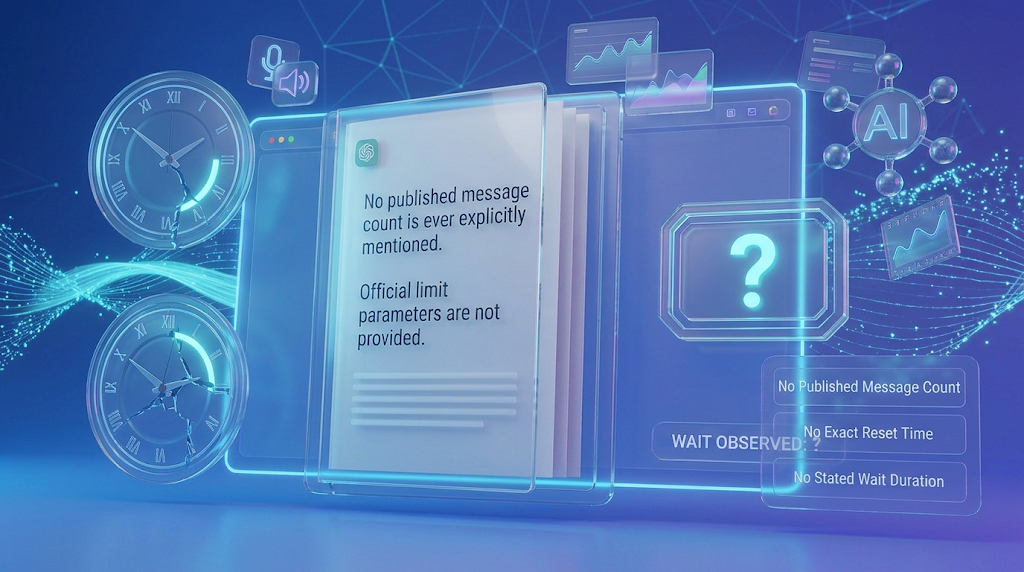
The official Grok help page, updated on October 20, 2026, has only one clear sentence about free limits. It says that free-tier limits on Chat and Voice are separate from the weekly usage limit, and they reset on their own schedule.
Look at what is missing. The page does not give a number of messages. It does not give a reset time. It does not say how long you wait.
The help page does explain the paid plan. Paid users get one shared weekly usage pool. The pool resets once a week, and you can see the date in Settings, under Usage. The page also says that when a paid user runs out, they can still use the free Chat and Voice limits.
So there are two different clocks. The paid weekly pool is one. The free limit is another. This is why many people get confused.
What We Counted
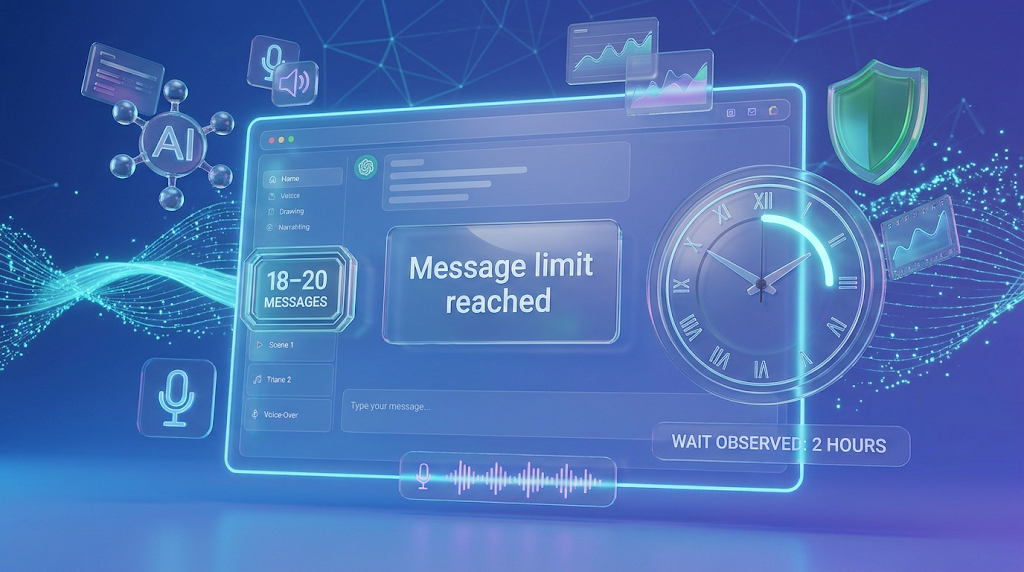
Quick answer: We sent messages one after another on a free account. We hit the limit three times in one morning. The first time we sent 20 messages, then 18, then 20. 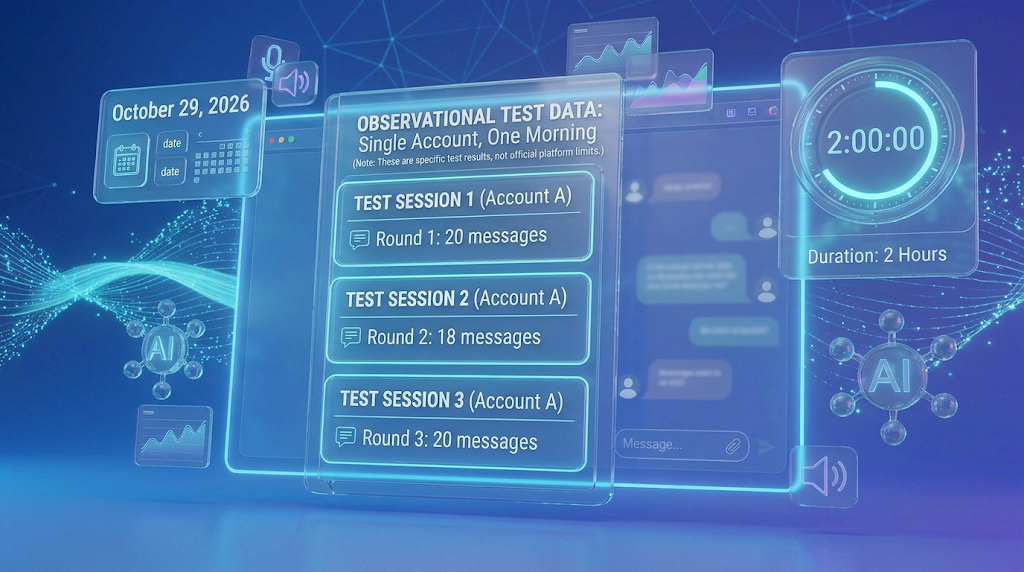
Our team tested this on the morning of October 29, 2026. We used a free account and sent short messages, one after another, until Grok showed a limit message.
Here are our results:
|
Round |
When it happened |
Messages sent before the limit |
What we saw |
|---|---|---|---|
|
1 |
Started at 8:06 in the morning; limit at 8:19 |
20 |
Limit reached; the wait was 2 hours |
|
2 |
Around 10 o’clock |
18 |
Limit reached again |
|
3 |
Around 12 o’clock |
20 |
Limit reached again |
Let us look at what this tells us. In total, we sent 58 messages in about four hours. Each round gave us close to 20 messages. And each time, the wait was about two hours. 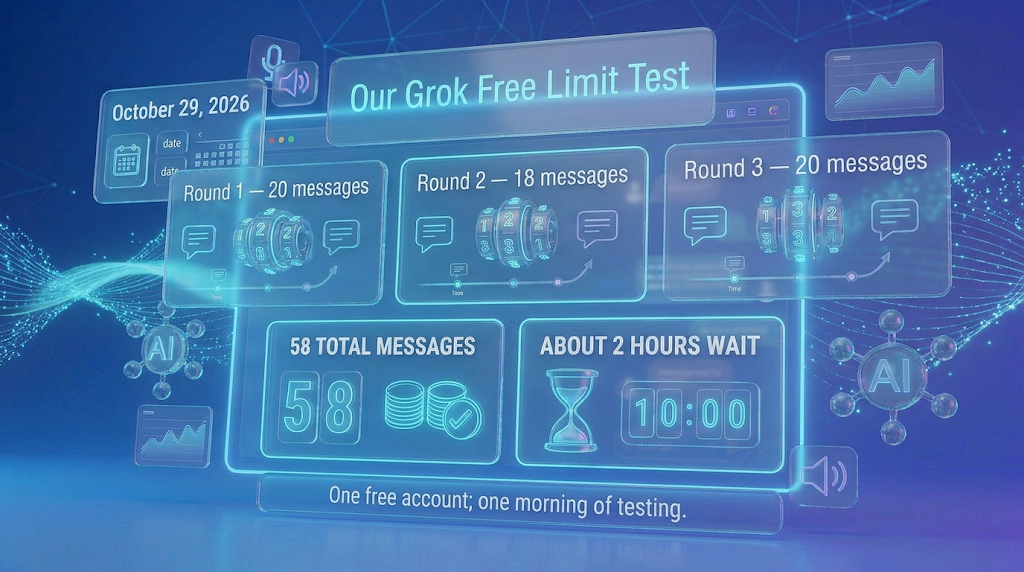
Notice also how fast it was. In the first round, we used all 20 messages in only 13 minutes. So in our test, the limit seemed to depend on how many messages we sent, not on how long we chatted.
We want to be clear about what this does not prove. We tested one account on one morning. We did not write down which Grok model we used. Grok can change its limit at any time, and it may be different for you.
Why Do Other Websites Give Different Numbers?
Quick answer: Because the company does not publish a number, each website guesses. Some say 10 messages, some say 20, and some say 20 a day. Our own count was close to the higher guess. 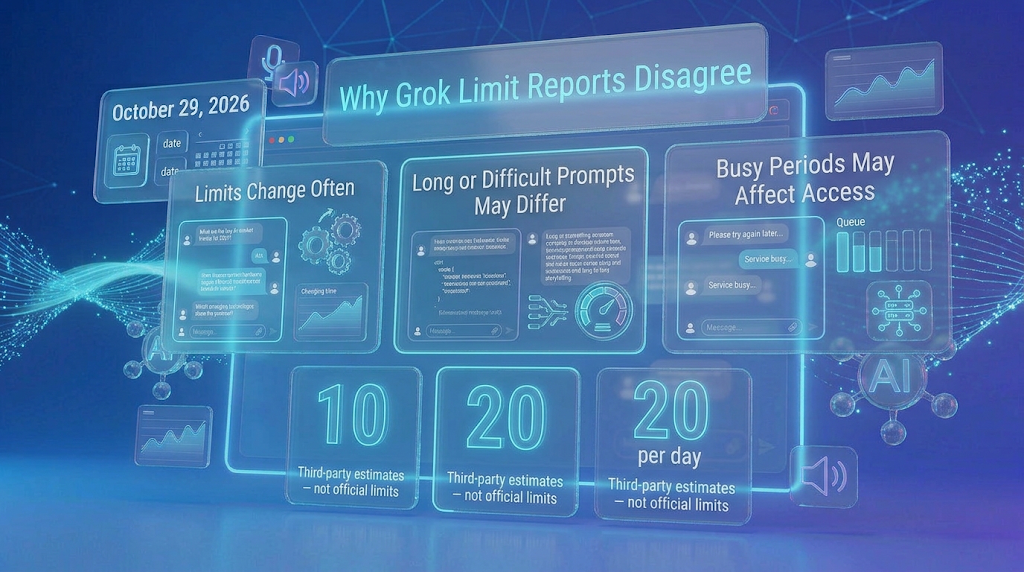
When we searched, we found many different numbers:
- One site says free users get 10 to 20 queries every 2 hours.
- Another says the usual number is about 10 prompts every 2 hours.
- A third page says about 20 messages a day.
Why do they disagree? A review by LaoZhang says the company publishes no message count. It also says the “2 hours” and “daily” numbers come from what users saw, not from the company.
There are three more reasons for the mix-up:
- The company changes its limits often.
- Some sites say long messages or hard questions may use more of your allowance.
- Some sites say busy times may make the limit tighter.
So treat any number as a snapshot. Our result of 18 to 20 is also a snapshot from one morning.
What Do Real Users Say on Reddit?
Quick answer: Users say the limit can feel very small, the wait time seems to change, and paid plans do not fix every problem. We read four Reddit posts and put them in our own words.
The wait time seems to have changed. On r/grok, a user asked about the actual limit for free accounts. Ten months ago, other users there said free accounts reset after 24 hours. That is not what we saw. In our test, the wait was about 2 hours. This shows how much the rules can change over time.
Some users hit the limit very fast. On r/GrokAiDiscussion, one user said they got a limit message after only two messages on the free plan, and were told to wait about 24 hours. The post also shows a screen that says “Message limit reached” and asks you to try again later or upgrade. Another user there said they upgraded and still got messages saying Grok was busy.
Opinions on paying are mixed. On r/LoveGrok, the person who started the post said the daily limits are annoying. A commenter said that at $30 a month, SuperGrok was not worth it for them right now. That is one opinion, and your needs may be different.
Fresh accounts are not the answer. On the same r/grok post, one user said you can just make more accounts. We do not suggest this. It may break the rules of the service, and your account could be closed.
What Changes on a Paid Plan?
Quick answer: Paid plans use one shared weekly pool, not a message count. The pool resets every week, and you can see your use in Settings. 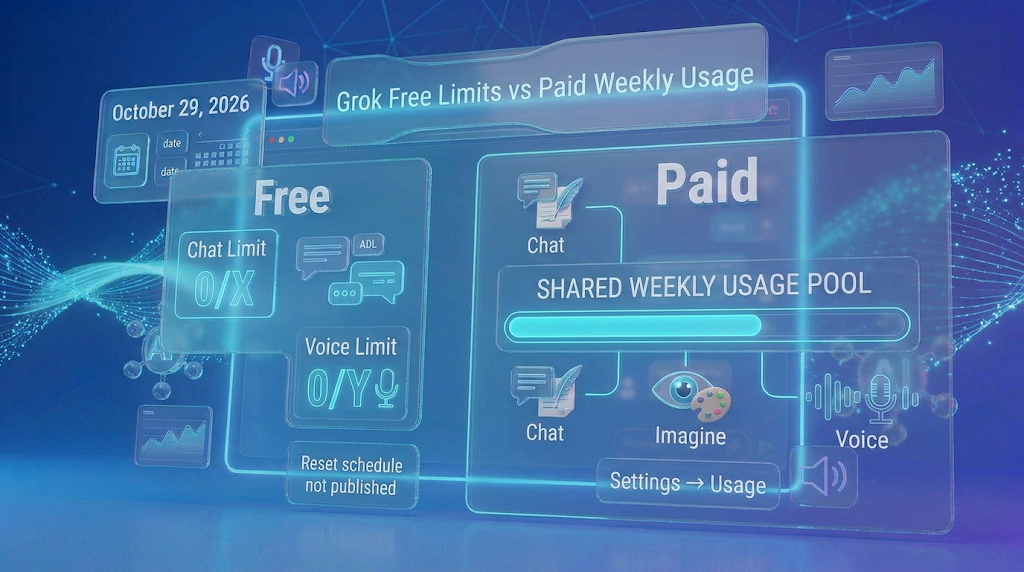
The official help page says SuperGrok works in a new way. Starting in June 2026, paid users get one weekly pool that they can spend on Chat, Imagine, Voice, and more.
The page says different tasks use different amounts. A chat message uses little. A high-quality video or a long coding task uses much more.
You can see your use at Settings, then Usage. It shows a progress bar, a breakdown by product, and the date your weekly pool resets.
When the weekly pool runs out, the page says paid features pause. You can buy extra usage credits, upgrade, or turn on auto top-up. You can also still use the free Chat and Voice limits.
We did not check plan prices from an official page, so we do not list any prices here. Please look at Grok’s own pricing page before you pay. 
How to Get More Out of Your Free Messages
Quick answer: Send fewer, better messages. Put your whole question in one message and avoid sending “ok” or “thanks.”
- Ask one clear, full question. A good prompt, which is just the words you type, can save several messages.
- Do not send small replies. Skip “thanks” and “ok.” Each message may count toward your limit.
- Combine your questions. Put three related questions in one message, with numbers.
- Keep it short. Some sites say long messages use more of your allowance. The company has not said this clearly, and we did not test it.
- Watch the time. Write down when you hit the limit. In our test, the wait was about 2 hours.
- Plan your day. Save your best questions for when your limit comes back.
- Try another tool as a backup. Our list of free tools for beginners can help. See also our guide to Gemini’s free plan.
💡 Quick Tip: Start your session by writing down the time. When the limit message shows, write the time again. After two or three rounds, you will know your own limit better than any website can tell you.
Is It Safe to Use Grok’s Free Plan?
Quick answer: It is fine for normal questions. But do not type private information, and be careful of fake “unlimited Grok” websites.
Anything you type goes to the company’s servers. So do not put in passwords, private health details, or secret work.
Be careful of websites that say “unlimited free Grok.” The official site is grok.com. If a different site asks for your login, leave it. Also, make sure you use the real app from your phone’s store.
Do not use tricks to get around the limit, like many accounts. They may break the rules and put your account at risk.
Common Mistakes to Avoid
Quick answer: Most mistakes come from trusting one number and wasting messages. 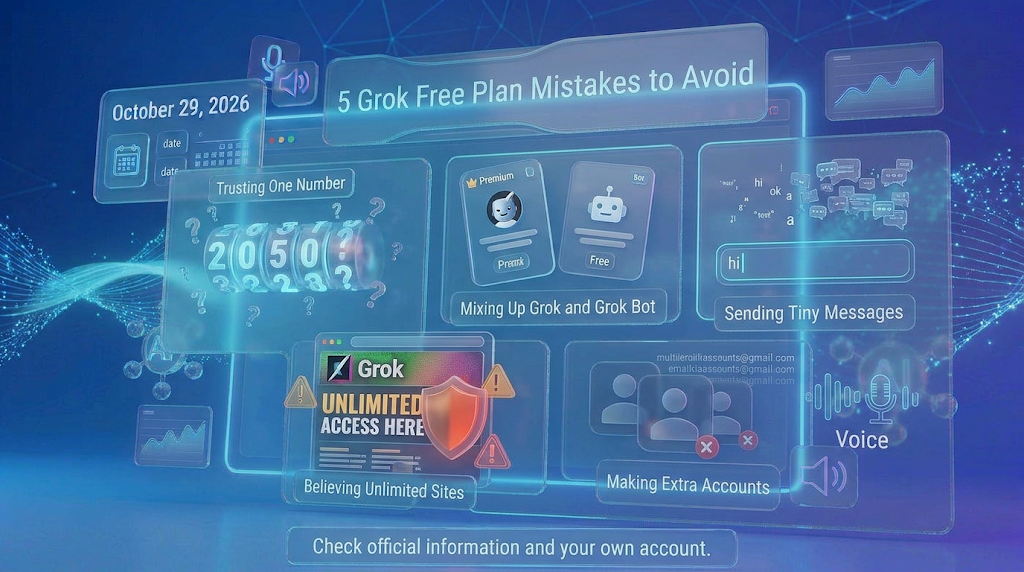
- Trusting one number. The limit can change, so test your own.
- Mixing up Grok and Grok Bot. They are different products.
- Sending tiny messages. “Ok” and “thanks” may use up your count.
- Believing “unlimited” sites. Use only grok.com and the official apps.
- Making extra accounts. This can get your account closed.
How We Checked This Article
Quick answer: We counted messages ourselves on one free account. We also read the official help pages and four Reddit posts. The company does not publish a free message number.
We used these official pages: the Grok welcome page (updated October 10, 2026) and the Grok help page (updated October 20, 2026). We also read the sites linked above for other people’s estimates, and four Reddit posts.
Our own test was done on the morning of October 29, 2026. We counted 20, 18, and 20 messages in three rounds on a free account. On the same day at 12:31 in the afternoon, when we opened grok.com, it showed an error that said “Something went wrong,” so the site is not always up.
We did not write down the model or how long our messages were. We did not check any plan prices on an official page. The numbers from other websites are not official, and the company can change the limit at any time.
<!– TEAM: add your screenshots here, with the date and time under each one: 1) the “Message limit reached” screen, 2) your message count notes, 3) the grok.com “Something went wrong” error at 12:31 PM. –>
Frequently Asked Questions
How many messages can I send on Grok for free? In our test, 18 to 20 messages per round. The company gives no official number.
How long do I wait after the limit? About 2 hours in our test. Users reported 24 hours in older posts.
Does the free limit reset every day? The company only says it resets on its own schedule. We saw a reset after about 2 hours.
Is the free limit the same for everyone? We do not know. Our test used one account on one morning.
Why did Grok say “Message limit reached”? You used up your free allowance. Wait for the reset or upgrade.
Is Grok Bot the same as Grok? No. The official help page says they are different products.
What do paid plans change? Paid users get one shared weekly pool, not a message count.
Can I make more accounts for more messages? We do not suggest it. It may break the rules and risk your account.
Where can I see my usage? Paid users can open Settings, then Usage. Free users see a limit message when they run out.
Conclusion
On October 29, 2026, our free Grok account gave us 20, 18, and 20 messages in three rounds, with about two hours of waiting each time. The company does not publish an official number. It only says free Chat and Voice limits are separate and reset on their own schedule.
So the best plan is simple. Test your own limit, write down the times, and send fewer, better messages. Do not trust one number from any website, even ours. Open Grok today, count your messages, and see what you get.
Reviewed by the BrainxoAI Editorial Team, which researches and compares free AI tools for students, bloggers, and everyday users.